Loom joined the Atlassian family in Fall 2023, and as part of integrating Loom into Atlassian’s suite of products, we are also changing how users log in to Loom.
As this work continues, you may notice that you’ll begin logging into Loom through Atlassian systems, using the same Loom login information you’ve always used.
What’s happening
-
Loom users' logins are being migrated to Atlassian in phases - you’ll see a banner in your Loom app letting you know about this when it’s your turn. You won’t need to take any special actions.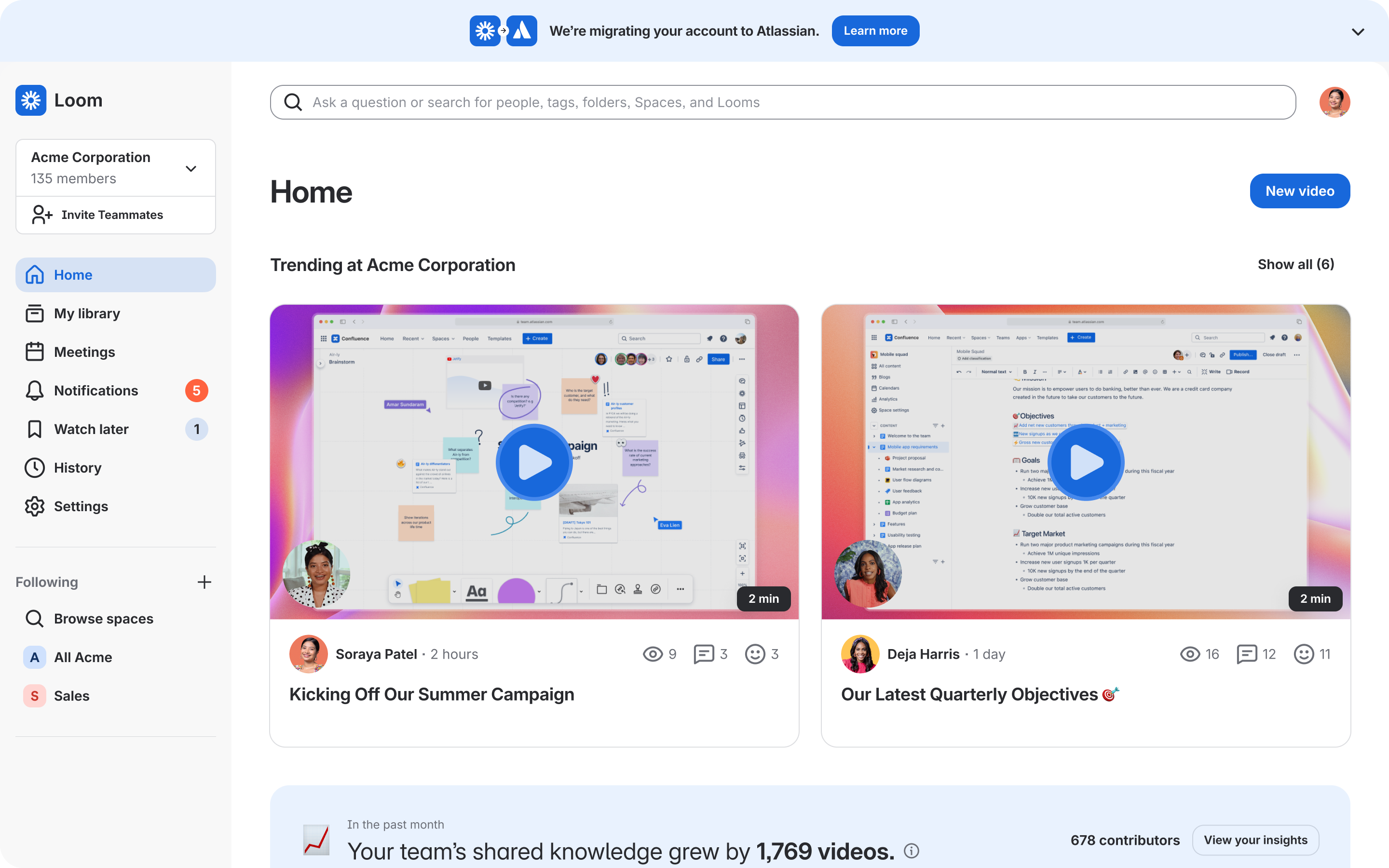
-
When you click to log in to Loom, you’ll see an Atlassian sign-in modal, where you can use your existing login credentials to access your Loom account
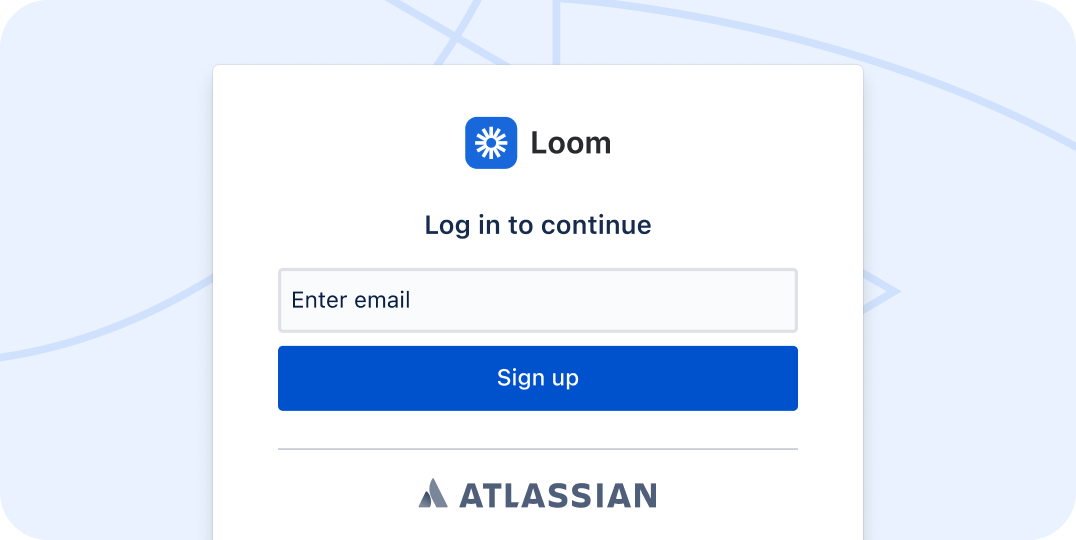
What to expect from the new login flow
If you already had an Atlassian Account under the same email address, the next time you go to log in to Loom, use those Atlassian Account credentials on the Atlassian log in page.
If this is your first time logging into Atlassian:
Logging in with Google, Slack, Apple, or Outlook
-
When you go to Loom.com and click Sign In, you’ll be directed to the familiar Loom login page
-
Click “Log in with Google” (or Slack, Apple or Outlook)
-
You’ll be taken to that platform’s login page
-
Once you complete your authentication, you’ll be taken into your account, exactly like you would have been before
Logging in with email + password
-
When you go to Loom.com and click Sign In, you’ll be directed to the familiar Loom login page
-
After entering your email address, click “Continue with Atlassian”
-
You’ll be taken to the Atlassian sign in page
-
The email address you entered in step 2 should already be filled into the “Email” field, so just hit Continue to see the Password field
-
Enter your password and complete your sign-in, and you’ll be taken into your account, exactly like you would have been before
Still having trouble?
First, make sure you’re logging in with the same email that is associated with your Loom account.
If you don’t remember your password, go ahead and do a password reset.
Still unable to log in? Check out this article for tips on how to resolve common login issues or reach out to our support team directly if you need more help.


