Hi,
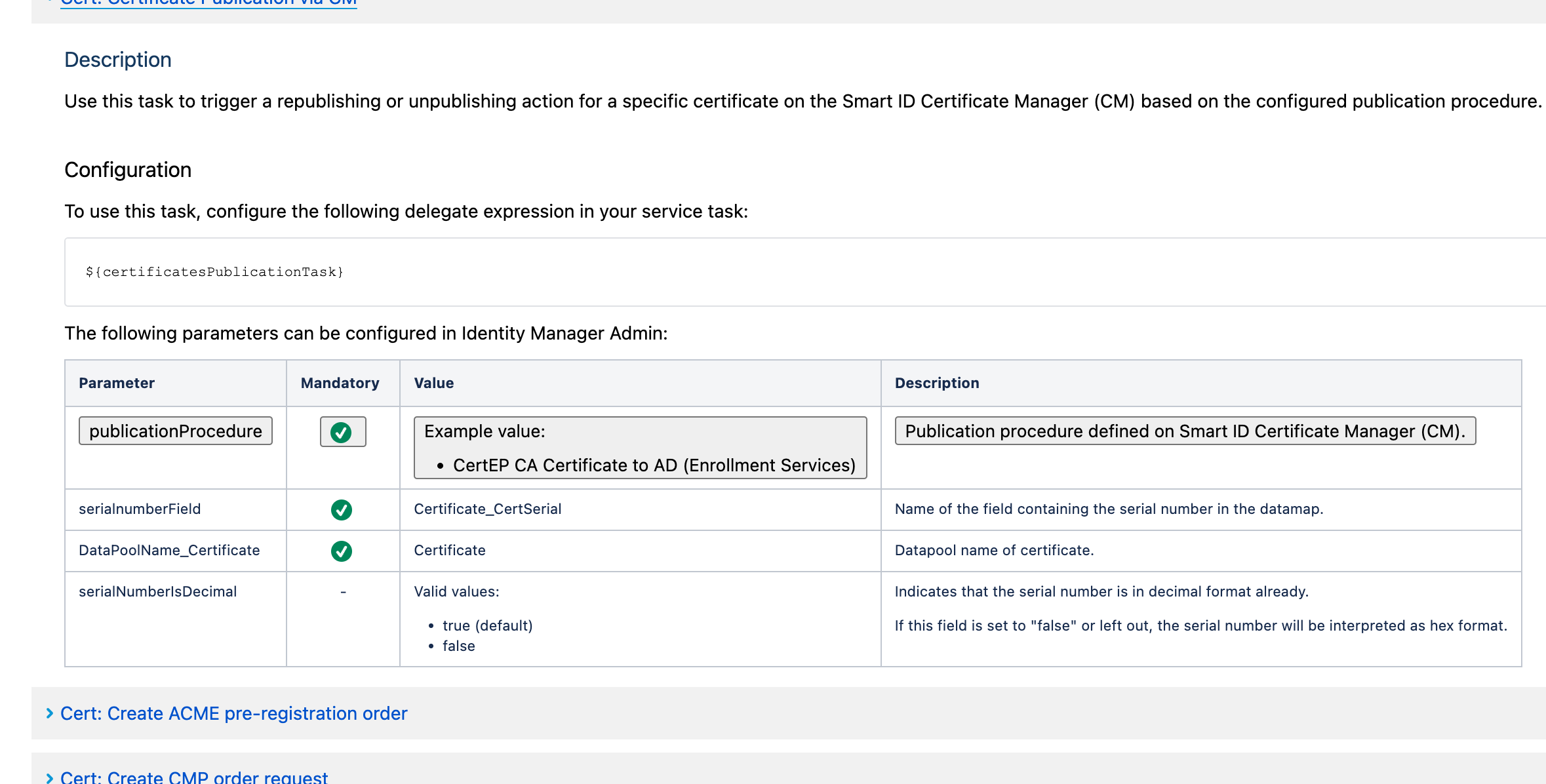
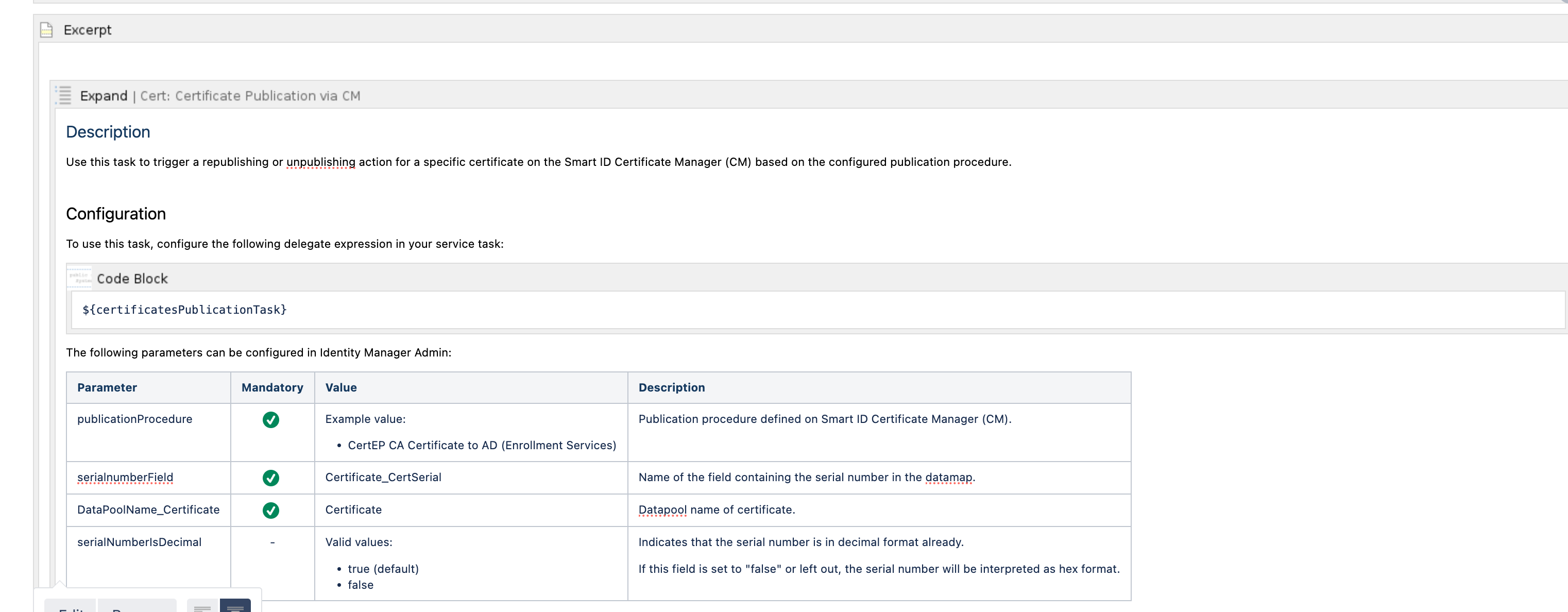
after upgrading the COnfluence DC instance to 8.5 our customer suffers from a strange behaviour of the tables. The first row underneath the header generated the text in borders with grey background. They act as kind of sorting buttons. clicking on them does the same as the header does. I have no clue where this comes from and how to remove it. I have added a row and any empty field shows the buttons already. Changing header etc all of this doesn´t help. I am cunfused. Could someone give me a hint, hoiw to solve this?
This is how it looks in view mode:
This is how it looks in edit mode: (it is capsuled in an excerpt macro, but that was the same in the previous version and did not affect the table)
Thanks for any help and kind regards
Volker


