You can now use a regular expression (regex) when creating a custom content scanning detection. This gives you more fine-grained control over the terms to be matched, including patterns and numbers.
Guard Detect will send an alert when someone updates a Confluence page that contains text that matches your regular expression.
Requires Atlassian Guard Premium.
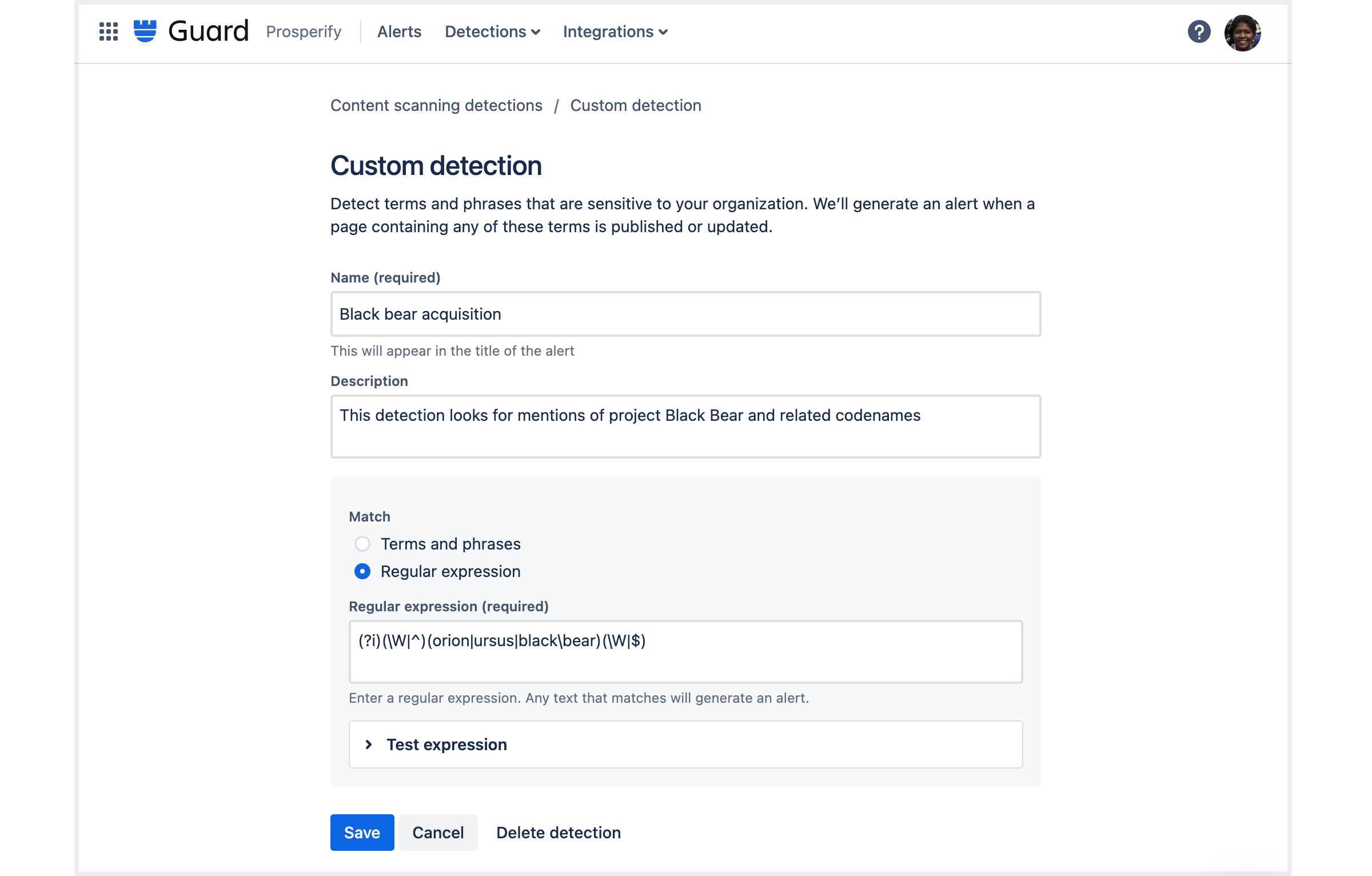
To create a custom content detection:
-
In Guard Detect, go to Detections > Content scanning
-
Select Create new detection
-
Follow the prompts to create your custom detection.
How to create a custom content scanning detection
We recommend you create a page to test your detection and monitor it over the first few days. You can always go back and adjust the regular expression if necessary.
