Hi there, I'm Elena from Elevatic.
What if you could just ask Rovo, "Give me a performance overview for this space"?
That's now a real question you can ask — out loud, in plain language, right in Rovo Chat. We just shipped the Viewtracker Agent, our first Rovo agent for Confluence, and it turns that question (or dozens like it) into a real, sourced report. No dashboard required.
In this article, I sum up what's new: how the Agent works, the kinds of questions it can answer (from top-content rankings to lifecycle audits and non-visitor compliance checks), and how it goes beyond just returning numbers to actually help you interpret what they mean. If you're responsible for Confluence content—whether that's HR, Corporate Communications, or Knowledge Management—I think you'll find a few use cases worth trying.
TL;DR
The Viewtracker Agent is a new Rovo Chat agent for Confluence Cloud that turns Viewtracker's usage data into plain-language answers. Instead of building dashboards or exporting CSVs, you ask "what's the most viewed content in this space?" or "which pages haven't been read in 90 days?" and the agent returns a tabular report built strictly from real Viewtracker and Confluence data — no fabricated numbers, no guesses. The table isn't the end of the conversation, either: you can keep asking Rovo Chat about what it just showed you — to explain a number, identify trends, or suggest content improvements — so Rovo helps you interpret the data and suggest actionable next steps.
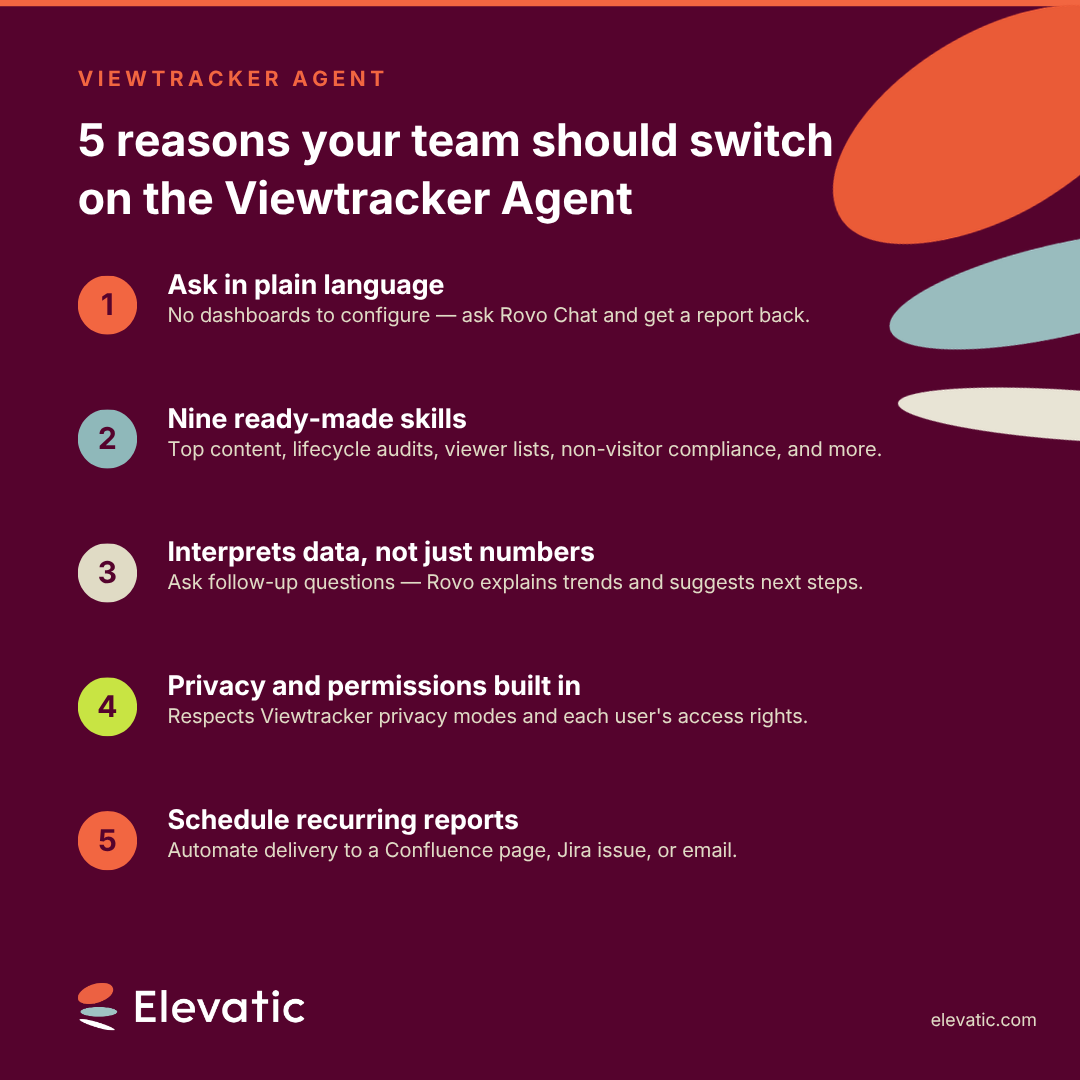
It ships with nine purpose-built skills covering top-content rankings, page and space performance, content lifecycle audits, viewer and contributor tracking, and compliance-style "who hasn't read this" checks. You can also schedule any of these reports to land on a Confluence page, in a Jira issue, or via email on a recurring schedule using Atlassian Automation. This post walks through what the agent does, how its skills work, and how to set up your first recurring report.
If you work in HR, Corporate Communications, or you own knowledge and content management in Confluence, you've asked some version of the same question at least once this quarter: is anyone actually reading this? Maybe it's a policy page nobody can confirm was reviewed. Maybe it's a space that quietly stopped getting traffic eighteen months ago, but nobody archived it. Maybe leadership wants a one-slide answer to "what content is working", and the honest answer is: you'd have to build a report to find out.
Confluence's native analytics get you partway there, and Viewtracker's dashboards and macros go further — but both still require you to know which report to open, which filters to set, and which space to check. The gap isn't a lack of data. It's the distance between having usage data and being able to ask it a question when you need the answer.
The Viewtracker Agent closes that gap. It's a Rovo Chat agent, available directly in Confluence Cloud, that converts natural-language requests into the same analytics reports Viewtracker already produces—just without the dashboard-building step in between.
Understand why traditional content analytics fall short at scale
Content usage data is only useful if someone looks at it at the right moment and knows what it's telling them — having the numbers on time isn't the same as understanding them. That's exactly where most Confluence governance breaks down:
- Data Without Interpretation Is Just Noise
Traditional dashboards show you numbers — view counts, unique visitors, trend lines — but they don't tell you what those numbers mean for your content strategy. A page with 500 views this month sounds healthy, but how did it evolve compared to the previous month? Is it trending up or decaying? Without context, the person looking at the report still has to do the interpretive work themselves.
Where Rovo helps: Users can ask follow-up questions in Rovo Chat about the surfaced data. Questions such as "How is my knowledge space evolving?" or "What do I need to do to improve my knowledge space?" turn a static number into a conversation that clarifies the data's implications and next steps. Rovo and its underlying LLMs interpret the tabular report, providing concise insights and recommending concrete next steps.
- Native Analytics Are Capped at 365 Days — Older History Disappears
Confluence's built-in analytics (even on Premium/Enterprise) retain usage data for up to 365 days. For organizations that need to assess long-term content performance, spot multi-year decay trends, or audit pages created years ago, that data simply isn't available natively. You can't evaluate whether a knowledge base article has been consistently useful over its lifetime if the history only goes back twelve months.
Where the agent helps: Viewtracker Agent enables customers to analyze up to 365 days of usage data and compare the selected period with the preceding year. This provides a broader time perspective than Confluence's built-in analytics, while keeping the analysis within a clearly defined date range.
- Getting to Detailed Insights Requires Too Many Manual Steps
Even when the right data exists, reaching the specific answer you need typically involves multiple steps: opening the right dashboard, selecting the correct space, setting filters, adjusting date ranges, exporting, and potentially cross-referencing with a second report. Each step is a friction point, and for non-technical users — HR managers, corporate communications leads, knowledge managers — the barrier is high enough that the question often goes unasked.
Where the agent helps: A single natural-language prompt replaces the entire multi-step workflow. "Show me the verified pages in the HR space that haven't been updated and viewed in 6 months" produces a filtered, sorted result immediately — no dashboard navigation, no filter configuration, no export. This makes analytics self-service for roles that historically relied on admins or power users to pull reports for them.
- Cross-Content Comparison Is a Manual Exercise
Comparing the performance of two pages typically means opening multiple reports side by side and mentally aligning date ranges and metrics. There's no native "compare these two" function that normalizes for publication date or audience size.
Where the agent helps: The Compare Content Performance skill is purpose-built for this. You can ask the agent to compare two or more pages over the same date range or by days-since-publication (so a page published last week and one published a year ago get a fair comparison). The result is a single, unified table — no tab-switching, no mental arithmetic.
- Verifying Who Hasn't Read Mandatory Content Is Painful
For compliance-sensitive teams — legal, HR, security — the critical question isn't "who read this page?" but "who in this group has not read it?" Native Confluence analytics don't support this inversion. Building a "non-reader" list means exporting viewer logs, comparing them against a user group roster, and manually identifying the gaps — a process that's tedious, error-prone, and almost impossible to repeat regularly.
Where the agent helps: The Non-Visitors skill directly answers "Who in [user group] has not viewed [page/space] in the last [X] days?" — a single prompt replaces the entire export-compare-filter workflow. For recurring compliance checks (quarterly policy acknowledgments, annual training confirmations), you can schedule this via Atlassian Automation so the gap report arrives automatically.
- Dashboards Don't Follow You Into the Conversation
Analytics dashboards are destinations you visit intentionally. But content questions typically arise in context — during a meeting, while reviewing a page, in a Slack thread about space cleanup. The moment someone has to leave their current context to open a separate analytics tool, the question competes with whatever they were already doing, and often loses.
Where the agent helps: The agent lives inside Rovo Chat, available directly in Confluence. If you're already viewing a page and wonder how it's performing, you open the chat panel — the agent automatically picks up the page context.
None of this means your content strategy is broken. It means the tooling for asking questions about content hasn't kept pace with the tooling for collecting the underlying data. That's the specific gap Rovo agents, as a category, are designed to close — Atlassian reports Confluence and Jira customers are now running more than 5 million agent invocations a month, saving over 200,000 hours in February alone by handling exactly this kind of routine-but-manual work asynchronously.
Ask your content questions in plain language, right where you work
The Viewtracker Agent lives in Rovo Chat. Open it from the Rovo icon in Confluence, select the agent, and ask your question the way you'd ask a colleague:
- "What is the most viewed content?"
- "Summarize key metrics for this page"
- "Give me a performance overview for this space"
These three prompts are the agent's built-in conversation starters, chosen because they cover the three altitudes people actually think at: what's trending, how this one page is doing, and how this whole space is doing. If you're already viewing a page or browsing a space when you open the chat, the agent automatically uses that page or space as context — you don't have to specify it twice.
And these aren't admin-only questions — they're the kind of thing different roles already ask, just without a fast way to get an answer:
- A knowledge manager preparing for a quarterly space cleanup asks "Which pages in this space haven't been viewed or edited in the last 6 months?" and gets a prioritized list in seconds, with no report to build first.
- A corporate communications lead prepping for a leadership review asks "How did the company announcements space perform compared to last quarter?" and gets a trend comparison ready to drop straight into the slide deck.
- An HR lead rolling out a new benefits policy asks "Who in the EMEA team hasn't viewed the updated benefits page?" and gets a compliance gap list without exporting anything.
Viewtracker Reports also carry a direct Ask Agent button, so if you're already looking at a report and want to dig deeper or rephrase the question, you can jump straight into a Rovo Chat conversation about that same data.
Use the nine skills built into the agent
Under the hood, the agent matches your request to one of nine specialized skills, each producing a distinct type of report from Viewtracker and Confluence data:
- Top Performing Content — ranks pages, blog posts, or attachments by views or unique viewers across one or more spaces, with optional period-over-period or year-over-year comparison. Use it when leadership asks "what's our most-read content this quarter?" and you need the answer in the next five minutes.
- Content Performance — a full snapshot for a single page or post: views, viewers, edits, contributors, comments, and attachment activity, compared to a previous period if you want. Use it when you're about to update a page and want to know if anyone's actually reading it before you invest the time.
- Content Lifecycle Status — the audit skill: find pages by Confluence status (Draft, Needs Review, and so on) crossed with activity filters like "without views" or "without edits" in a given time window, to surface what's stale or archivable. Use it during your monthly space cleanup to identify pages still in Draft that haven't been touched in 90 days.
- Space Performance — aggregated engagement metrics for one or more spaces, useful for comparing space health over time or against each other. Use it when comparing how two department spaces are performing, or reporting space health to a space owner.
- Content Viewers — who actually read a specific page, post, or attachment, and when. Use it when you need to confirm that key stakeholders actually saw a project update before a decision meeting.
- Content Contributors — who edited a page or post, and how often. Use it to recognize active contributors or spot pages that depend on a single author — a knowledge-concentration risk.
- Compare Content Performance — a side-by-side comparison of two or more pieces of content, either over a fixed date range or by days-since-publication (so you can compare a new post's first 30 days to an older post's first 30 days on equal footing). Use it when you've published a new version of an article and want to see if it's outperforming the old one.
- Non-Visitors — the compliance skill: lists members of a user group who have not viewed a given page or space in a date range, for policy sign-off and training-completion checks. Use it for quarterly compliance checks: "who in the Security team hasn't viewed the updated data-handling policy?"
- Give Feedback — a direct channel to submit suggestions or issues about the app or agent, which files a request to Elevatic's support helpdesk on your behalf. Use it when something in the agent didn't work as expected — one prompt files a support request without leaving Confluence.
Every skill documents its own defaults, filter options (label, ancestor page, creator, owner), and output columns, so the agent applies sensible defaults when you're not specific and tells you which ones it used. And the constraint that matters most: the agent only reports what Viewtracker and Confluence metadata actually captured. It will not invent a row, estimate a missing number, or fill a gap with a "0" — if the data isn't there, it says so and stops, rather than approximating.
Automate recurring reports without opening a dashboard
Some analytics questions aren't one-off — they recur every week, every month, every quarter. "What are the top 10 pages in our Knowledge Base this week?" is useful once, but it's transformative when it lands automatically on a Confluence page every Monday morning before your team standup. The Viewtracker Agent supports exactly this: schedule any report prompt through Atlassian Automation, and the result is delivered to a Confluence page, a Jira issue, or an email inbox on your chosen cadence — without anyone having to open a dashboard or remember to run the query.
A few ways teams are putting this to work:
- Weekly content digest for space owners. Every Monday, the top 10 pages from the last 7 days are posted to a dedicated "Analytics" page in each department space — space owners open Confluence, and the report is already there.
- Monthly compliance gap check. On the first of every month, email the Human Resources lead a Non-Visitors report for the company policy space, listing anyone who hasn't viewed the latest policies.
- Quarterly space health review. At the start of each quarter, post a space performance comparison across all key spaces to a leadership page, ready for the governance meeting.
Setting up a scheduled report takes two linked Atlassian Automation rules and roughly five minutes. See the Viewtracker Agent documentation for step-by-step setup instructions.
Trust the data: accuracy and privacy are non-negotiable
Two guardrails run through every skill in the agent, and they're worth calling out explicitly because they're what makes the reports usable in a compliance or governance context, not just a curiosity:
- No fabricated data. The agent only reports numbers Viewtracker and Confluence metadata actually returned. It won't extrapolate partial data or approximate a missing value — if your question needs data that isn't tracked, it tells you plainly what isn't available instead of guessing.
- Permissions and privacy are inherited, not bypassed. Reports respect the same access permissions and Viewtracker privacy settings as everything else in your instance. In extended privacy mode, or if you're not in a permitted viewer group, viewer- and non-visitor-related skills simply aren't available to you — the same way they wouldn't be in a manually built report.
That combination — real answers, delivered conversationally, bounded by the data you're actually allowed to see — is what separates an agent you can put in front of a compliance question from one that's just a chat interface bolted onto a database.
Key Takeaway
Content analytics work best when teams can ask questions and get trustworthy, permission-aware answers in the same chat window. That turns usage data from a dashboard chore into a routine part of running Confluence.
Next time you catch yourself opening a dashboard, applying filters, and building a report to answer a content question — try asking the Viewtracker Agent instead. The answer you get will be the same; the time it takes won't be.
