Hey everyone!
We wanted to share some exciting updates to the Confluence whiteboards experience. These updates are small but mighty, and are largely driven by user feedback (so by you!).
What we have shipped:
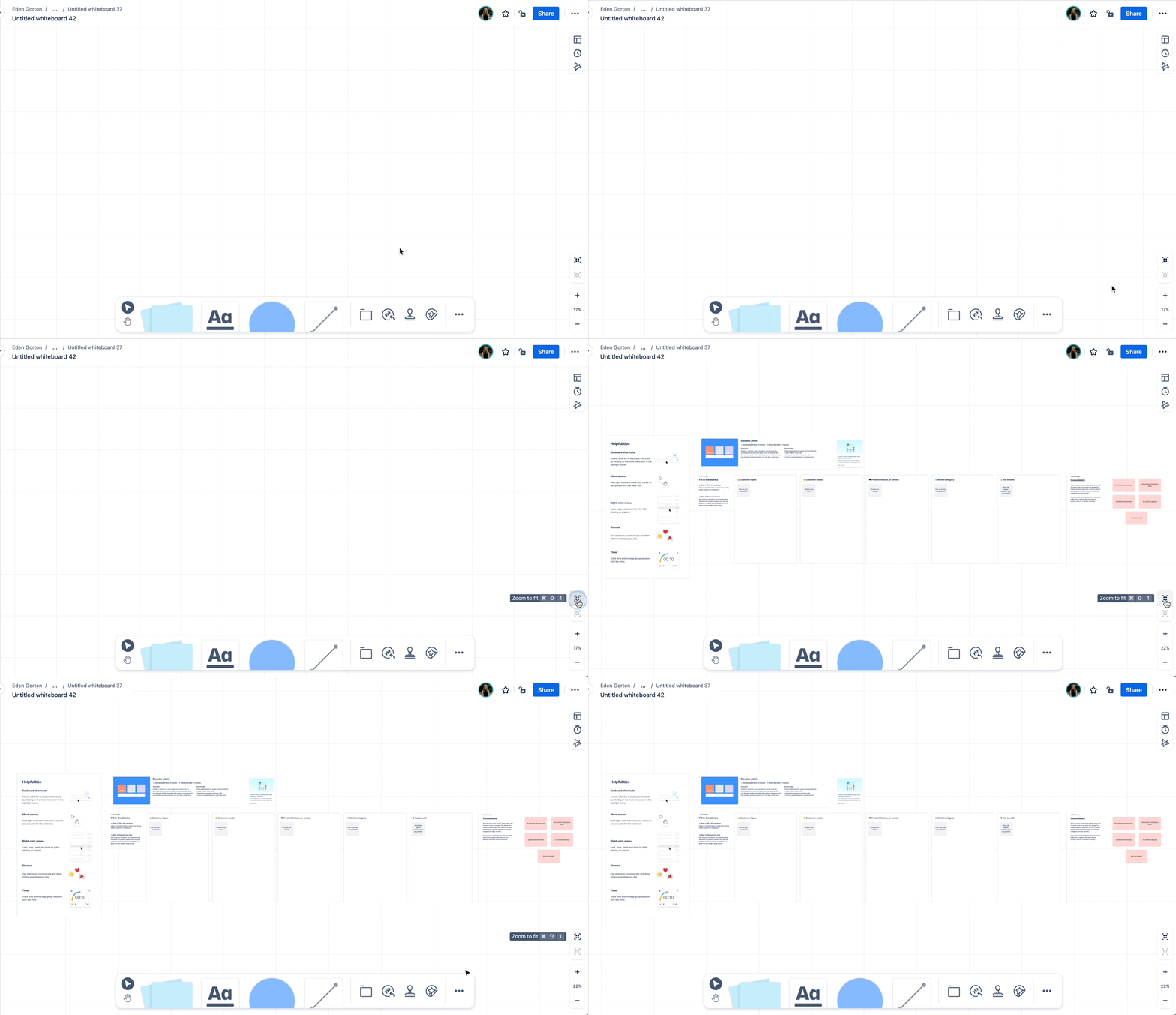
🖥️ Zoom to fit
In response to feedback regarding navigation challenges within our whiteboards, we've introduced two essential features: 'Zoom to Fit' and 'Zoom to Selection.' These tools make it easier to locate and engage with content.
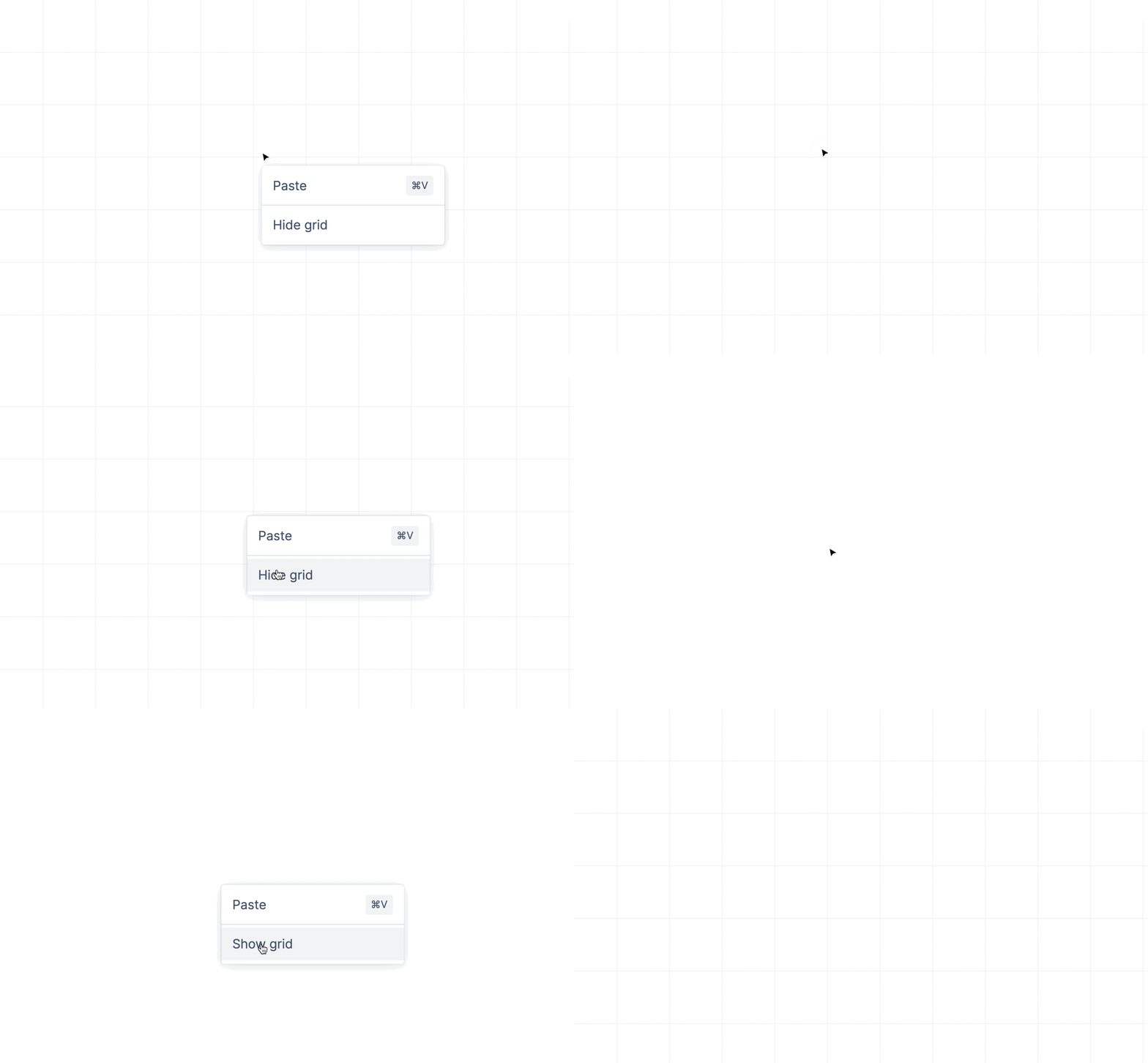
👁️ Hide/show grid
We've introduced the ability to show or hide the grid. This provides the flexibility to curate displays, allowing for a more focused and distraction-free presentation of content.
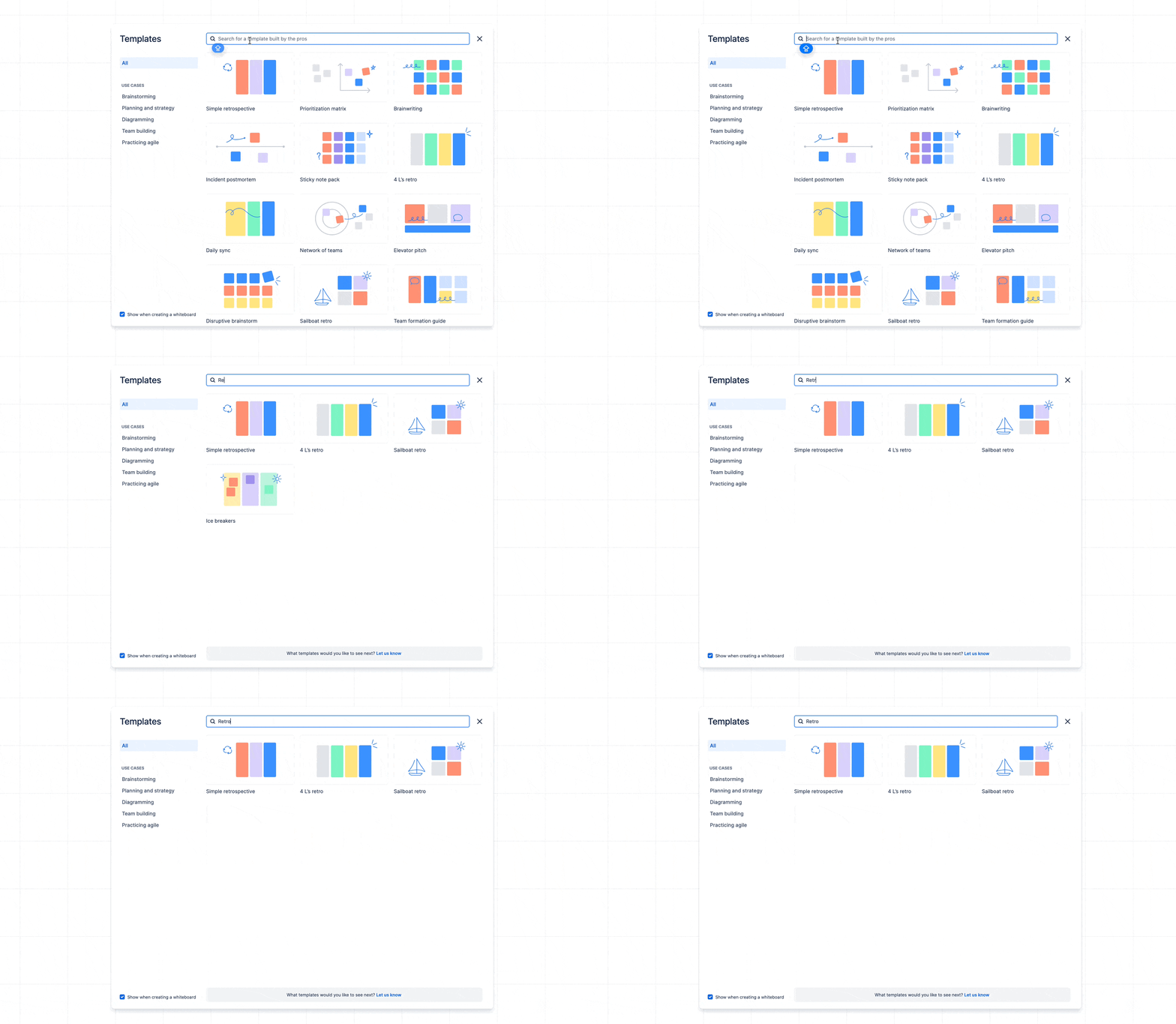
🔎 Adding search into our template picker
In response to the growing variety of templates, we added a search bar to the template picker. Now you can easily locate the specific templates you need.
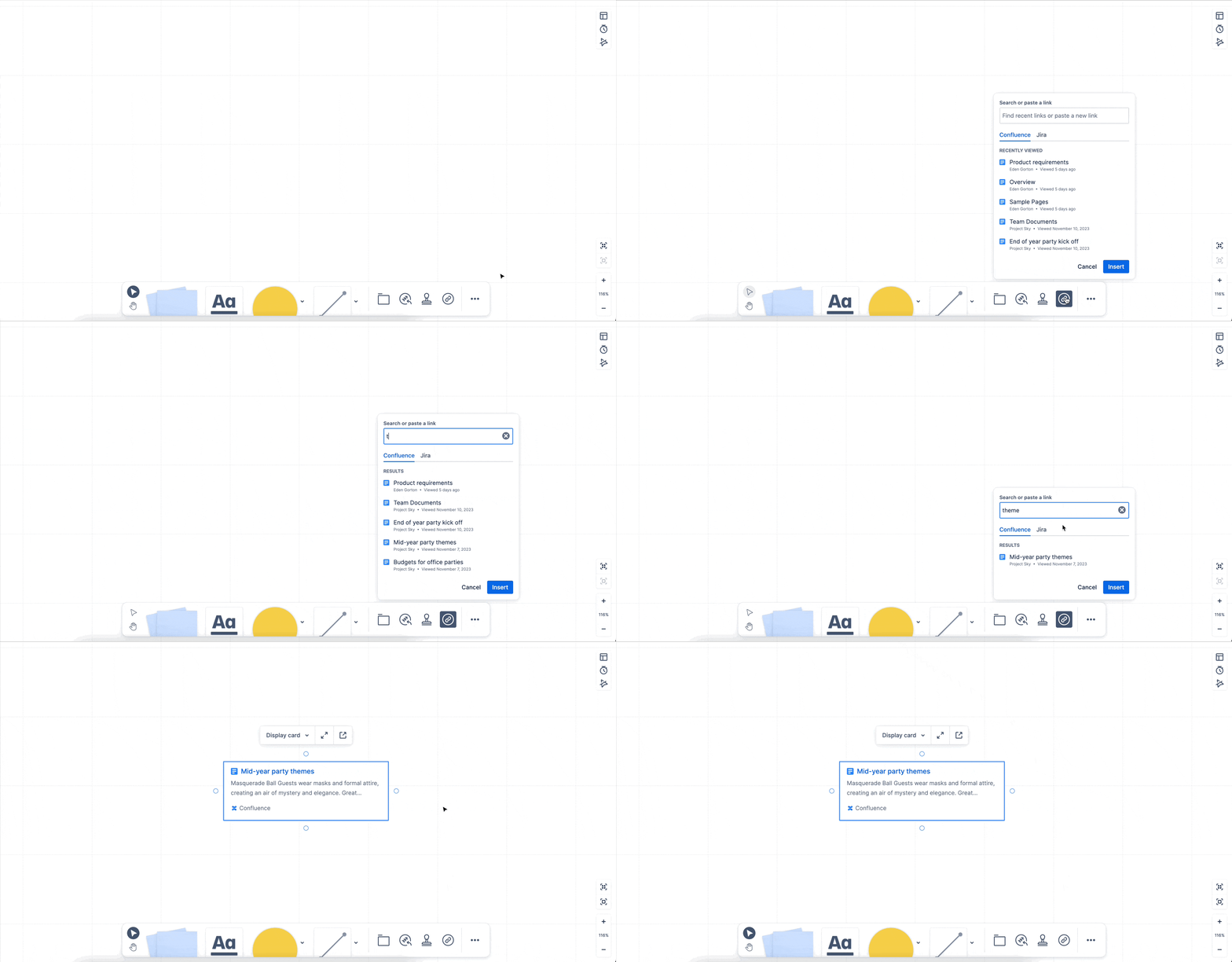
🔗 New link picker
We introduced the Confluence standardized link picker to the whiteboard's main toolbar. This addition allows you to search for specific Atlassian content and seamlessly integrate it onto the whiteboard.
🌈 Adding the whiteboard icon into smart links
Previously, Confluence whiteboards Smart Links featured the Confluence icon, making it hard to differentiate between a page. Now, whiteboards Smart Links incorporate the whiteboard icon, providing a more accurate representation of the link's source.
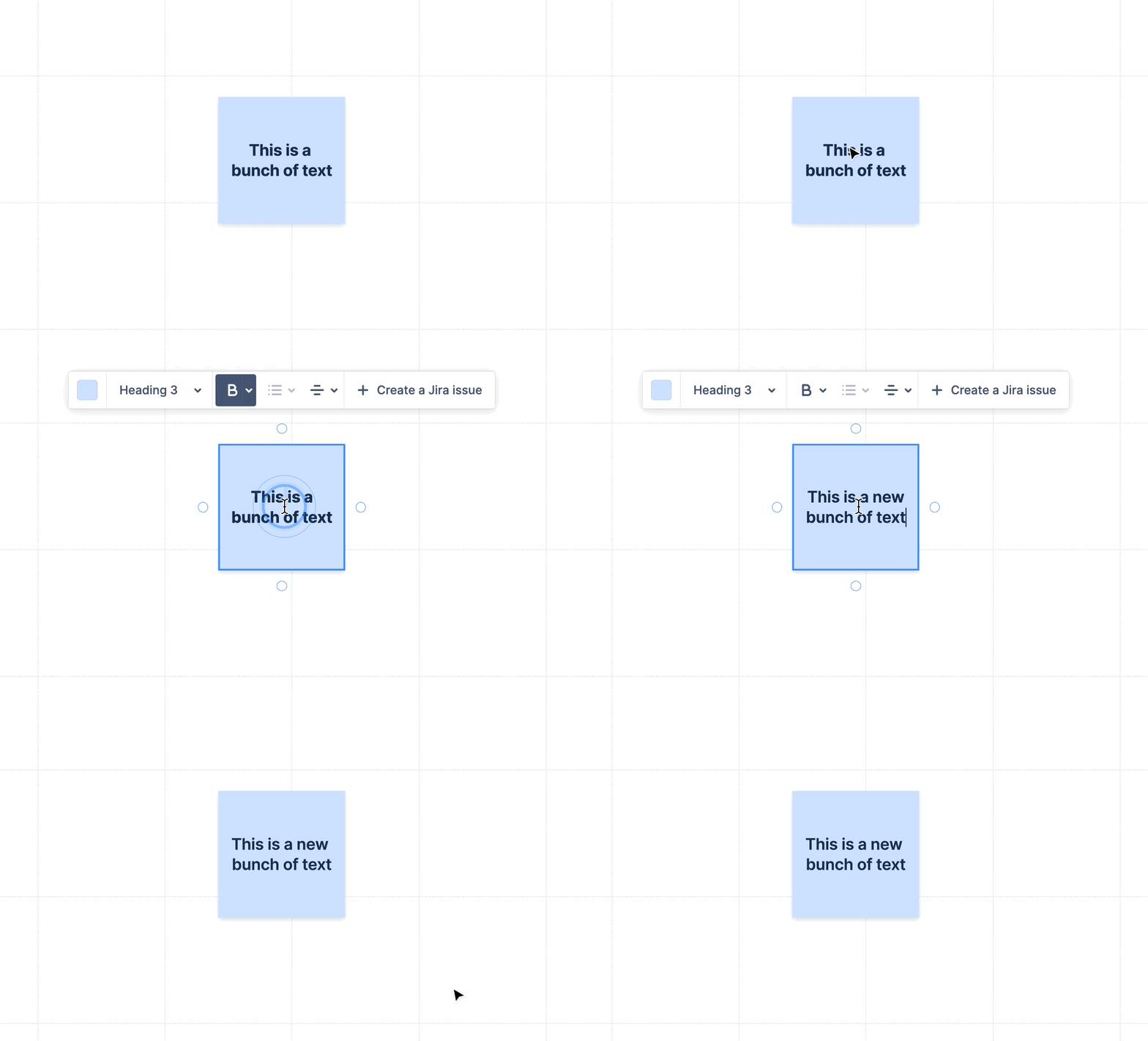
✏️ Retain text formatting
When pasting text with existing formatting, our system will now retain that formatting, significantly reducing the effort required to visualise your content.
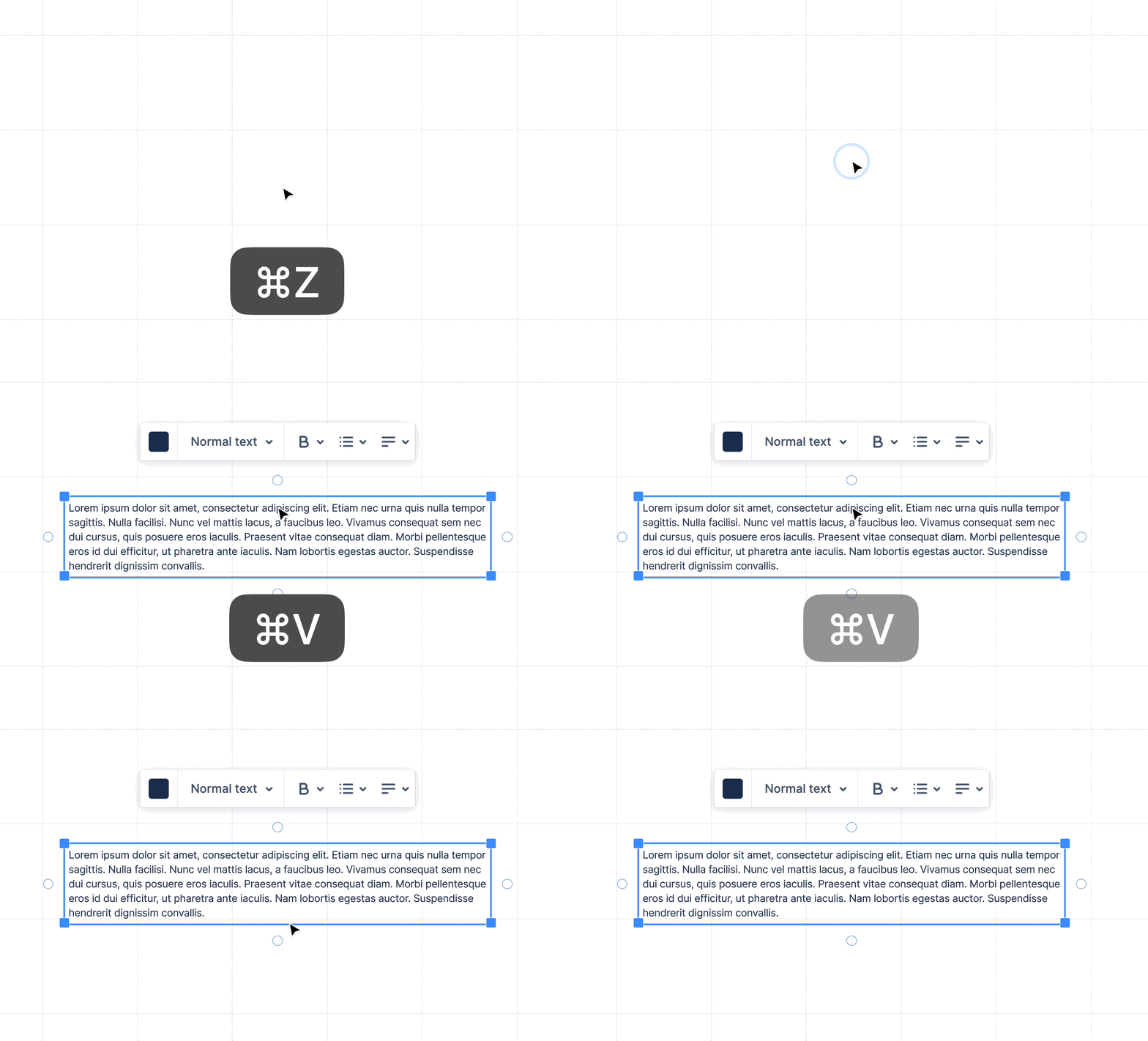
🔒 Setting a max width when pasting text
In the past, when pasting a large paragraph of text into whiteboards, it would appear as an uninterrupted line. We've implemented a maximum width for text boxes, reducing the time and effort required to structure content.
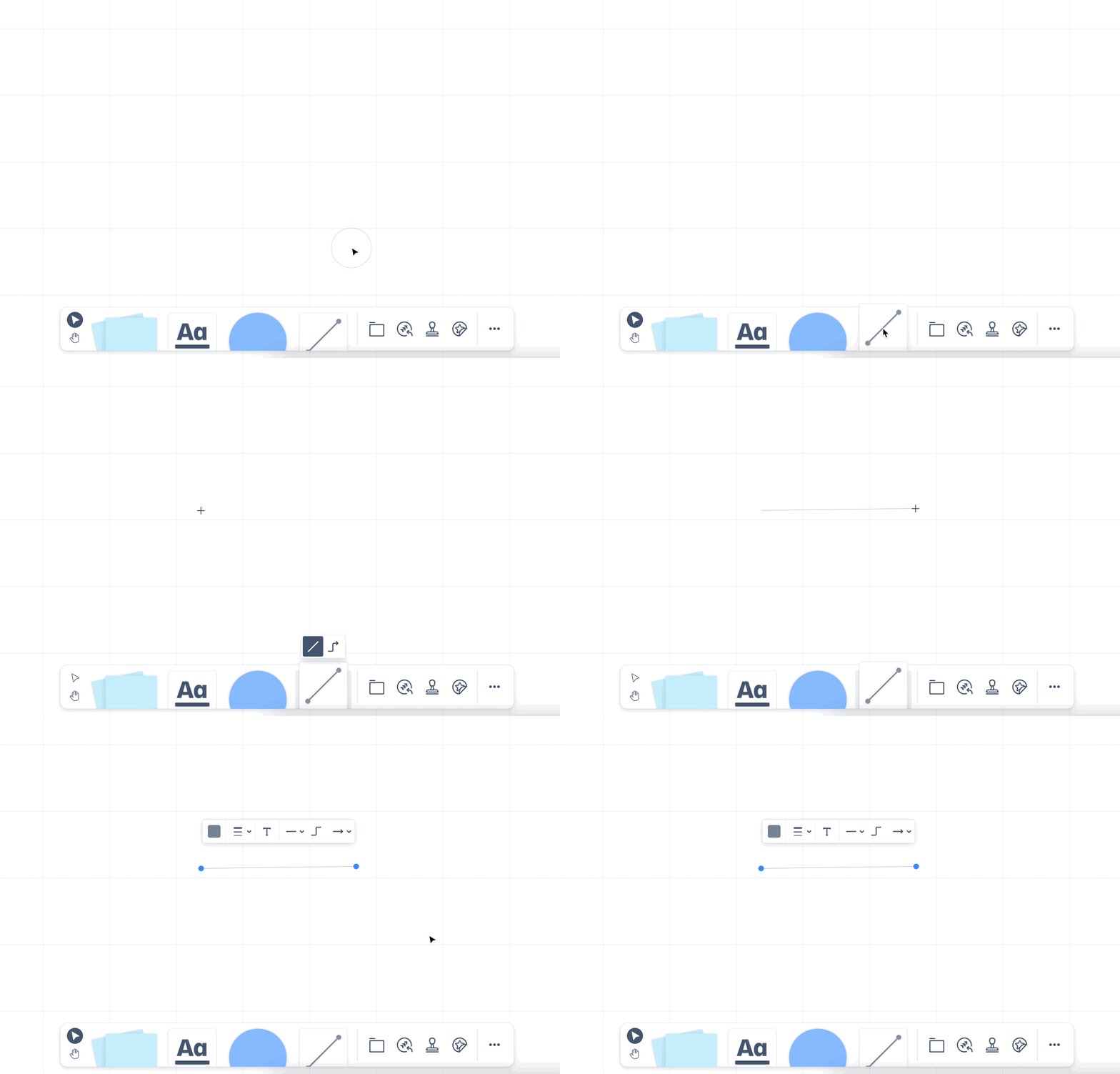
🔨 The connector tool returns to the cursor
Previously, when inserting a connector, the connector tool would remain active, requiring an additional click on the cursor button to resume regular cursor functionality. Now, you can seamlessly transition to the cursor without the need for an extra click.
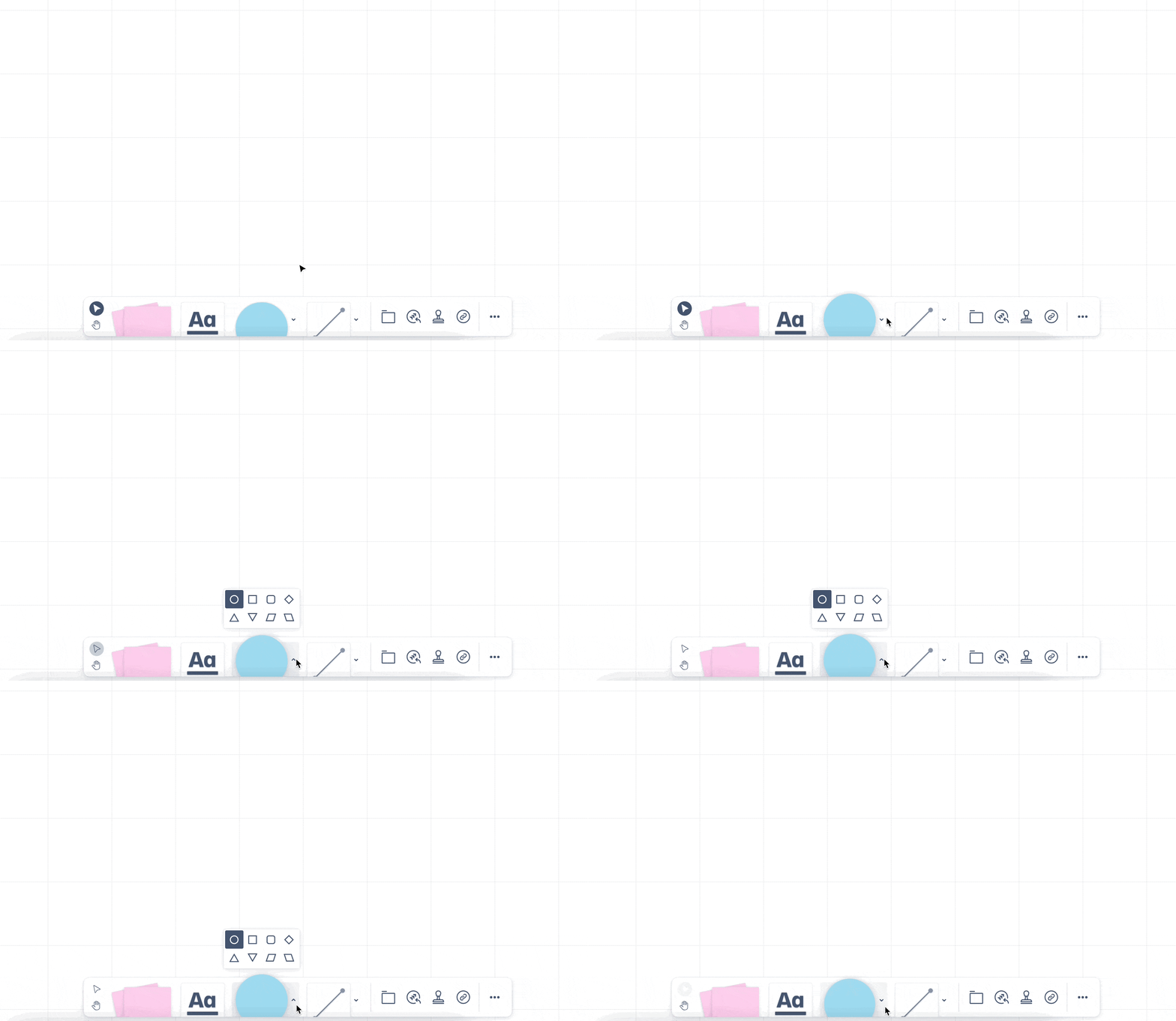
📦 Increased discoverability of our submenus
In response to feedback, we’ve added arrows to our main toolbar. This makes it easier to identify features equipped with submenus, thereby enhancing your navigation experience.
Again, thank you so much for all your feedback. Your feedback helps guide the future of the product so please keep it coming!
Thanks,
Eden Gorton, Confluence whiteboards Product Designer 👋


