When adding a GitHub account to Sourcetree for Mac 3.0.1 (205), using OAuth and HTTPS, only public read permissions are requested:
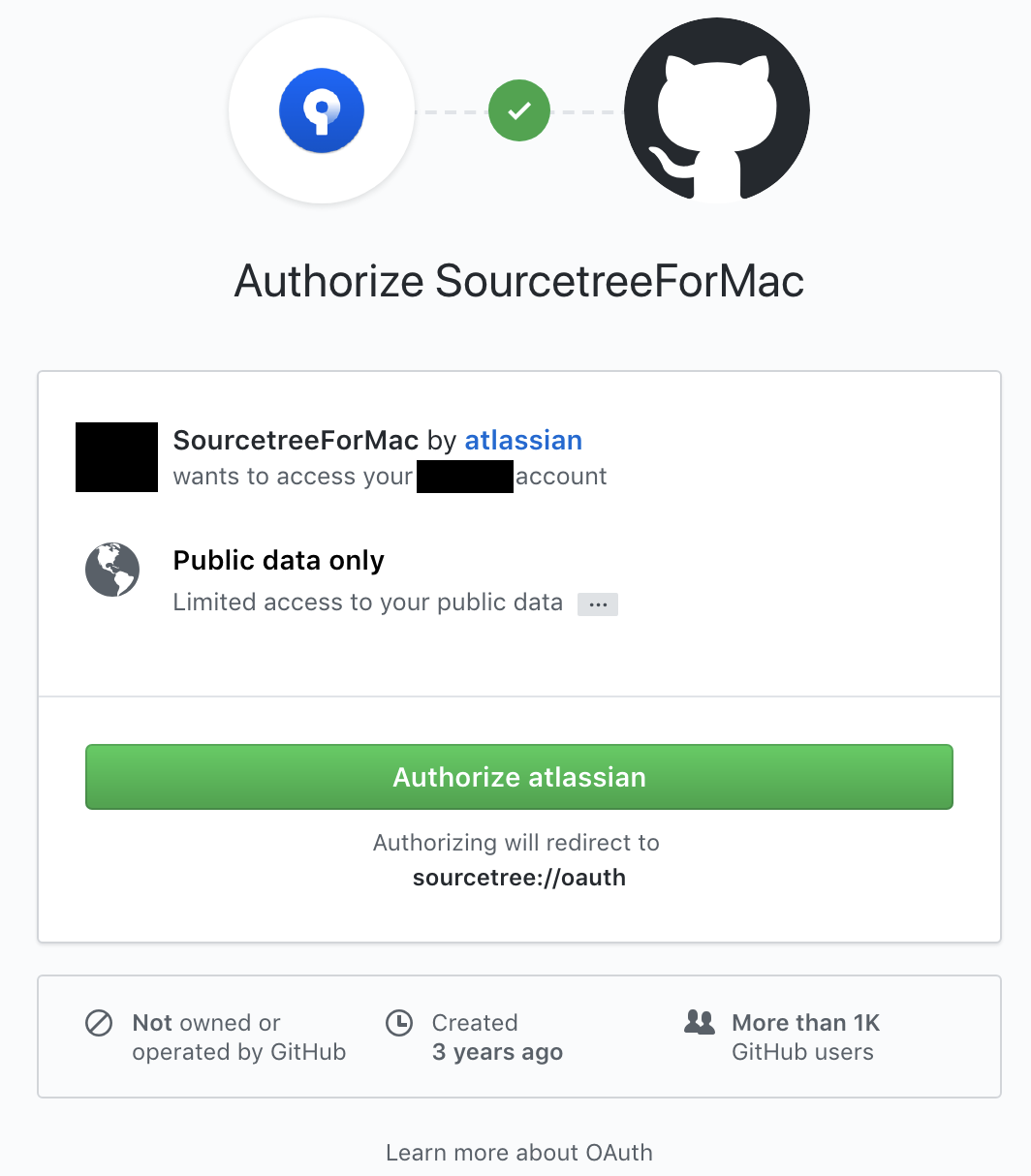
Consequently, no private repos are accessible and no write permissions are given. I found no way of elevating the requested permissions either through Sourcetree or through GitHub settings.
I found a workaround by accident: after the Sourcetree app is authorized, an entry is created in Keychain Access:
Github Credentials
Kind: application password
Where: SourceTree (OAuth) for GitHub
Deleting this entry, relaunching Sourcetree and clicking on "Remote" tab gives this info:
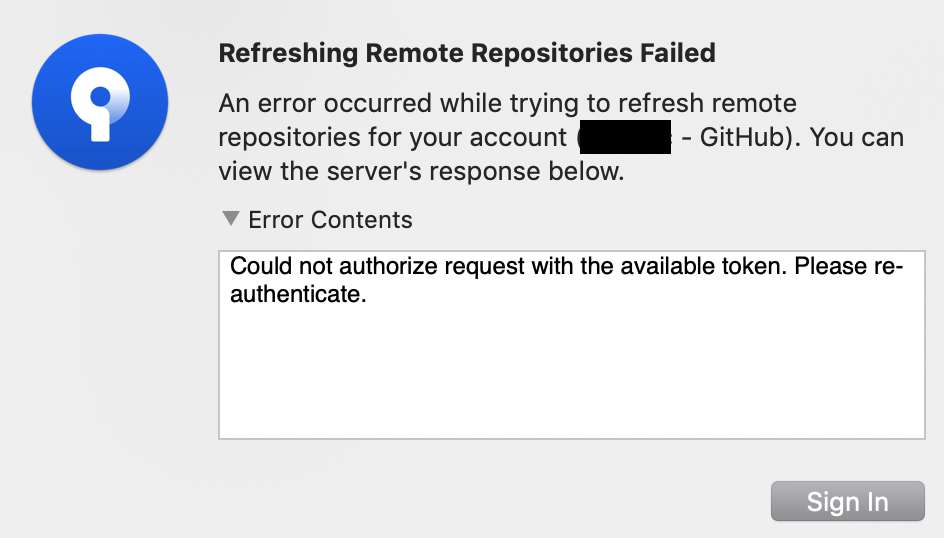
After clicking on "Sign In", GitHub finally presents the additional permissions prompt:
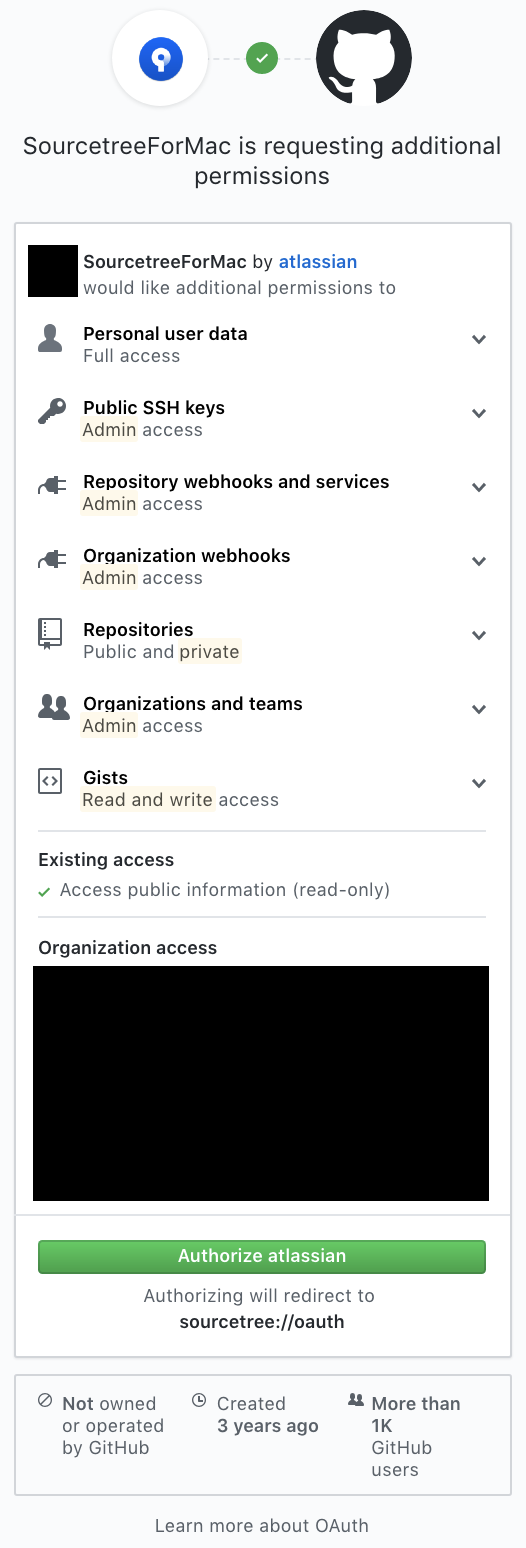
Shouldn't Sourcetree ask for all of these permissions when adding the account using the normal workflow?
Thank you.


