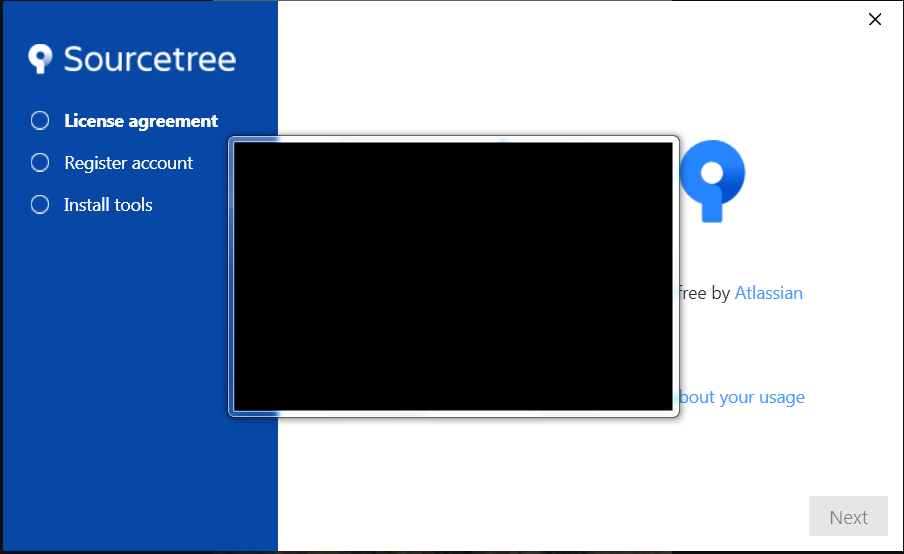
This happens on Slack and some other program I was installing recently (I don't remember which one), but I think it's just on Electron apps on Windows, and during install, a black box pops up on the screen and obscures every window, including SourceTree's install window which I can't read, until I just click "go to desktop" then open each other window up...
I need a solution for this. The box itself in the taskbar is called Installing... can someone advise?
I've already tried clearing out Slack's folders during uninstall then reinstalled... but this black box issue keeps happening with apparently apps using the same technology.