I am running the latest version of SourceTree 2.4.7.0 on Windows 10. I'm having issue cloning a remote repository on a private server.
After entering in my credentials ie. ssh://username@108.160.90.21:/home/username/website/www the error message "this is not a valid source path / URL" appears with the "Details" button when clicked only shows me a blank popup. Image attached.
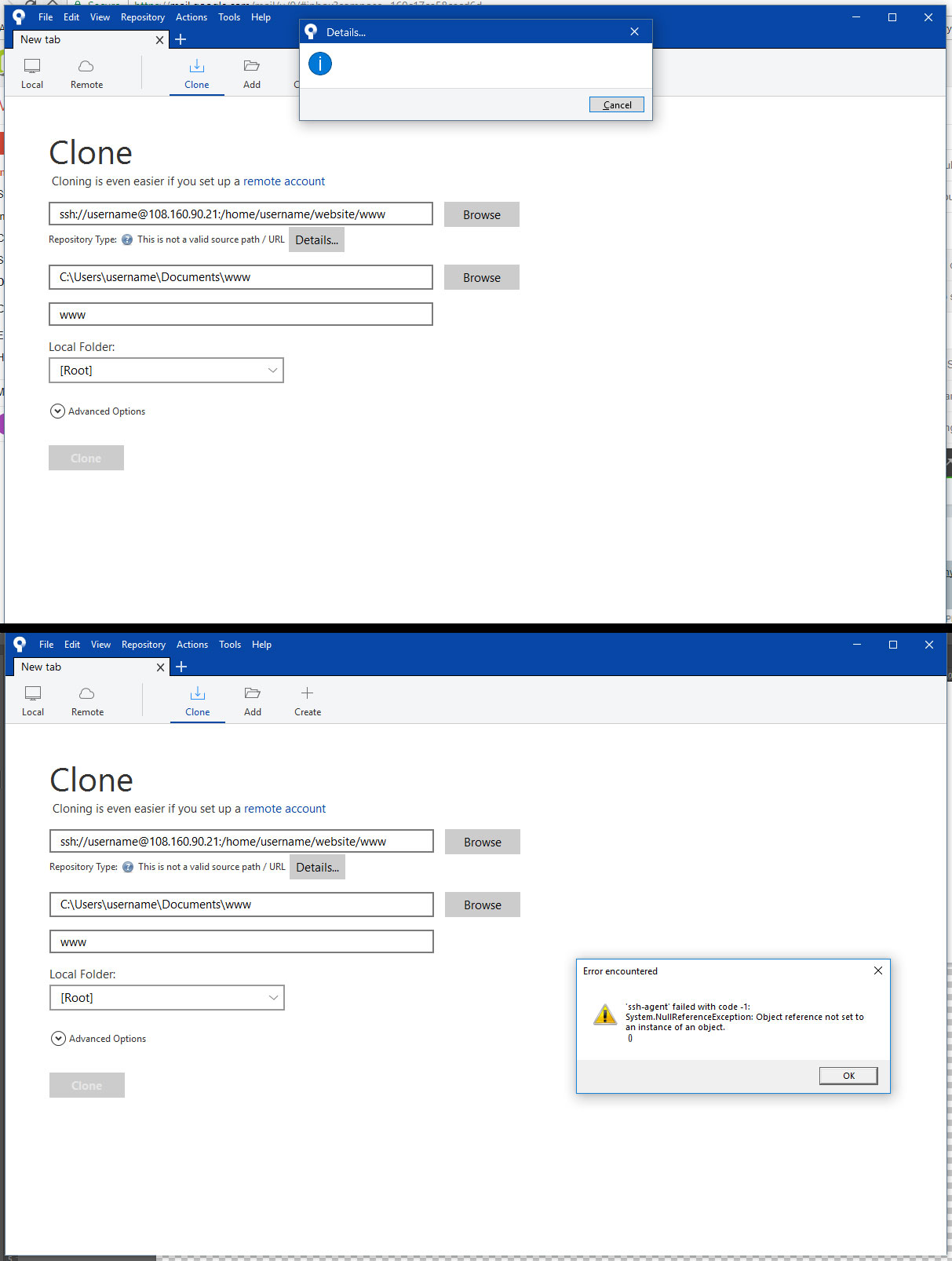
I'm able to shh into the remote hosted private server easily with my credentials along with a number of my colleagues.
I've already re-installed multiple times along with deleting my local AppData and Authentication Crenditals before every fresh install.
Is this a known issue with the latest SourceTree update or is there another avenue I might be able to use to fix this issue? Thank you for any assistance anyone can offer.

