Hallo,
I'm bit confused by the checkout dialog. In my understanding Checkout New Branch will create a new branch and checks it out as explained in the Tutorial Using Branches git branch, git checkout -b. That is neccessary when I e.g. want to create a branch to add a hotfix.
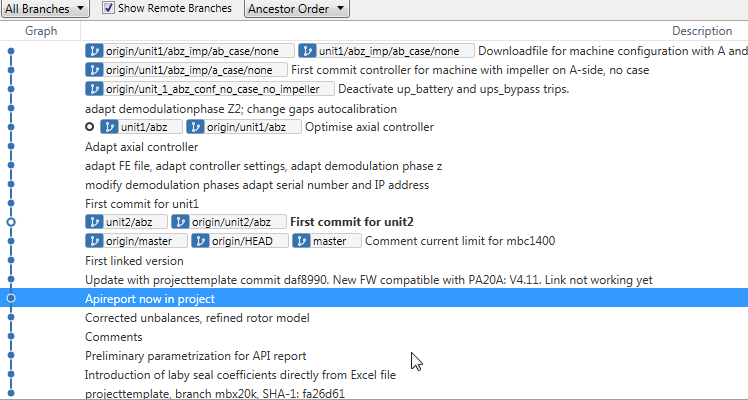
But when I use Sourcetree's dialog it seem more that it only add a remote branch to my local working copy and make it the active branch. It updates the files in the working directory to match the version stored in that branch.
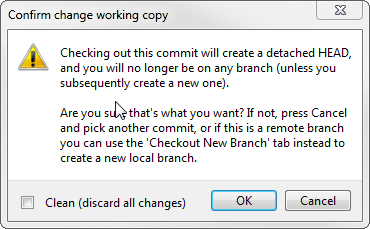
It doesn't matter on which tab I click it shows me only existing branches. The only difference is that Checkout New Branch doesn't show the branches what triggers the warning shown at ther very end of this post.
I found some more explaination on git SCM - git-checkout - Switch and git SCM - 3.2 Git Branching but it rather top ups confusion than making me understand.
Do you mind the explain the Checkout in some more detail to me?
In addtion, what effect does the following option have?
Local branch should track remote branch