Hi everyone,
I’m embedding a Loom video on a SharePoint page using the embed/iFrame code.
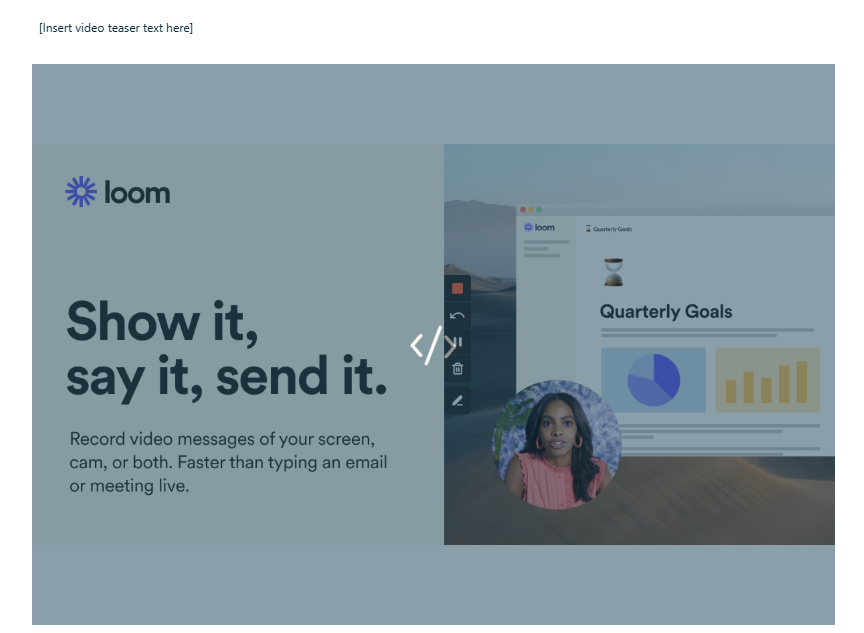
The video itself works, but when the page loads, Loom always shows the generic Loom preview image first. After hovering over it, the video preview starts, but the initial Loom image still appears before anything else.
I already tried:
- adding a custom thumbnail
- disabling the animated thumbnail
- re-embedding the video in SharePoint
Unfortunately, none of this changed the initial image shown in SharePoint.
Is there any way to prevent this generic Loom image from appearing first in an embedded Loom video, or is this a fixed behavior of the Loom embed player?
Thanks!