Concept Relates To
|
Application Type
|
Jira (Jira Work Management and Jira Software), Jira Service Management, Jira Core
|
|
Deployment Type
|
Jira Cloud, Jira Server, Jira Data Center
|
What is shown?
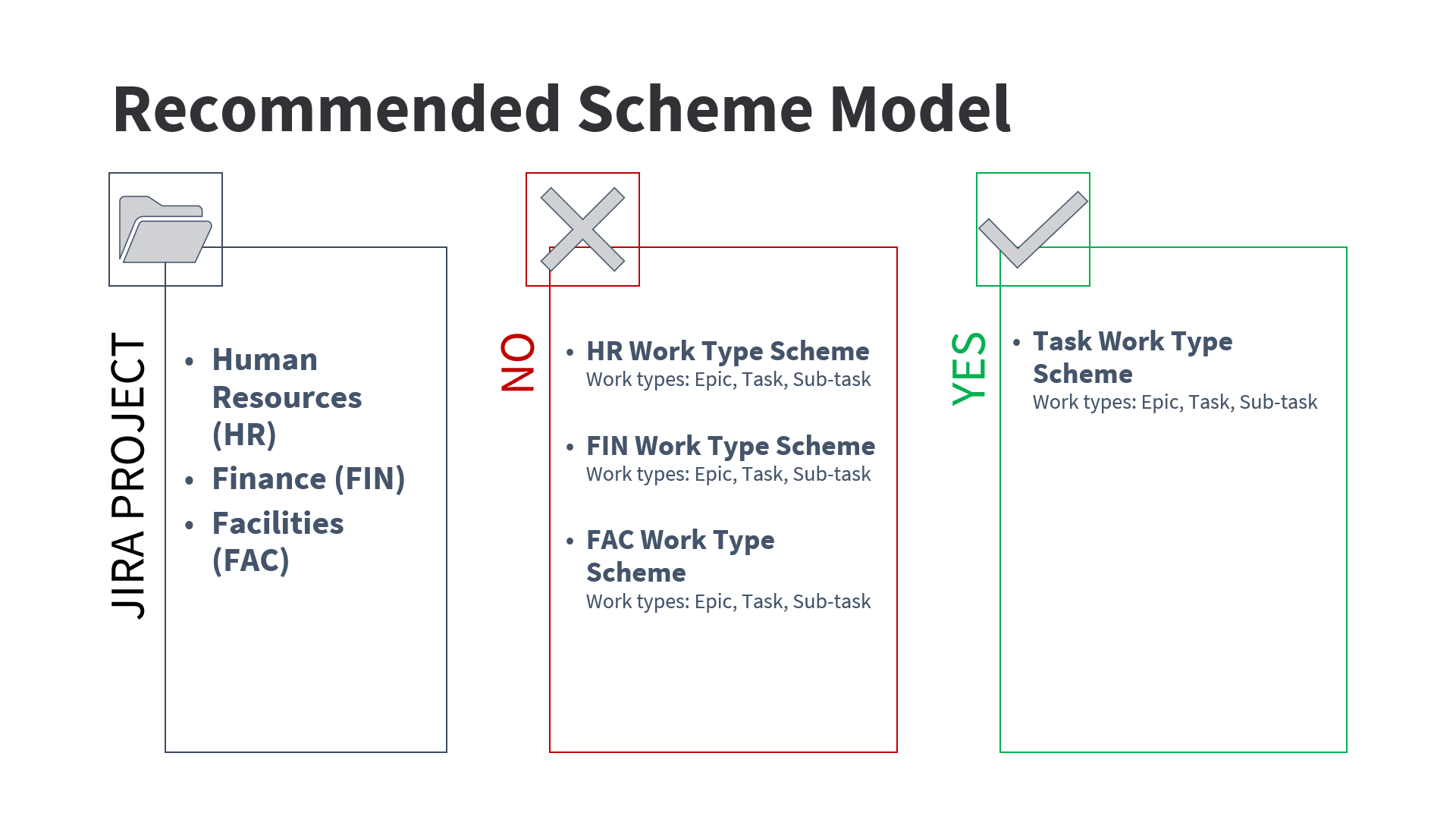
Options for individual or shared work type schemes between multiple similar Jira projects.
Visit:
What can we learn?
A “scheme” is a configuration or collection of settings. A scheme allows you to use settings differently in the same Jira project or share settings between multiple projects. I’m always looking for new ways to explain why sharing schemes is important. Here are two:
Example 1
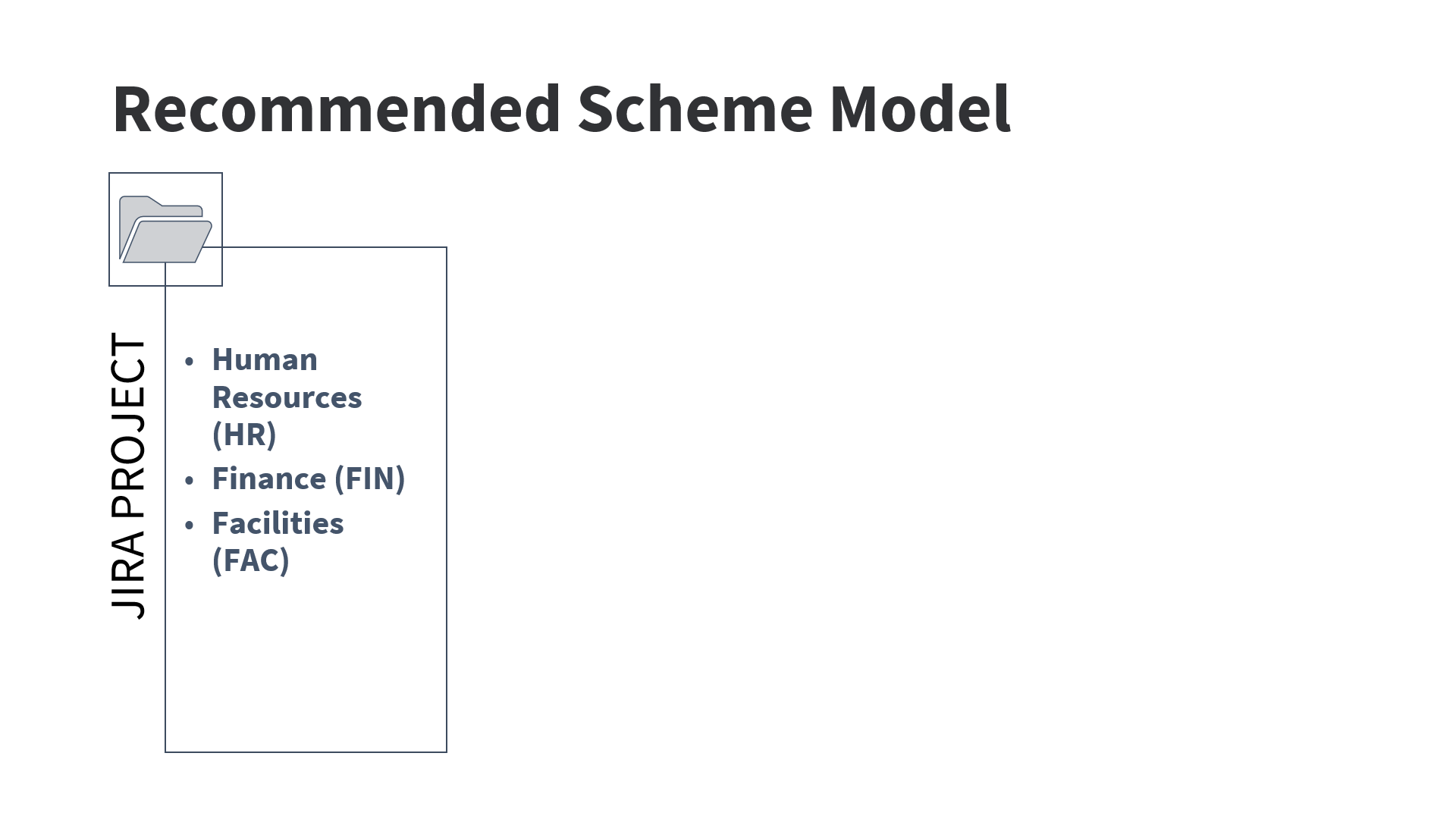
Three projects in a Jira application
Let’s say we have three Jira projects for three different departments in an organization. While the specific work these teams do is different, the type of work is similar. The Human Resources, Finance, and Facilities departments all do task-based work.
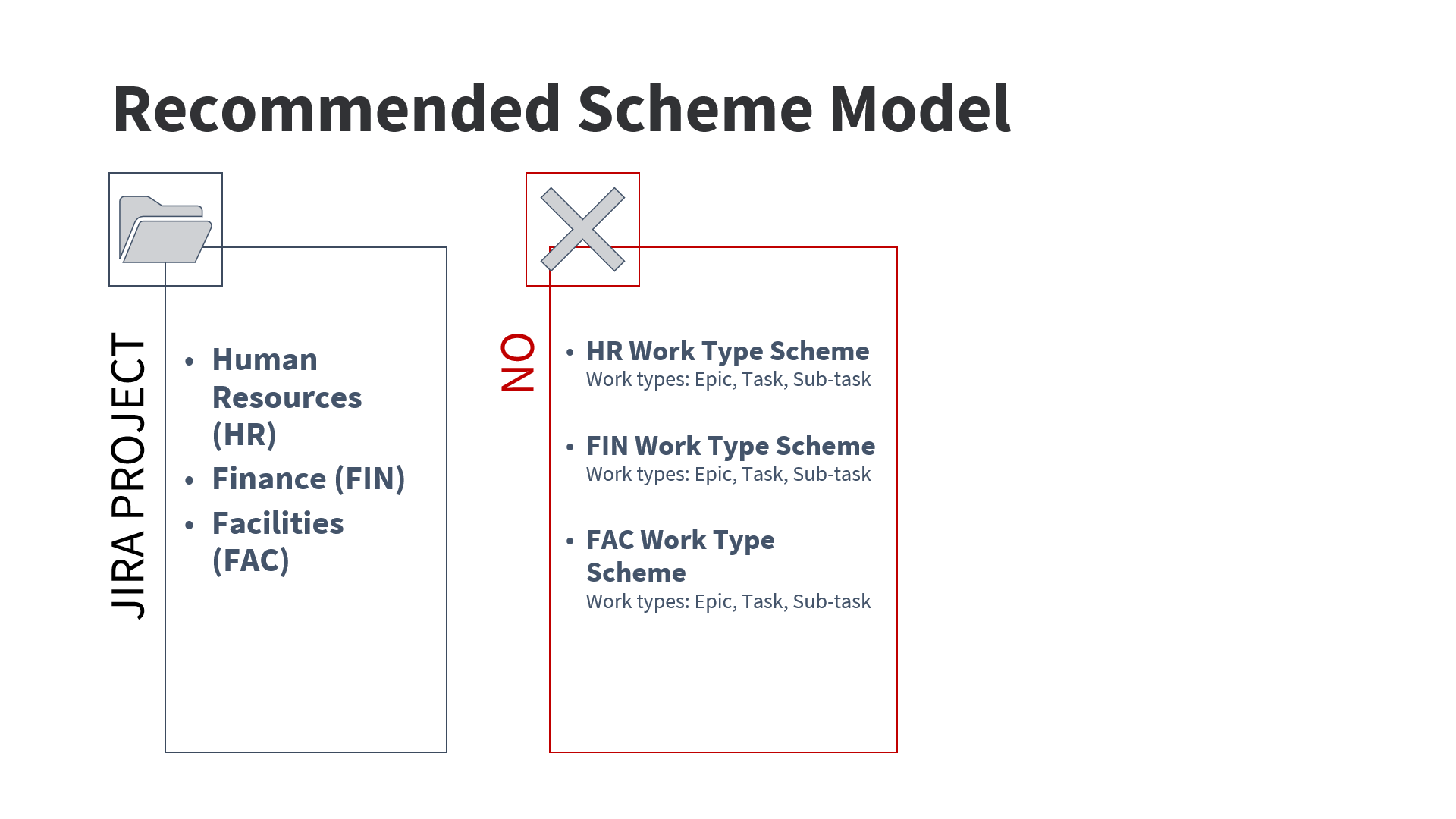
Jira automatically creates new schemes
When Jira projects are created for these teams, new custom issue type schemes are automatically be created for each of them. What do you notice about the schemes in the screenshot? First, they are all named with the project key, which is a clue that Jira likely created them. Second, they all contain the exact same list of issue types. Is there any benefit to maintaining three separate schemes with the exact same settings? Nope!
Shared scheme model
Instead, it’s much easier to maintain one generically named scheme and share it between the three Jira projects. This sharing concept applies to all schemes in Jira, not just work type schemes. If you use this model, your Jira configuration will be nice and tidy.
Example 2
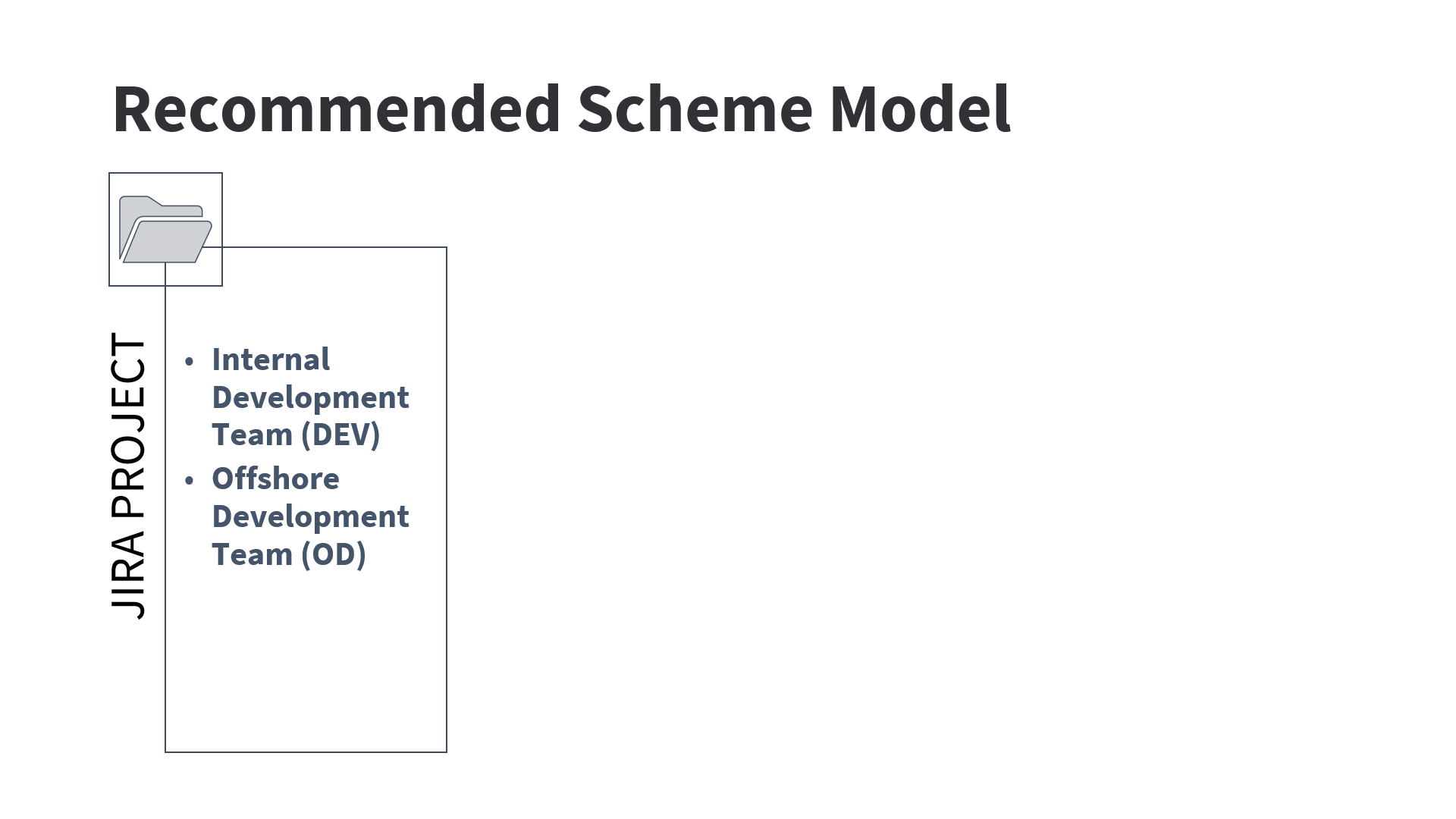
Multiple development Jira projects
Here’s another example I see all the time. There are two development teams. One is internal and the internal team is supplemented by contractors from an external company.
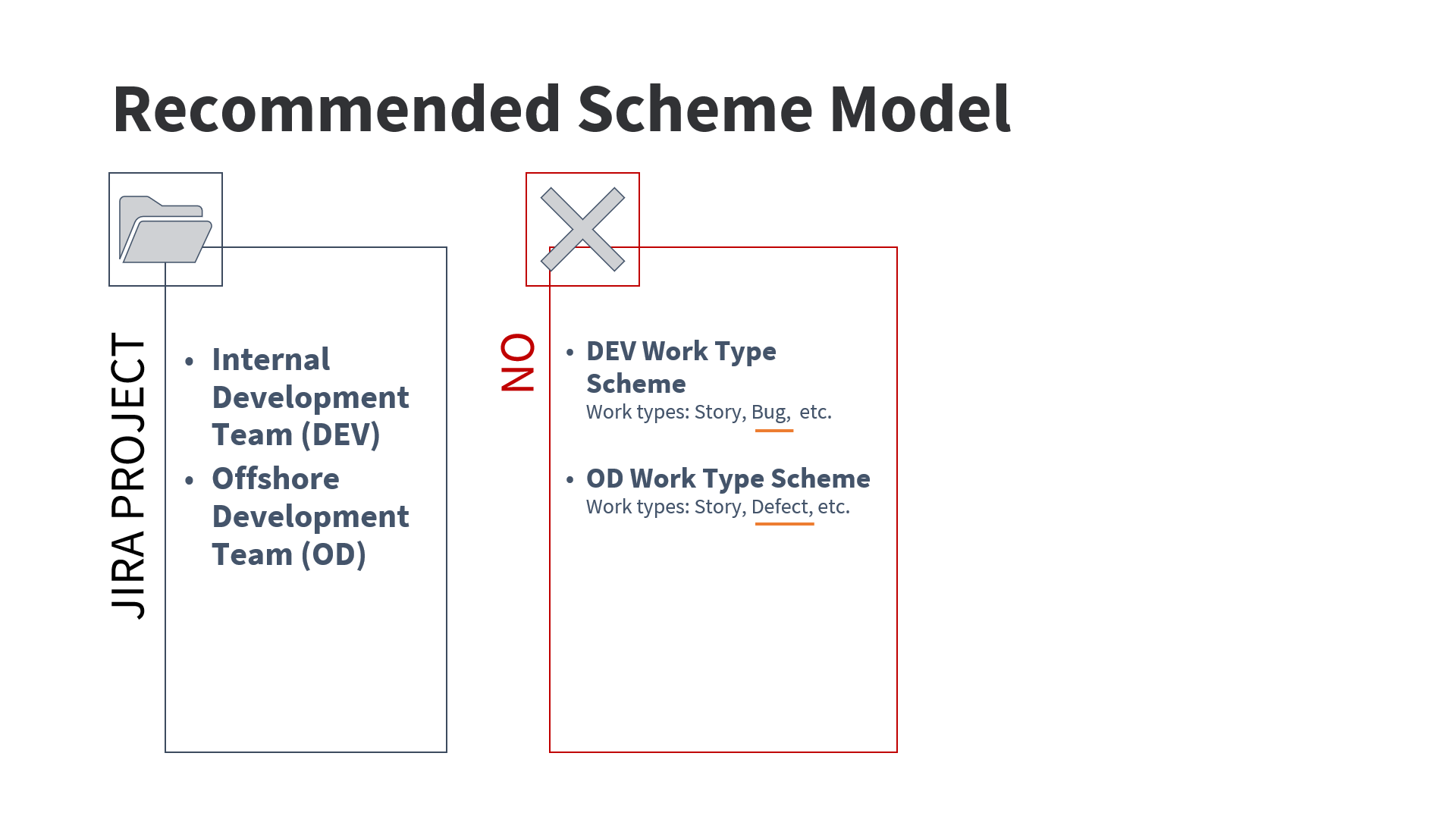
Different naming for similar concepts
The internal team calls their bugs “Bug” and the external team calls their bugs “Defect.” Does this naming difference warrant maintaining two separate schemes? Usually not.
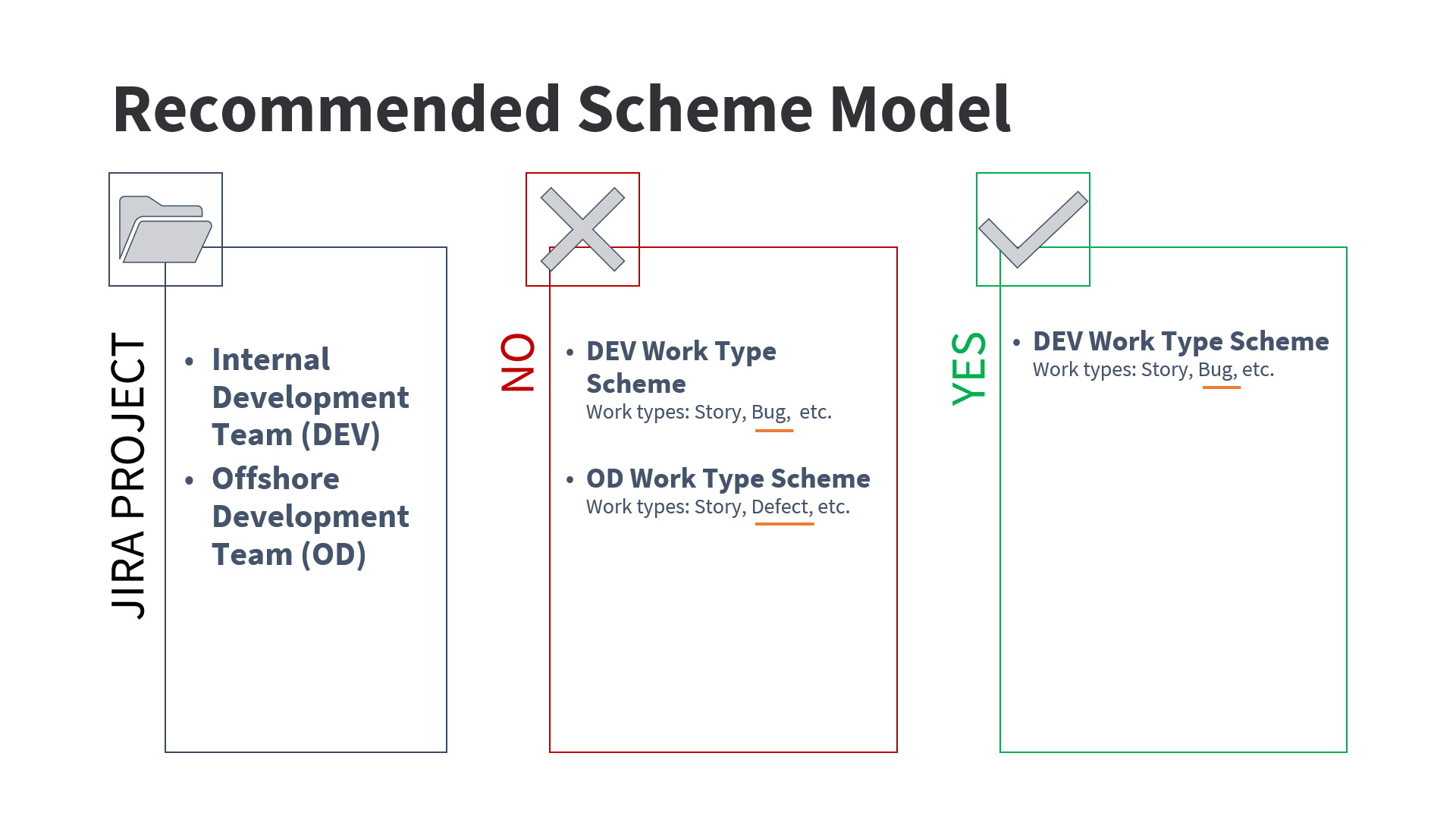
Shared scheme model
Sometimes, as a Jira admin, your job is to get multiple parties to standardize terminology or agree to compromise. I know this seems like a small example, but when teams communicate differently, it creates duplication within the Jira configuration and potential confusion outside of Jira.
When are independent schemes warranted?
Only when they are really needed to support a specific business case. For example, if you’re creating a Jira project that must function differently than all the other Jira projects. But, it really needs to be a special reason - not just someone’s personal preference like the “bug vs defect” example above.
Tip: Remove the unneeded schemes automatically created for every new Jira project. More settings means more complexity and a bigger mess to manage in the future. As shown in the first example, multiple schemes with the same or similar settings bring no value.
Back to intro and image list
