Hi, community!
You can now report on user @mentions from Confluence pages, blog posts, and comments using these two new tables:
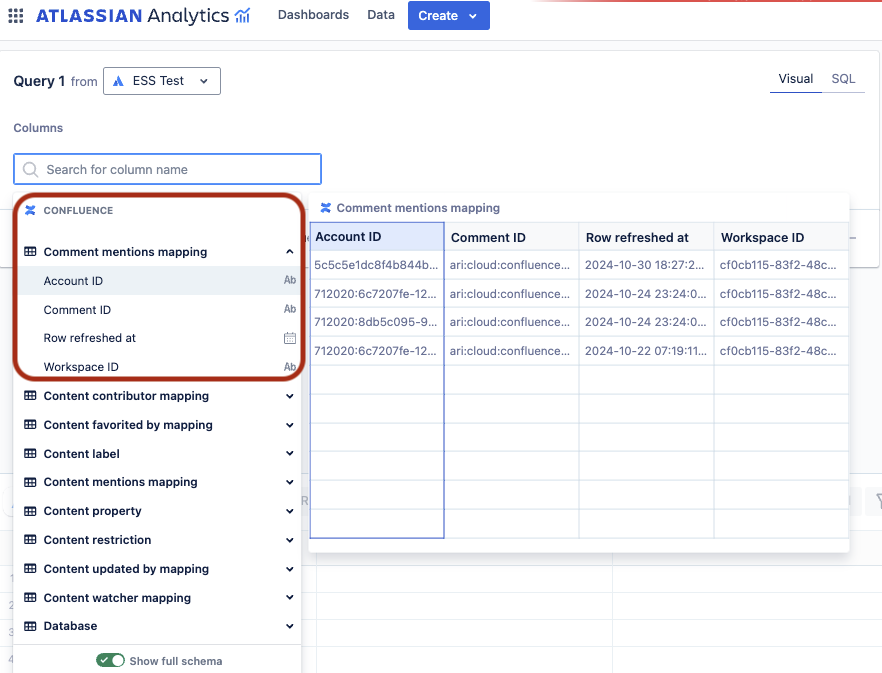
Comment mentions mapping
The Comment mentions mapping table maps each account ID that’s @ mentioned to all comments created in Confluence pages, blog posts, or whiteboards.
To report on user name, you can join this table with the “Account” table using the “Account ID” column.
To see which content the comments come from, you can join this table with the “Comment” table using the “Comment ID” column.
Content mentions mapping
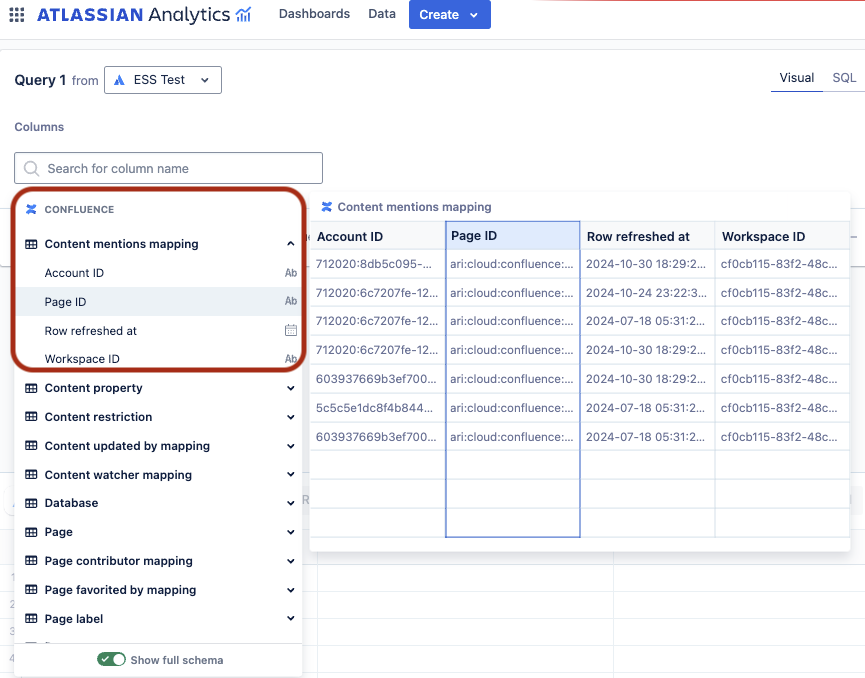
The Content mentions mapping table maps each account ID that’s @ mentioned to pages and blog posts.
To report on user name, you can join this table with the “Account” table using the “Account ID” column.
To group by pages or blog posts, you can join this table with the “Page” table using “Page ID” column and group by “Type”.
How to get the new tables?
To get the new tables in Atlassian Analytics, an organization admin needs to edit the Data Lake connection. If the Data Lake connection already includes Confluence data, the organization admin can edit the connection and save it without making any changes. More about editing Data Lake connections.
Tell us what you think
Comment below or contact support if you have any questions or concerns. Thanks!
