Hi Confluence admins,
John here with another update: we've released the Admin Announcement Banner feature to customers on our Standard edition!
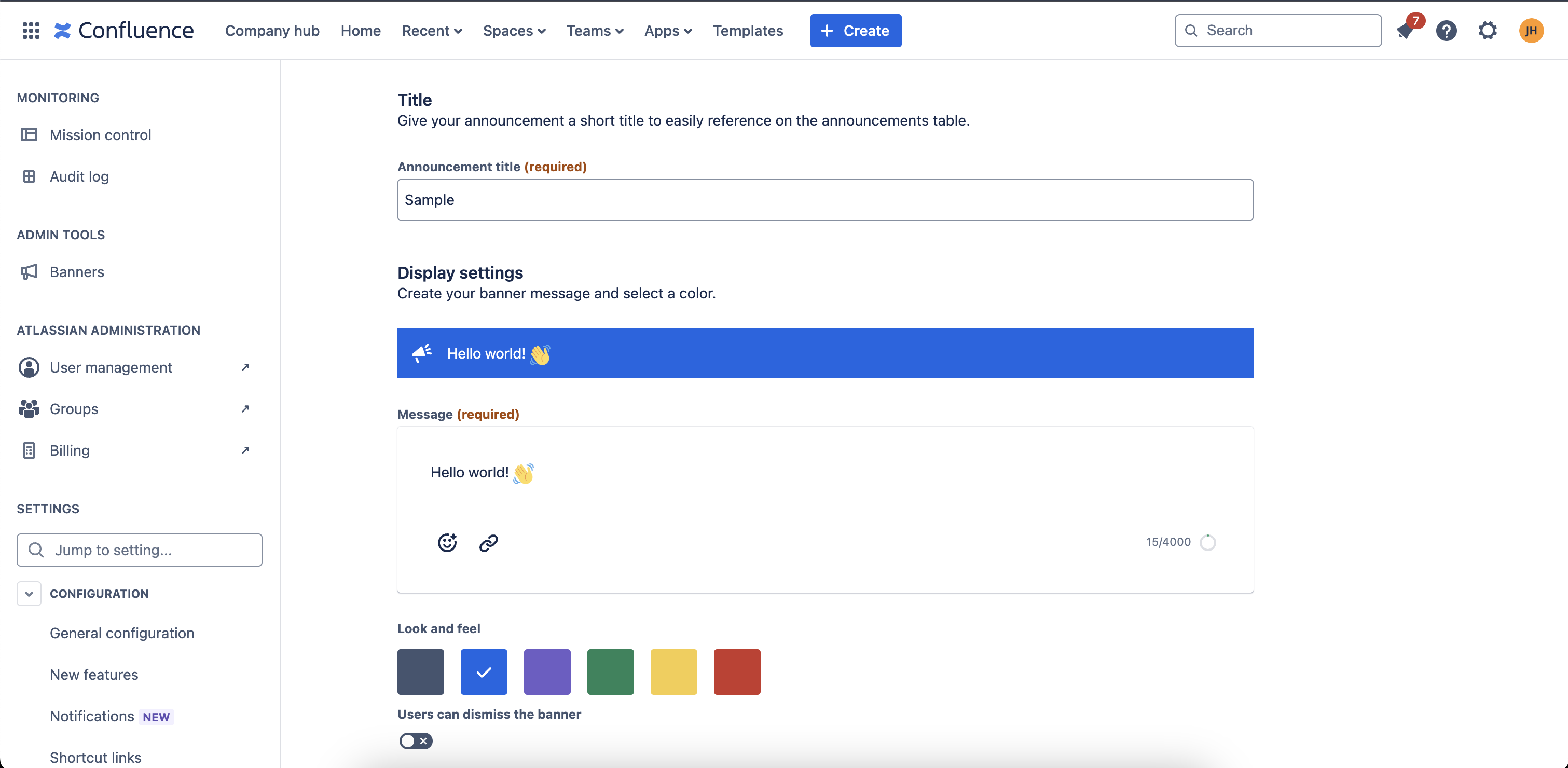
How to use it
First, navigate to the Confluence administration page but clicking on the gear icon in the right side of the top nav:

Next, click on the Banners item in the side nav, and you'll land in the feature where you can view your current and existing banners:
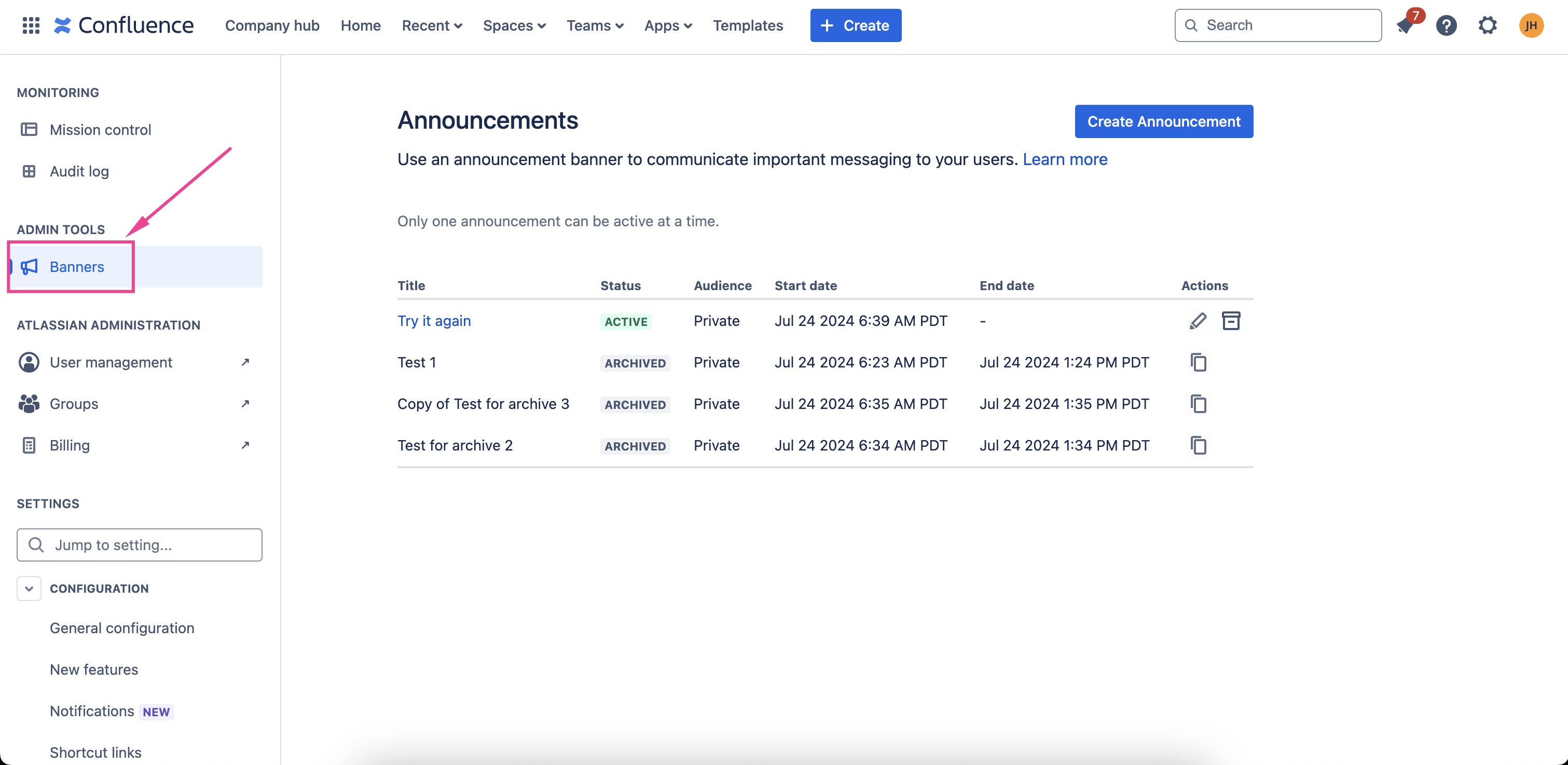
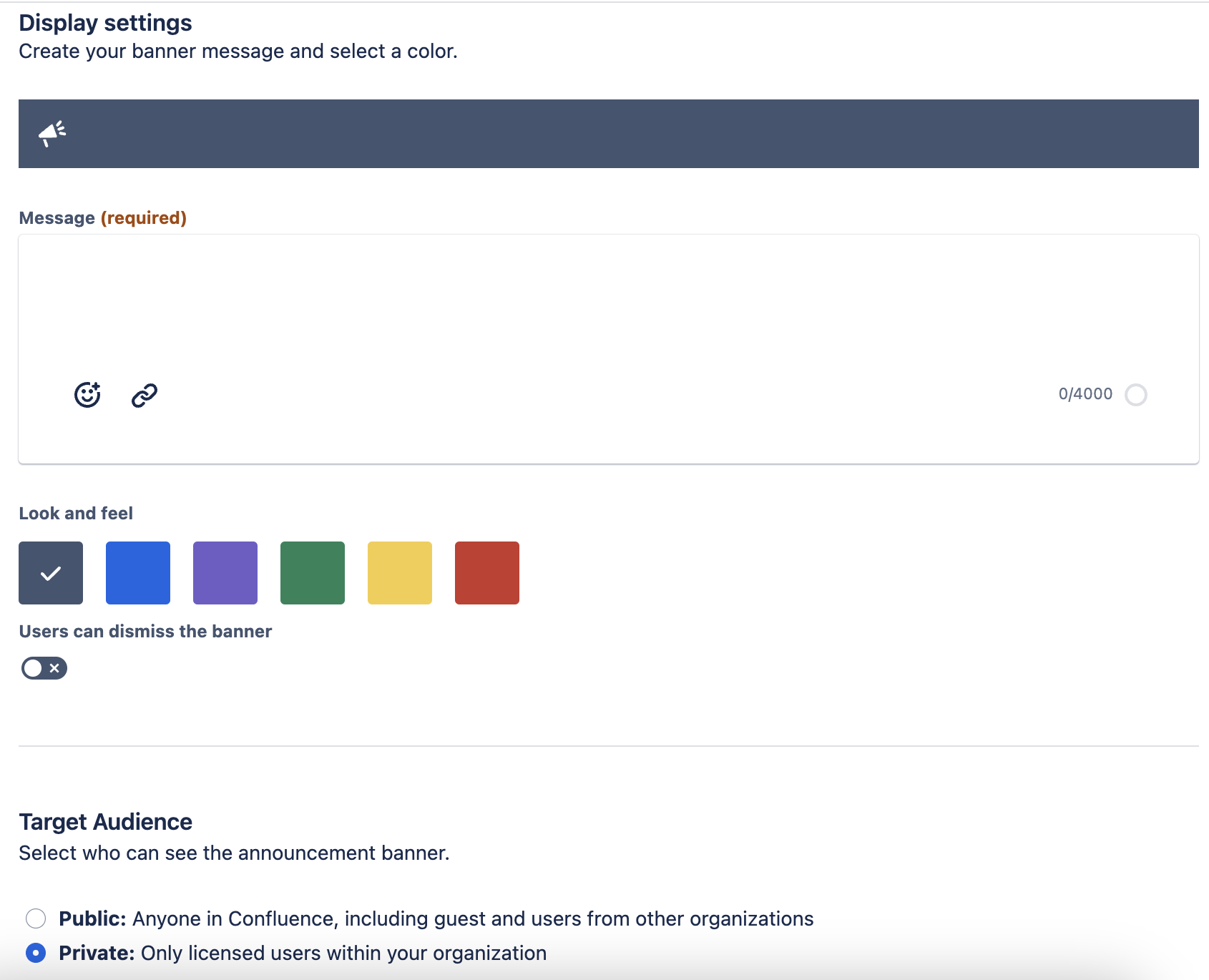
Once in the feature, click on the blue Create Announcement button in the top right of the feature to create a banner, and then enter the information and styling details you want to be in your banner!
FAQs
Is this feature only available to the Standard edition?
No! It's also available to customers on the Premium and Enterprise editions
Is the feature any different for customers on the Standard edition?
Yes, the scheduling of banners to be published and taken down is only available to customers on the Premium or Enterprise edition
When can I start using this update?
The rollout of the feature complete and it's available to be used now!
As always, please let us know if you have any questions or feedback with comments here or by scheduling time to chat with me here


