I can see doco about this at https://support.atlassian.com/opsgenie/docs/invite-users-and-manage-their-roles/
However, the screenshots don't match what I see when logging into Opsgenie. I see no 'setting' icon and the UI looks completely different with a navbar on the top instead of along the left-hand side.
I am using an account that is part of an Atlassian workspace. I thought perhaps I could control roles through https://admin.atlassian.com/ and the 'Products' page. However, when I use "Add Groups" to add a group of users to the Opsgenie product, the only product roles I can select is 'User' and 'User Access Admin'. I don't see 'Owner' or 'Admin'.
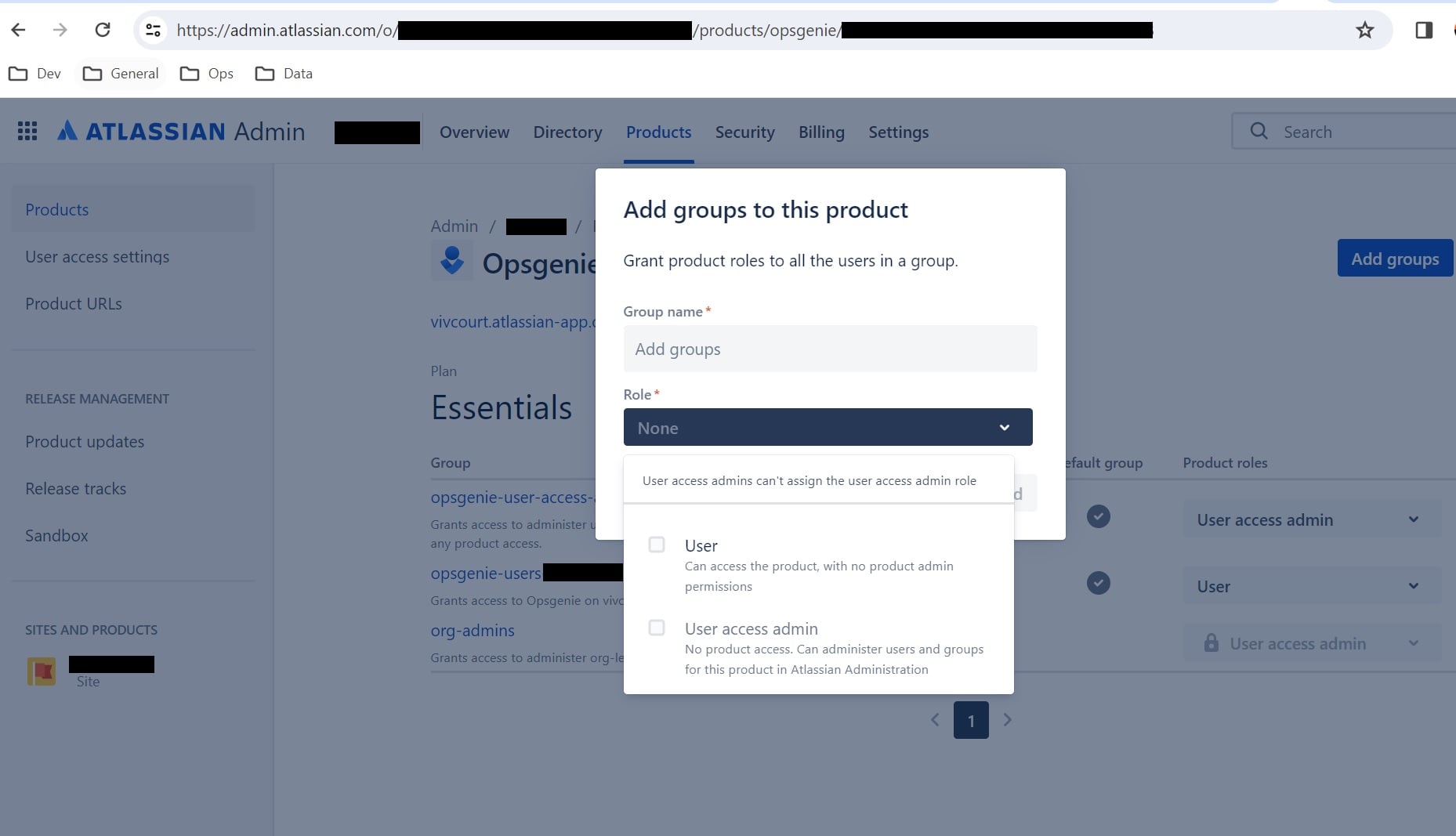
If anyone can help that would be much appreciated!


