hi, this is a sentence out of the FAQ - but I do not find HOW to do this - creacting a card directly IN the calender view?
Hi @Dr_ Regina Wagner
There's an "+ Add" button in the bottom-left corner.
You can add a card from here.
Ste
hi, sorry, I do not see the + Add on the left bottom corner, where can I find it?
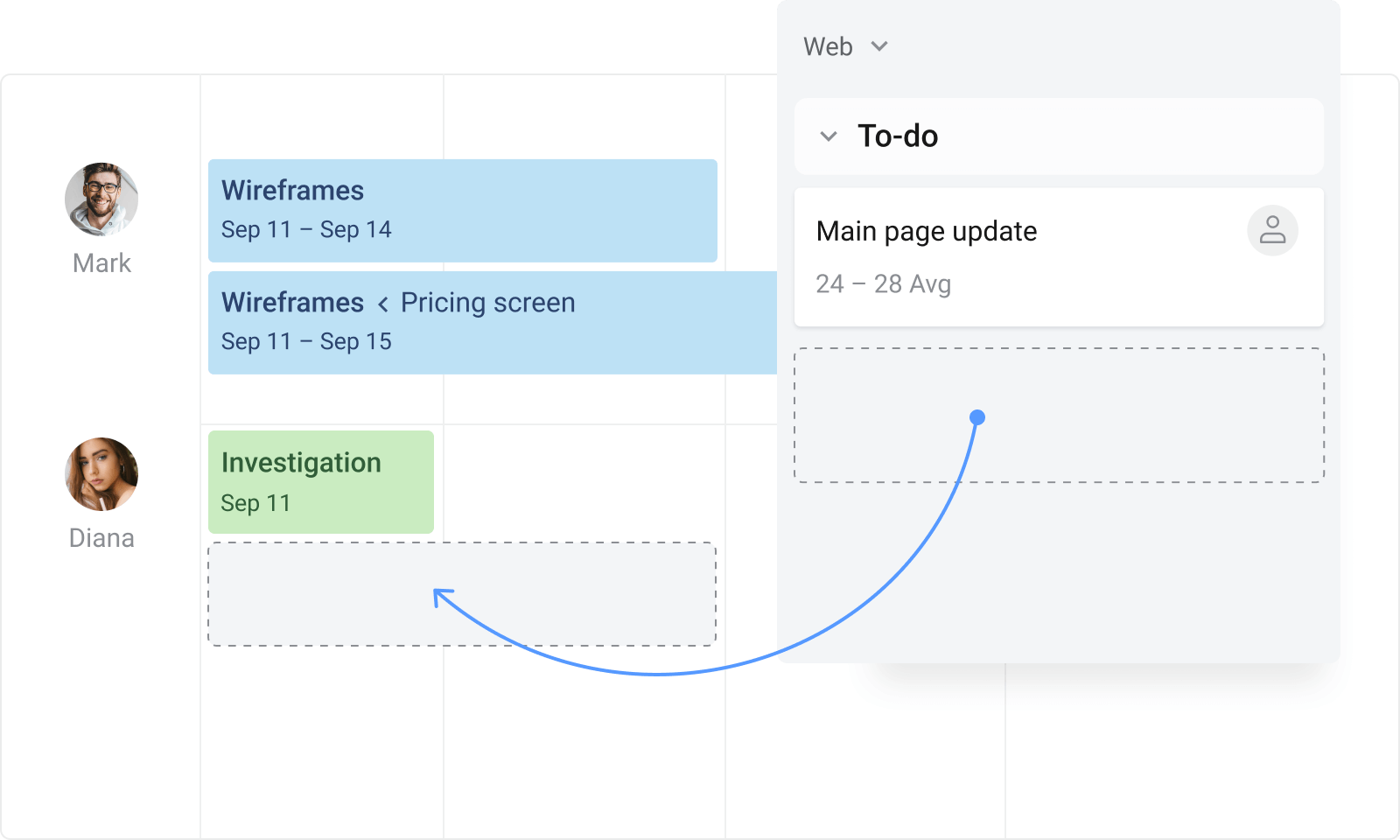
Hi @Dr_ Regina Wagner It's Mary from Planyway for Trello: calendar, timeline, time trackingIf you'd like to have a more easy-to-use calendar, experiment with Planyway. It'll let you not only create tasks right on the calendar but also drag&drop cards from the board. Plus, there are lots of other handy features.
Is this still an issue? Because it was there for me.
If it is, I'd contact Trello Support for more assistance - https://trello.com/contact
hi, thanks. I do not find "planyway" - how do I get there?
It's a power-up for Trello (like an App).
Maria has linked to their website in the answer above, or you can see it here on the Power-Up store: https://trello.com/power-ups/58bd1f9aca72f48c8900574f/timeline-calendar-time-tracking-by-planyway
It looks like you're new here. Sign in or register to get started.