To explain, if we wanted to schedule X units of production each day to different orders, is there a way to do this in Trello where the capacity of X units is reached and Trello would not allow more to be scheduled on that day?
@Ken Ferris
This will require some custom design of a board to do this. You probably want to park the cards somewhere instead.
You can use something like this automation
when a list has more than 50 cards, move the card to {triggercardpreviouslistname}
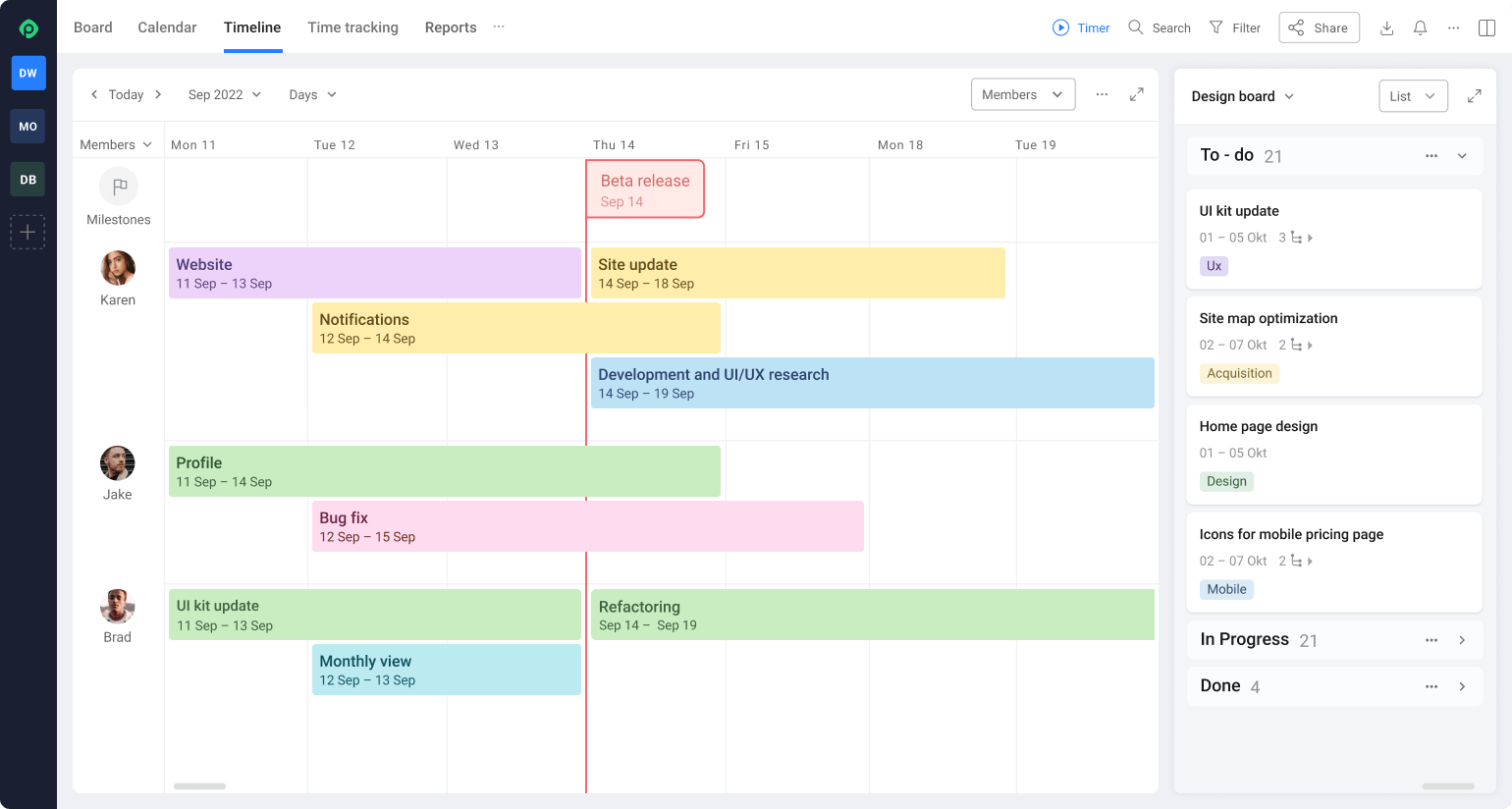
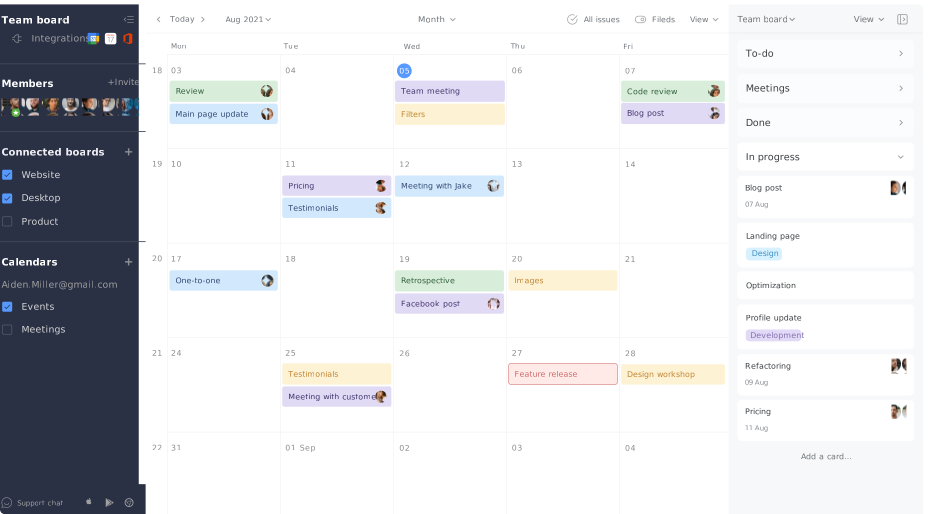
Hi @Ken Ferris It's Mary from Planyway power-up for Trello
Trello, as a project management tool, is highly versatile and can be customized in numerous ways to fit different project management needs, including scheduling and tracking production units. However, Trello does not natively support capacity management or enforce hard limits on tasks or cards based on numerical values like units of production per day. Its core functionality revolves around kanban-style board and card systems, which are more qualitative than quantitative in nature.
To achieve a system where you schedule X units of production each day and ensure that the capacity of X units is not exceeded, you would need to integrate Trello with external tools or use a combination of custom fields and manual monitoring. Here are some approaches you could consider:
@Ken Ferris I just found your post on a search from my Trello board. Did you ever land on a good solution for this, and if so, would you mind sharing what that was? I am looking for a very similar concept, only with scheduling units of books produced.
To date we have not implemented anything to limit our production scheduling per day using Trello.
OK - thanks for the quick response!
It looks like you're new here. Sign in or register to get started.