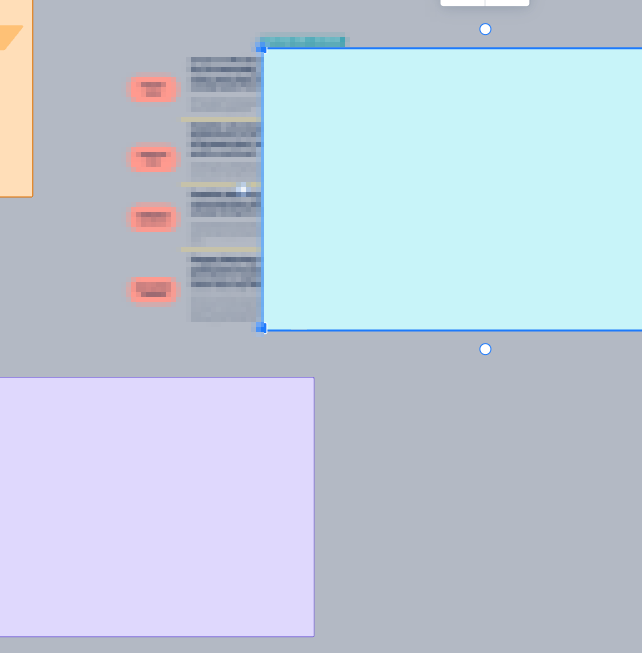
There's a super frustrating bug if you have sections within sections...
If you have a section within a section, the content of the topmost section will randomly fall "underneath" that layer and get stuck to the underlying section, so the end result is what looks like a very empty top section.
Expected Result: Information stays sticky to the section that it is placed in, until it is manually moved.
Steps To Repro:
- Create a Section (Section A)
- Create another Section (Section
 inside of Section A
 - Place content in Section B.
- Create another Section (Section C) inside of Section A
- Place Content in Section C and manipulate it
- Manipulate Section A (Make Bigger or Smaller, or Shift Slightly)
- Observe that the Content in Section B is now underneath Section B and is on Section A instead.
Top Image: The Sections Appear Empty
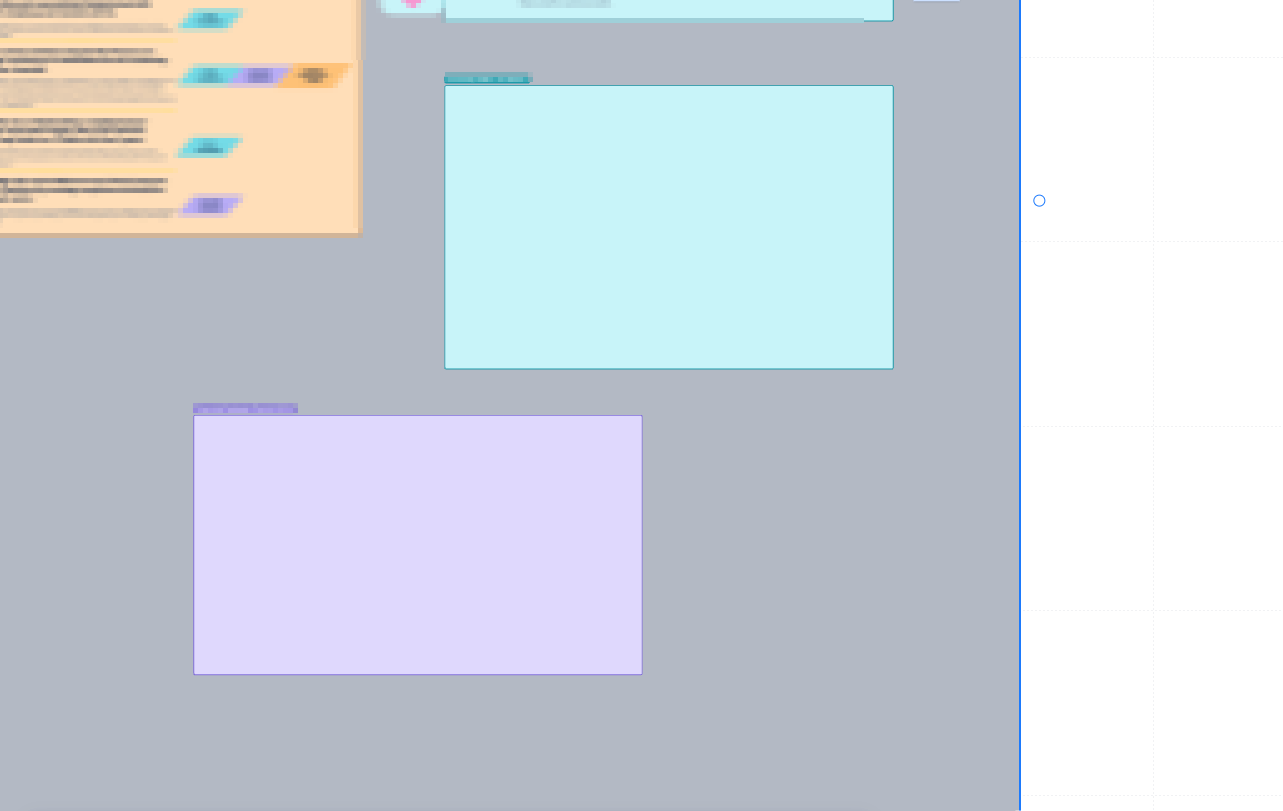
Bottom Image: Move the Teal Section to the right and you can see that the content in it has dropped down one layer.