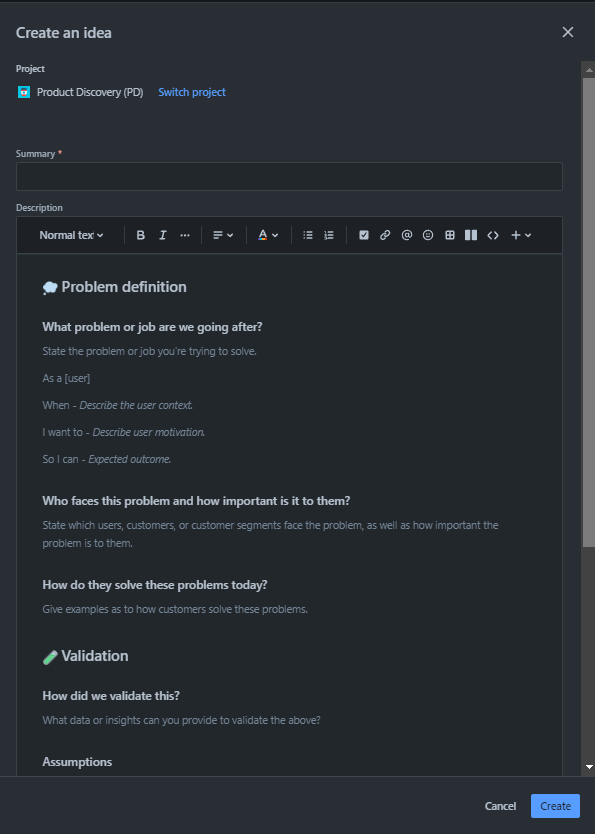
I realize that the Create screen that shows when clicking the Create button from within the JPD project can be customized within Project Settings -> Features -> Create idea, but is there a way to also customize the Create screen that shows when the Create button is clicked from outside of the project (and the project is selected)?
This is confusing our users and to tell them they have to navigate into the JPD project to create an idea is not a good answer. Nobody likes extra, unnecessary clicks. Why are the screens different?
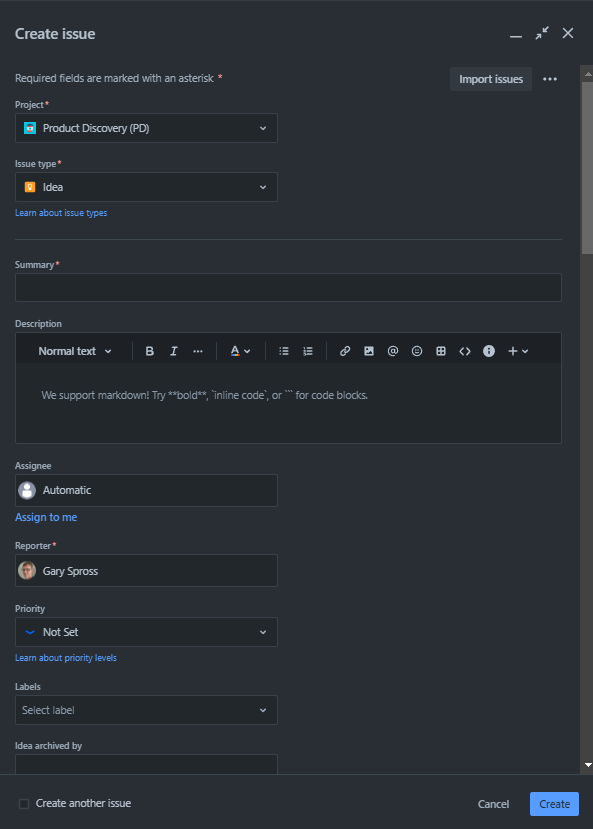
Here's the Create screen for the JPD project when clicking the Create button from outside the JPD project.
Here's the Create screen for the JPD project when clicking the Create button from inside the JPD project.