I recently faced an issue while trying to assign a newly added UX member to a Design ticket in a project. Now That I've solved this issue I want to share this with the community. Specially in this group where the team members are new.
From Jira website below is the instruction to add a user to a group
Add a user to a group
The best way to give a user access to specific Jira functions is to add a user to a predefined user group.
- Select Administration (
 ) > User Management to view the user list.
- Find the user in the user list using the filter form at the top of the page.
- Select Groups in the Operations column.
- Use the search box to find the group that you want to add the user to. You can add more than one group at a time in that search field if you need to add the user to multiple groups.
- Select Join selected groups and the user will be added.
Issue: Unable to tag or assign a user
I checked that users details and found out that the user wasn't assigned to the jira-developers group:
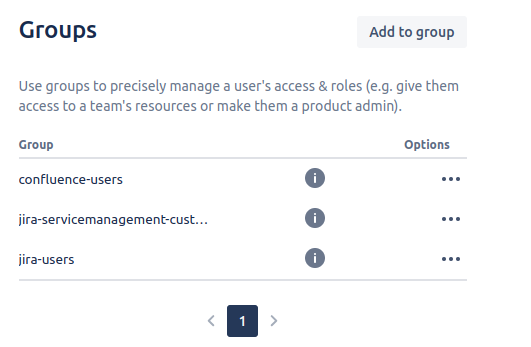
The issue got solved after adding user to jira-developers group. Unless a user is assigned to jira-developers group most of the basic access won't be unleashed.

