
Creating a whiteboard
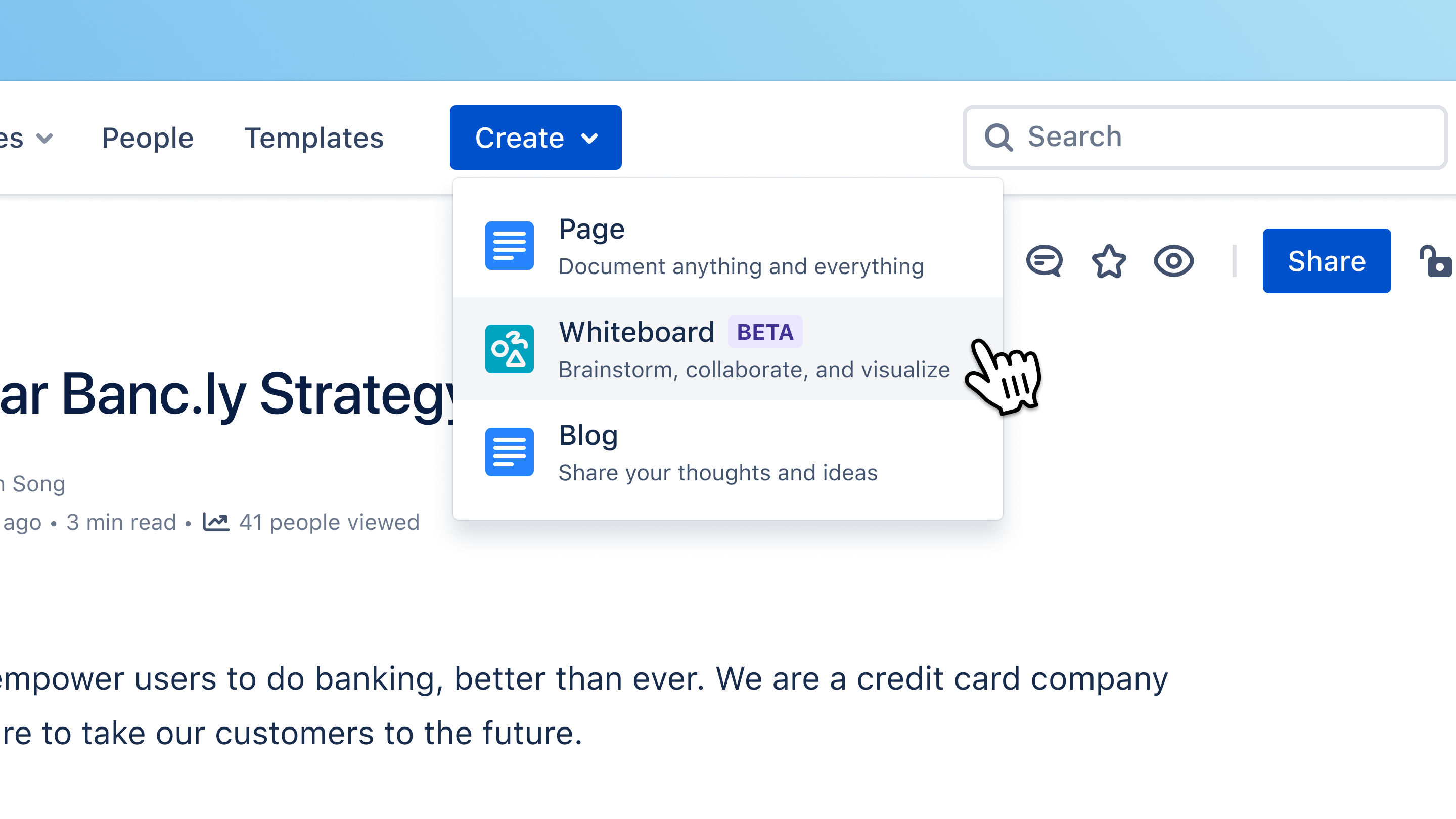
Users will be able to create a whiteboard from the global create menu.
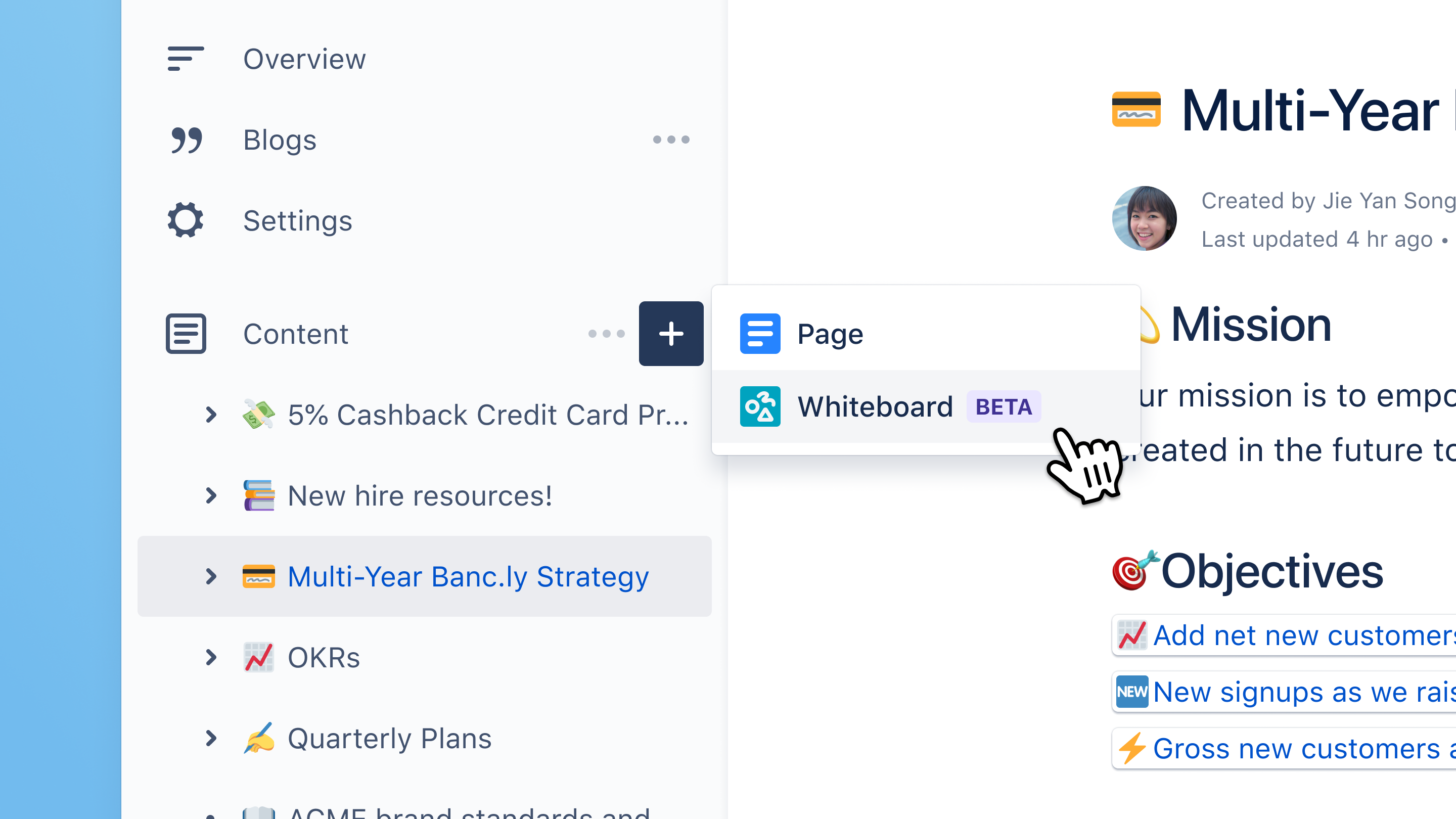
Users will also be able to use the contextual create in the content tree.
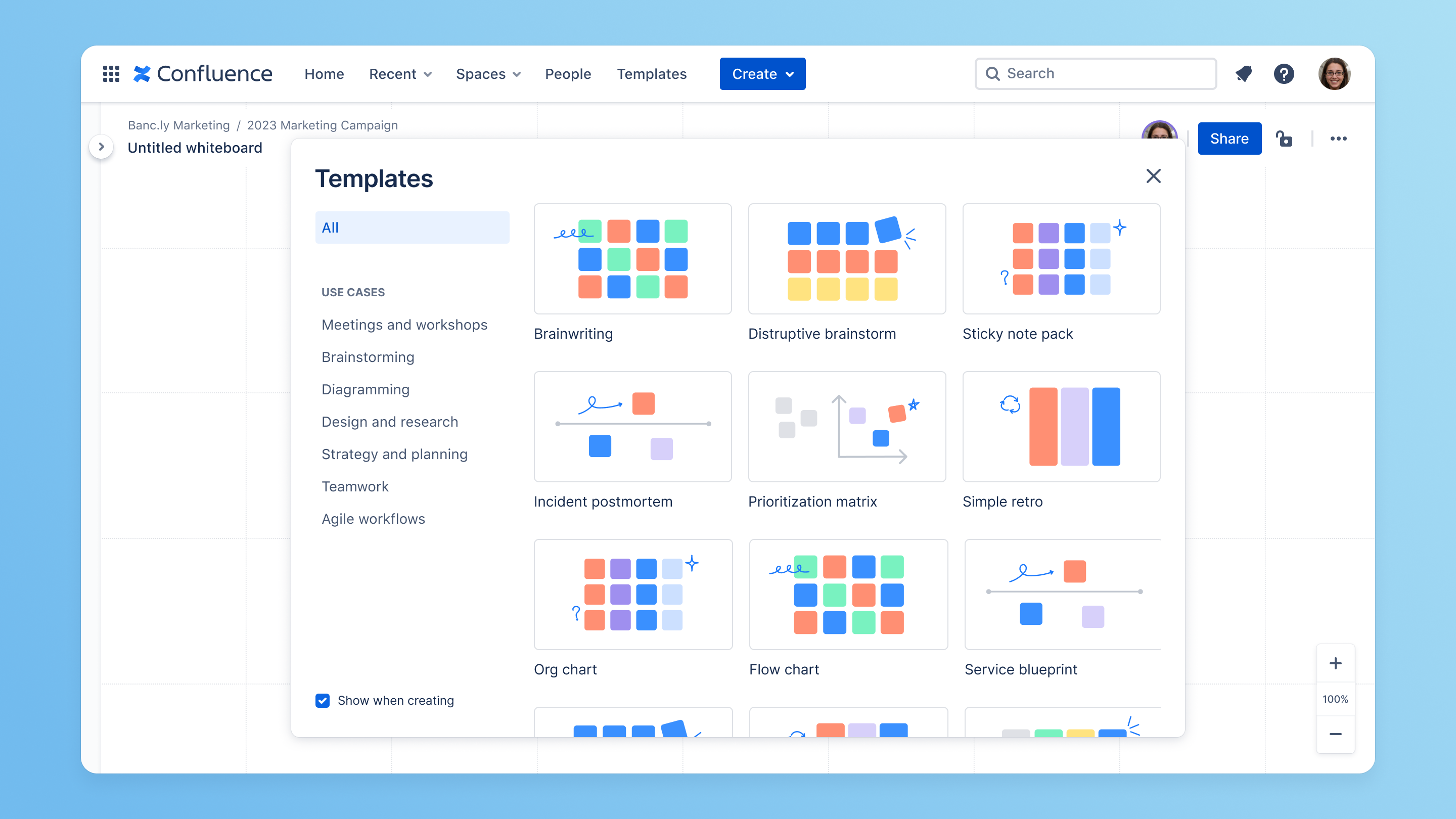
Templates to create a new whiteboard or add content to an existing one
A template picker will be introduced inside the whiteboard. Users will be able to choose a template on whiteboard creation. They’ll also be able to insert a template to an existing whiteboard to help quickly create content.
We will update some of the existing templates, plus add a bunch of new ones.
📣 If you have any feedback about the existing templates, or have requests for any new ones, please let us know in the comments!
Moving & copying a whiteboard
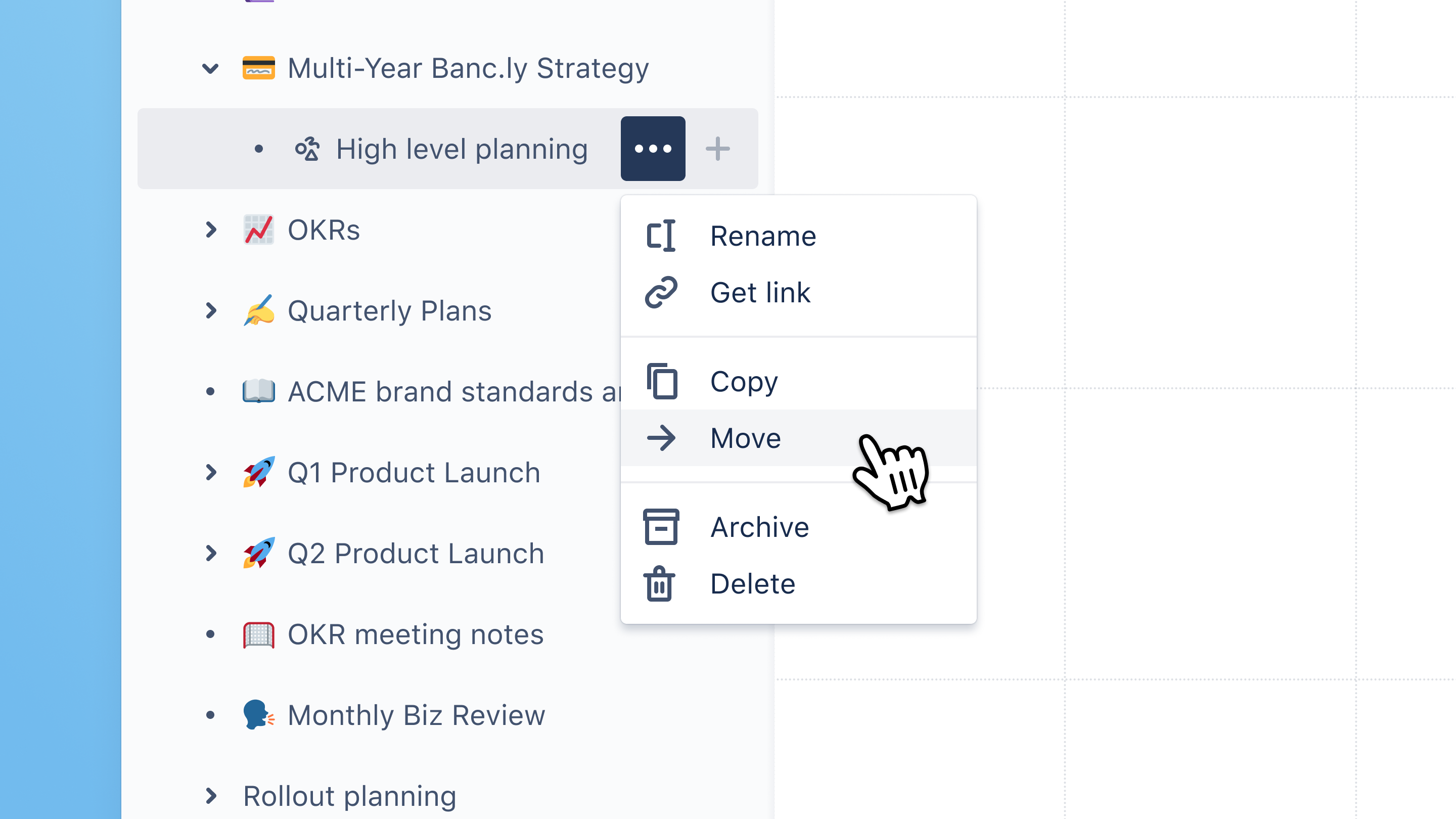
We'll introduce the ability to move and copy whiteboards, including via drag-and-drop in the page tree.
Deleting & archiving a whiteboard
The existing delete and archive functionality that exists for pages will be added to whiteboards.
Initially, users will not be able to restore whiteboards from the space settings. We’ll add this later. 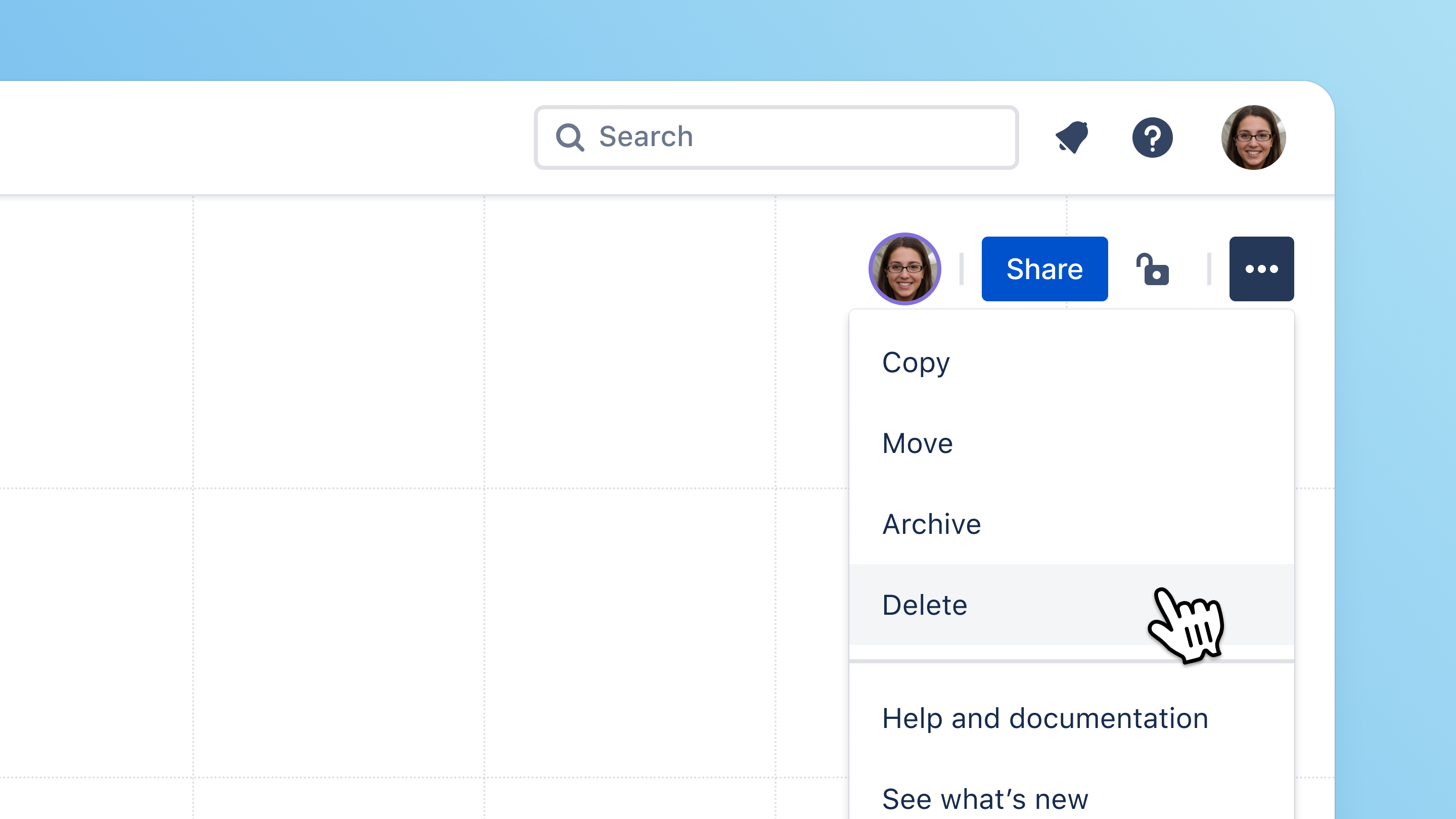
Sharing & restricting a whiteboard
Users will be able to set individual whiteboard permissions.
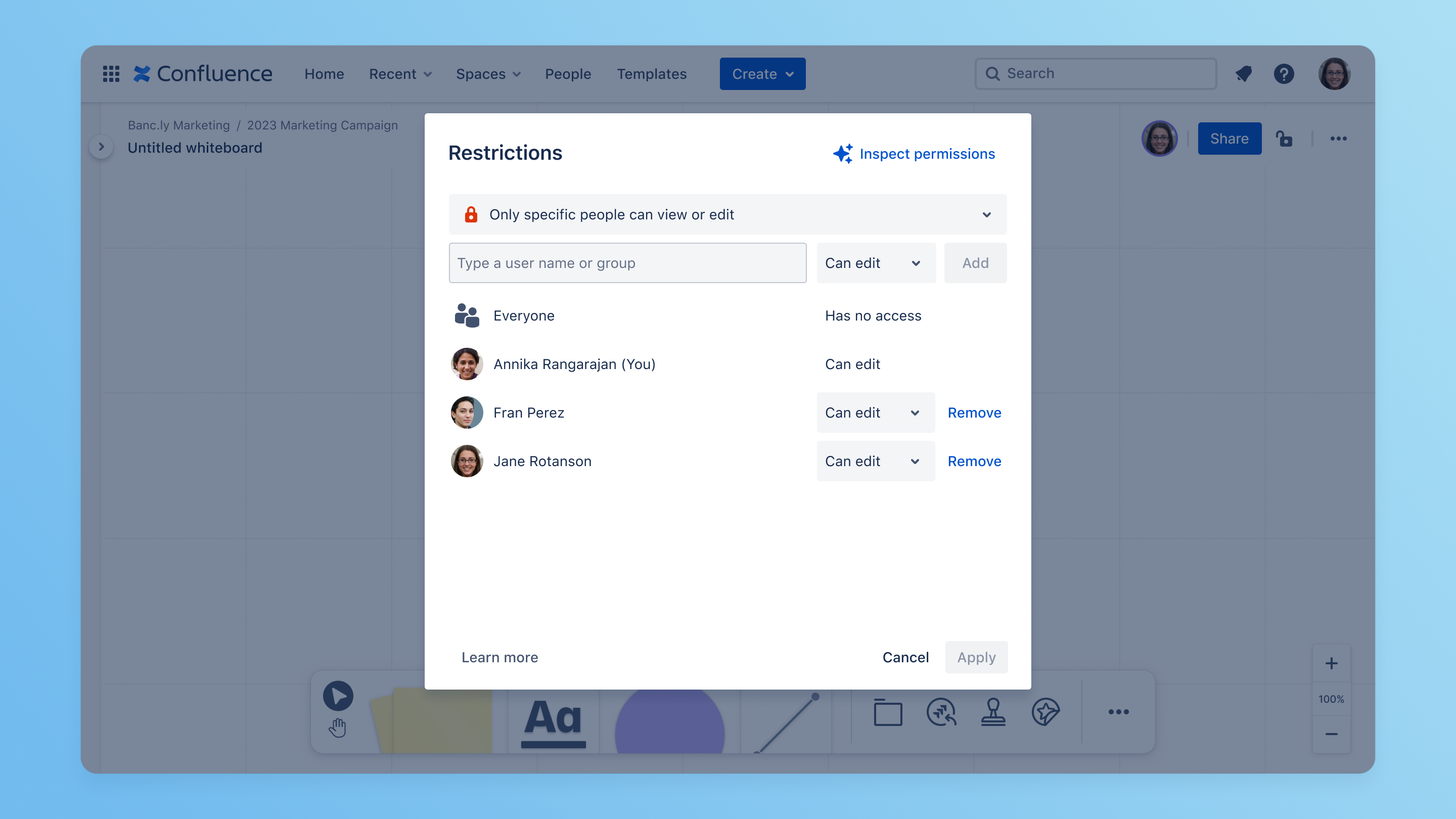
Whiteboard permissions will also be added to space permissions. They will be coupled with pages.

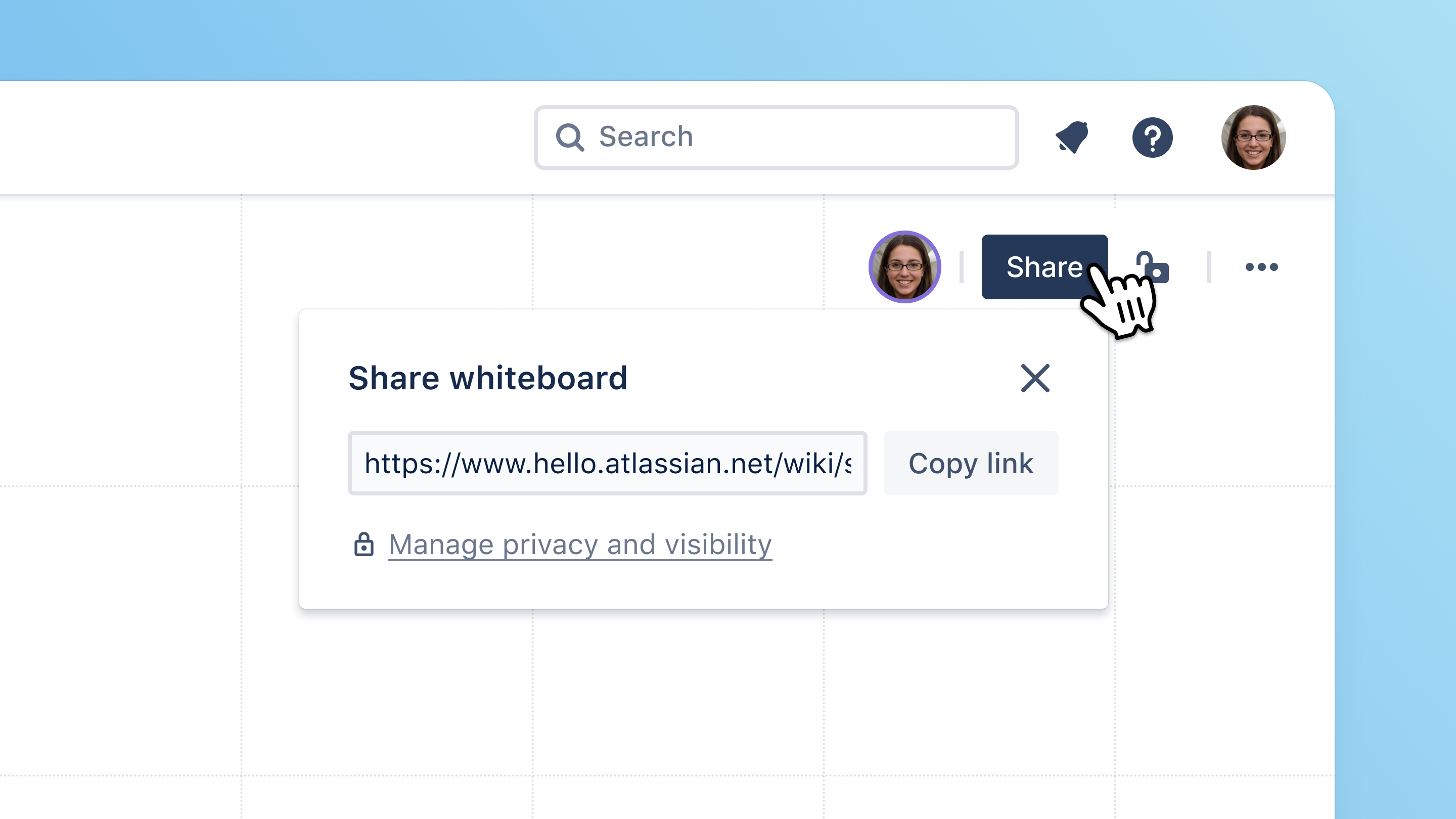
Initially, the share experience will slightly differ to pages. In whiteboards, users will purely be able to share a whiteboard by copying the link to the whiteboard. This is the same experience that exists in whiteboards today. Over time, we’ll add the same share experience that exists for pages - i.e. share a whiteboard via email.
Finding a whiteboard
Users will be able to find whiteboards via the global quick and advanced search. Note, initially, whiteboards will only be searchable by their title and metadata (e.g. whiteboard creator). You will not yet be able to search by content inside a whiteboard (like text on a sticky). This functionality will come later.
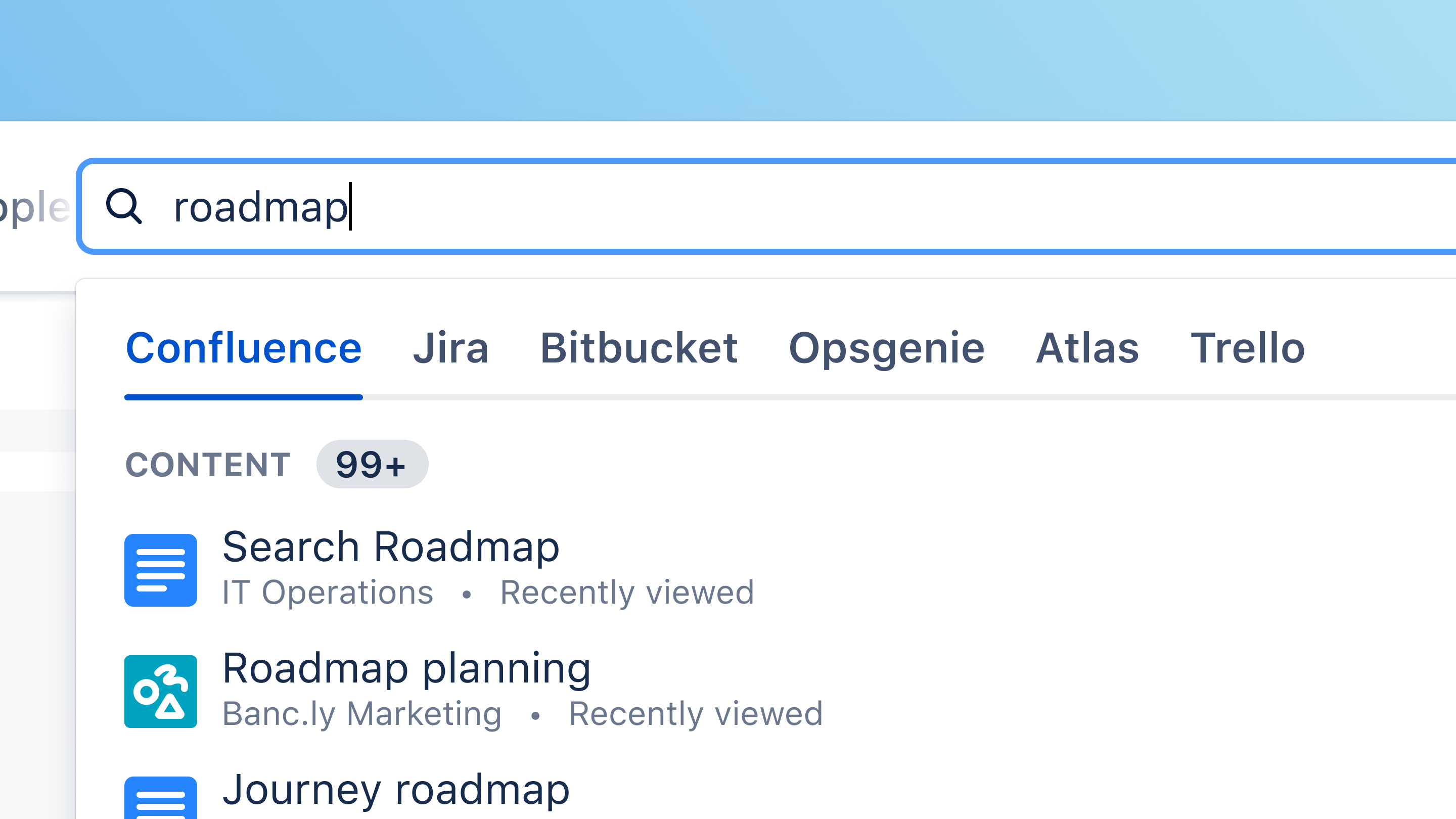
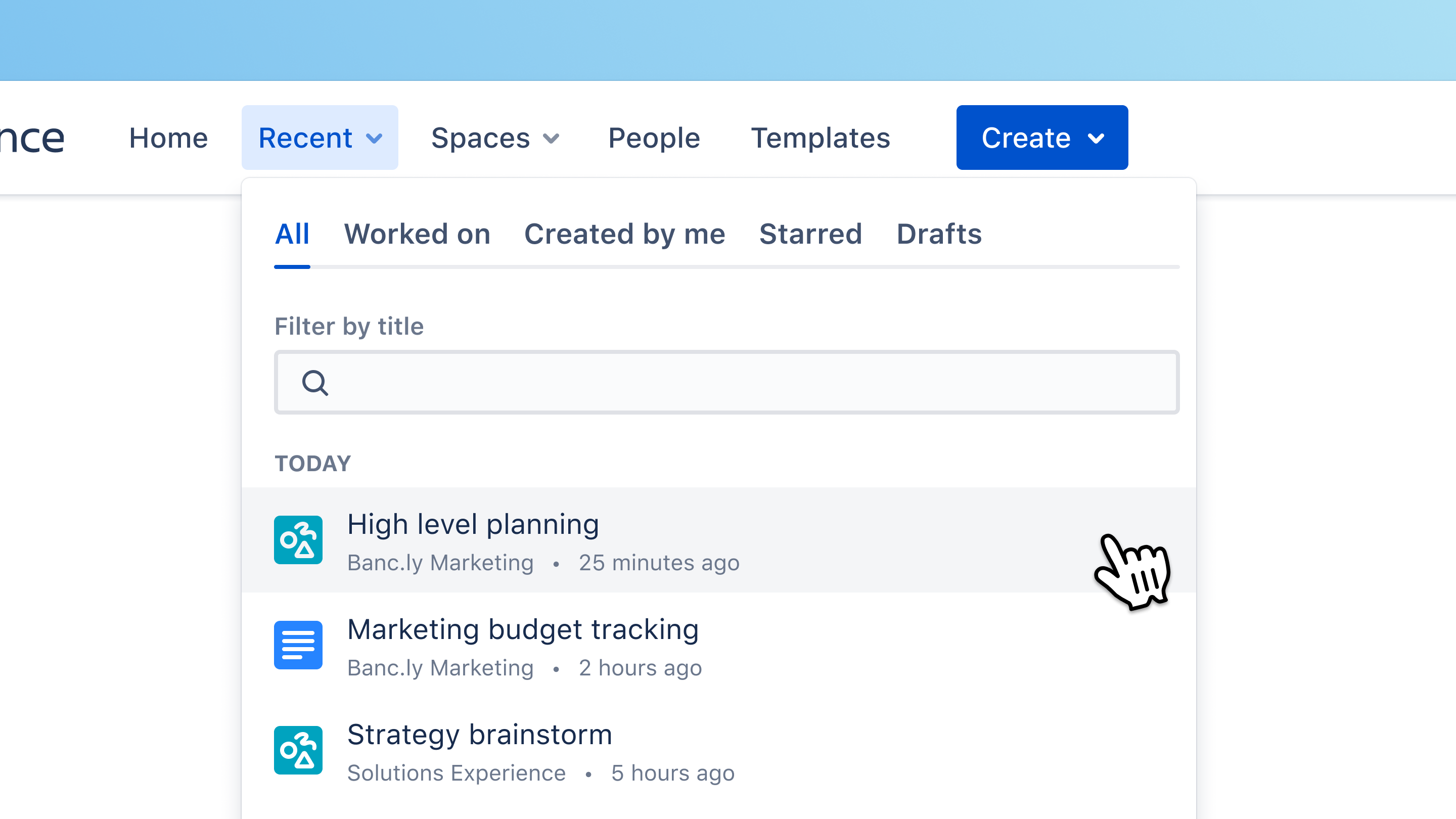
Whiteboards will also show up in all the “Recents” lists. You can determine a whiteboard vs a page by the icon to the left of the title. The whiteboards icon is turquoise with multiple shapes. The pages icon is blue with horizontal lines.
What are some of the things that will NOT be available on day 1 of Beta?
As a reminder, we are announcing Beta at Team '23, but it will not be available until a few months later. Here’s a list of some of the core experiences that will NOT exist when we first launch Beta. They will follow in the near future.
-
Notifications → updates or tags made in whiteboards trigger notifications
-
Content search → content within a whiteboard is included in search results
-
Whiteboards in the
-
Hover previews of Whiteboards in the content tree and when embedded as a Smart Link in pages
-
Star, Follow, and Activity feed
-
View only on mobile → for Beta, we will show a message telling users whiteboards aren’t viewable on mobile
I know that was a lot to take in so will leave it there for now.
Thanks for all the awesome support so far. We’d love to hear any early thoughts about the proposed native experience. Please drop them in the comments below.
Cheers,
Jonno Katahanas | Whiteboards Product Lead


