Scenario Creation Steps
Let’s build the structure discussed in the previous section. (Don’t forget to consider the standards (requirements) labeled A-F.)
Each step shows an image of a hierarchical diagram. The diagram evolves as steps are completed.
Step 1
Standard: A (See the key in the previous section.)
Instructions: Create a global space for the HR department. This first step is represented in the image below.
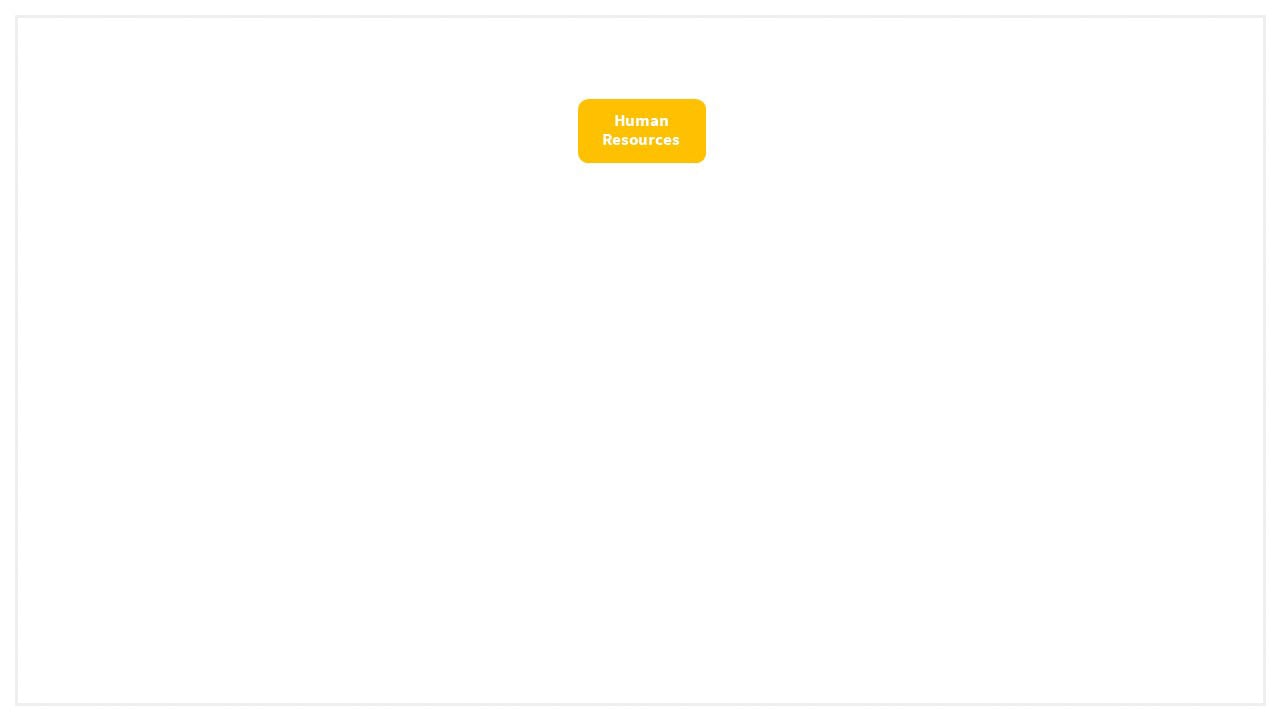
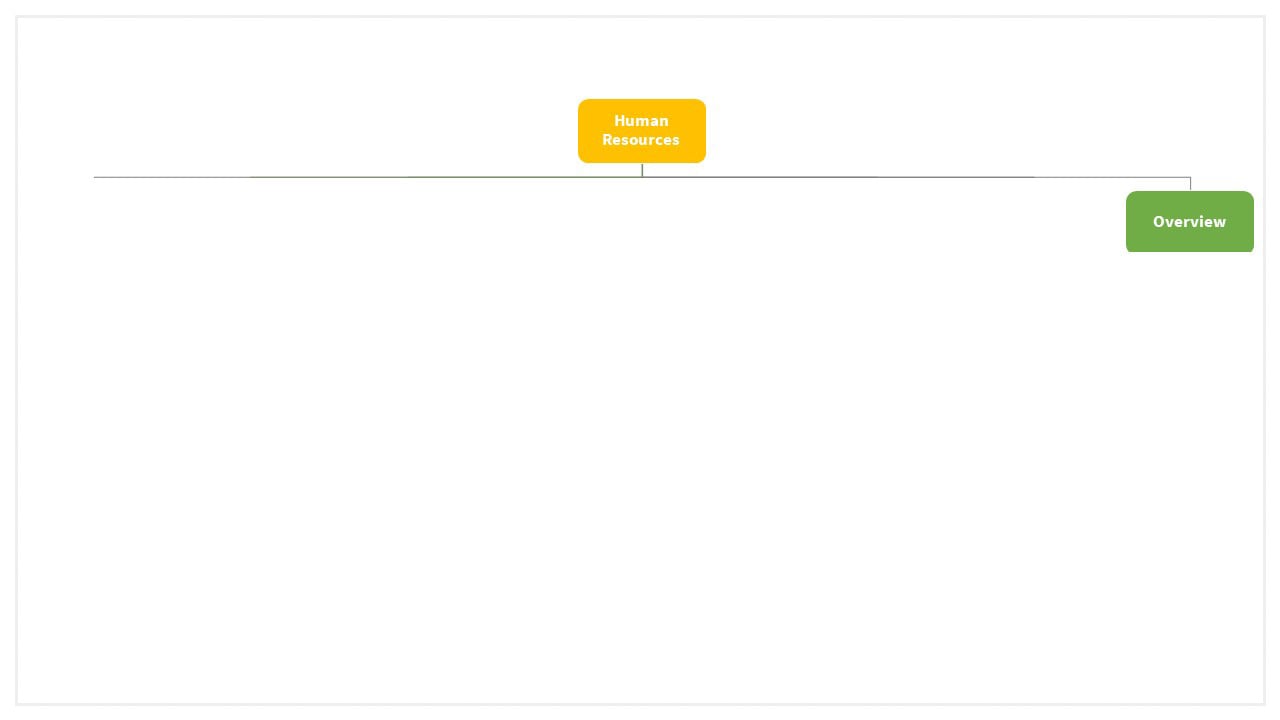
Confluence automatically creates an overview page or “home page” at the same time.
Step 2
Standard: B
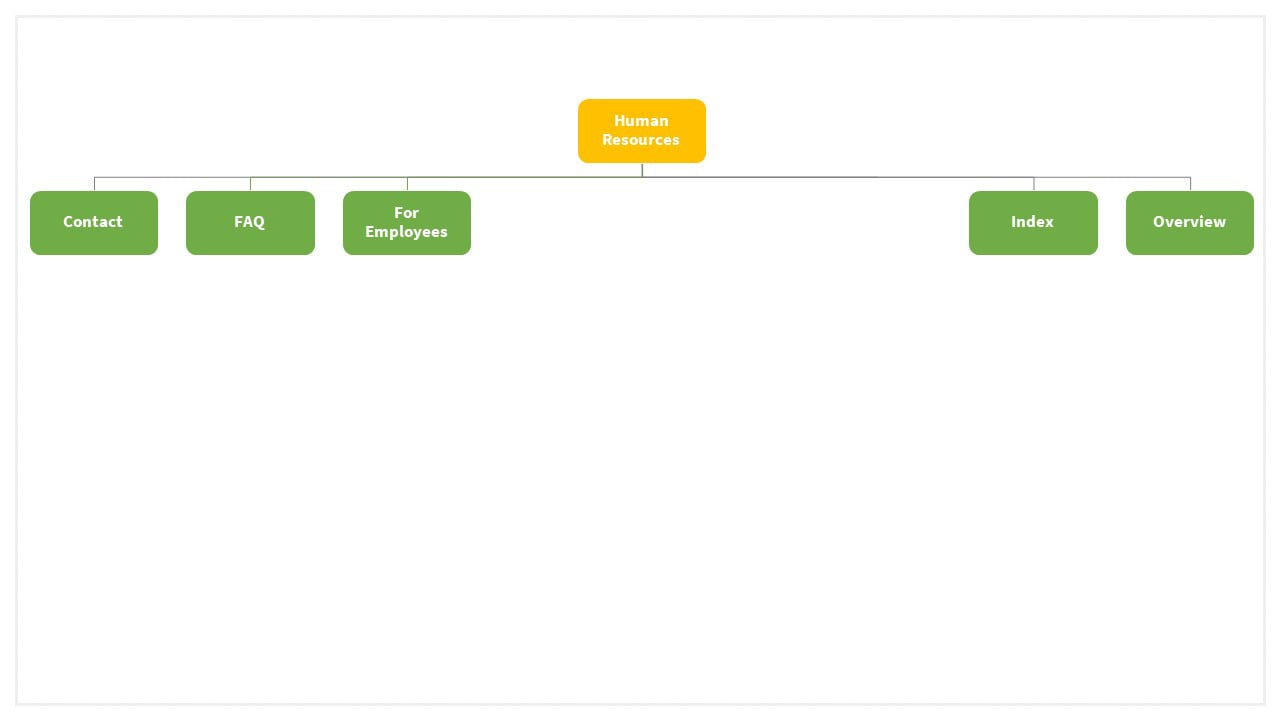
Instructions: Create three Confluence pages
Based on the requirements each global space needs:
-
a page to display leader contact details,
-
an FAQ page so common questions are documented,
-
and an index page to help users navigate the space.
Think of the green level as the “grandparent” level.
Step 3
Standard: E
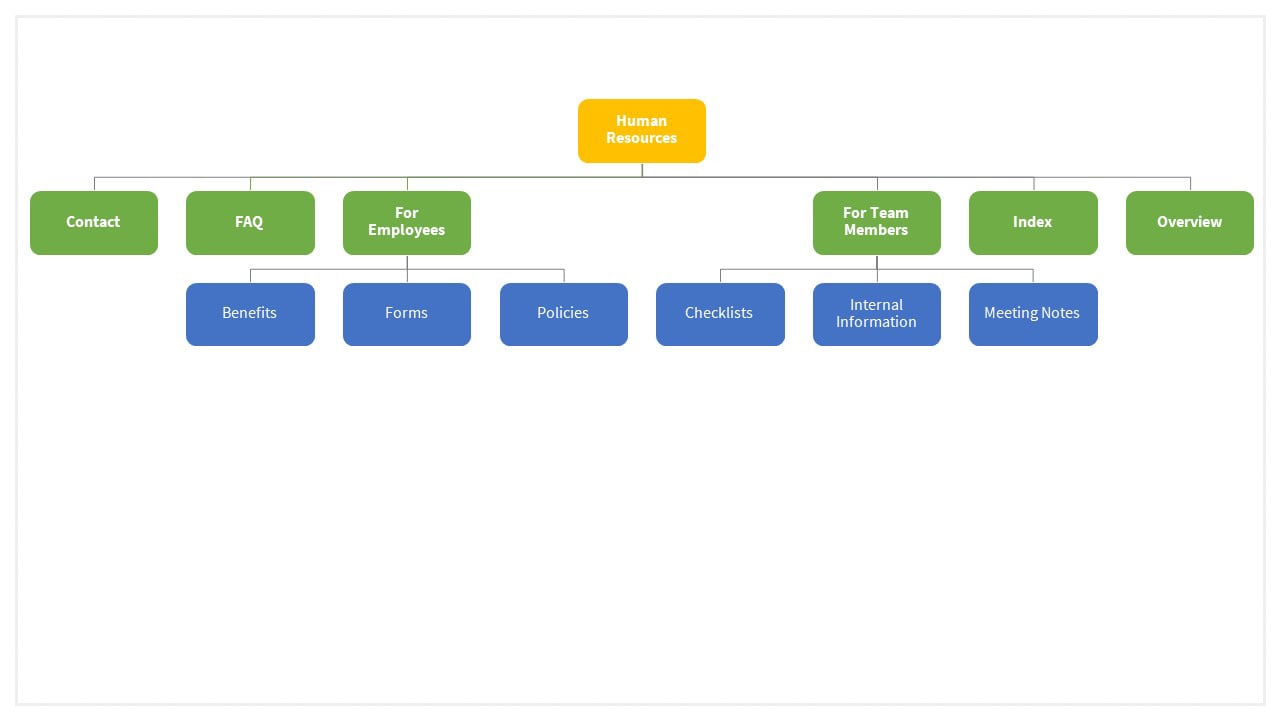
Instructions: The HR team has multiple audiences, so let’s categorize pages by who they’re intended for. The diagram shows a section for employees and another section for team members.
Please continue to the next section for additional creation steps.
Part 6: Scenario Creation Steps (Continued)
