G’day! We have some exciting changes coming to Fabric. This post highlights everything you need to know.
In short, we’ve made the exciting decision to make Fabric a native feature in Confluence Cloud called “whiteboards”. Moving forward, Fabric will no longer be a standalone app. We believe customers will derive more value from it as a part of your knowledge and collaboration hub, Confluence.
We would love you to join our Early Access Program (EAP) to continue playing with and providing feedback on Atlassian’s newest whiteboarding experience. This will start on January 17, 2023. You will still have access to an exclusive, invite-only feature prior to general availability. If you choose not to join the EAP, we will sunset the app on June 30, 2023.
Read on to learn more (plus see some cool new features we’ve recently shipped)!
The next couple of milestones for Confluence whiteboards
The next two milestones you’ll see are:
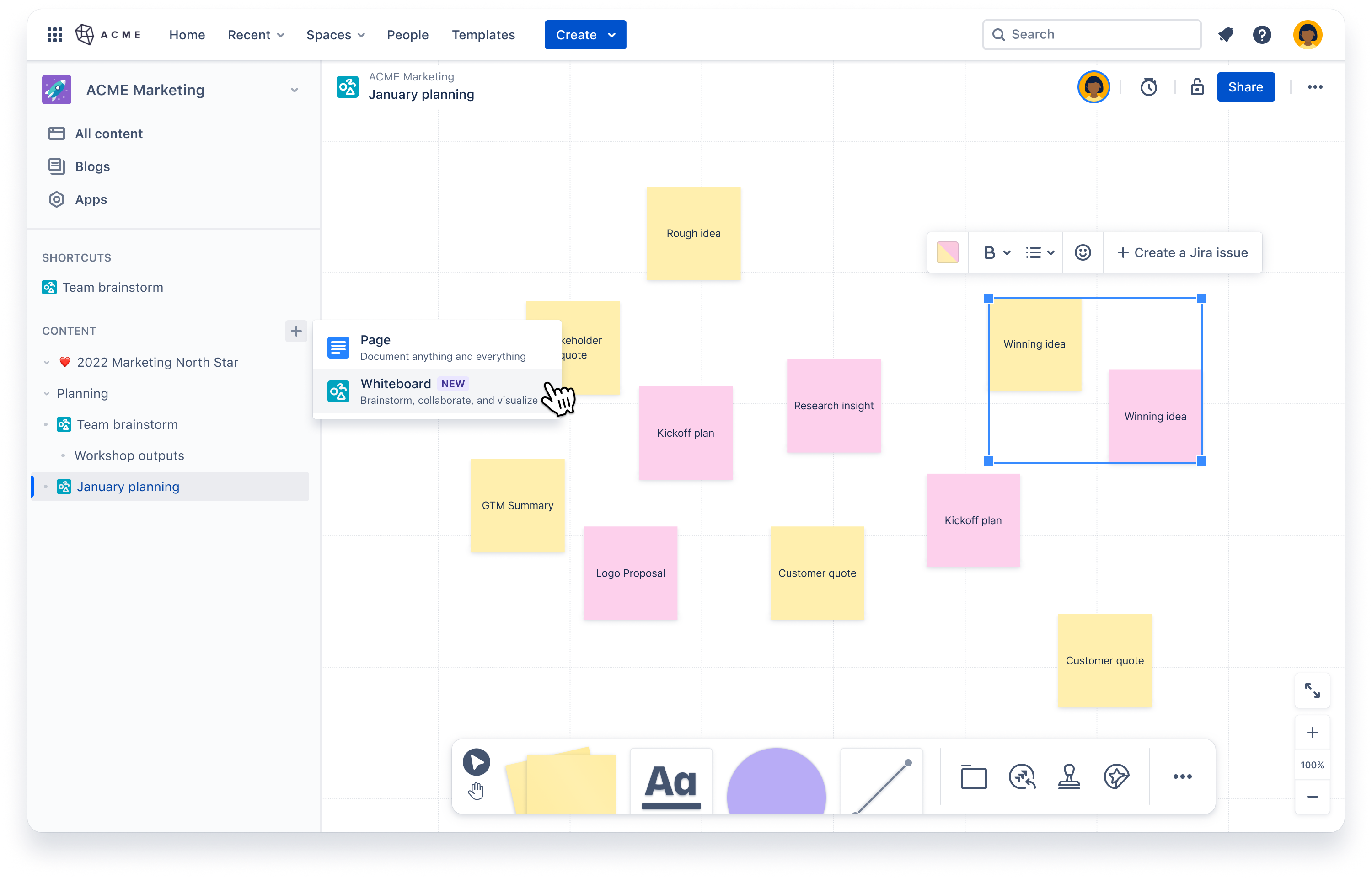
Milestone 1: Early Access Program (EAP) starting January 17, 2023. For existing Fabric Alpha customers who opt into the EAP for Confluence whiteboards, there is a v1 native experience in Confluence where you will have whiteboards created and accessed within a space.
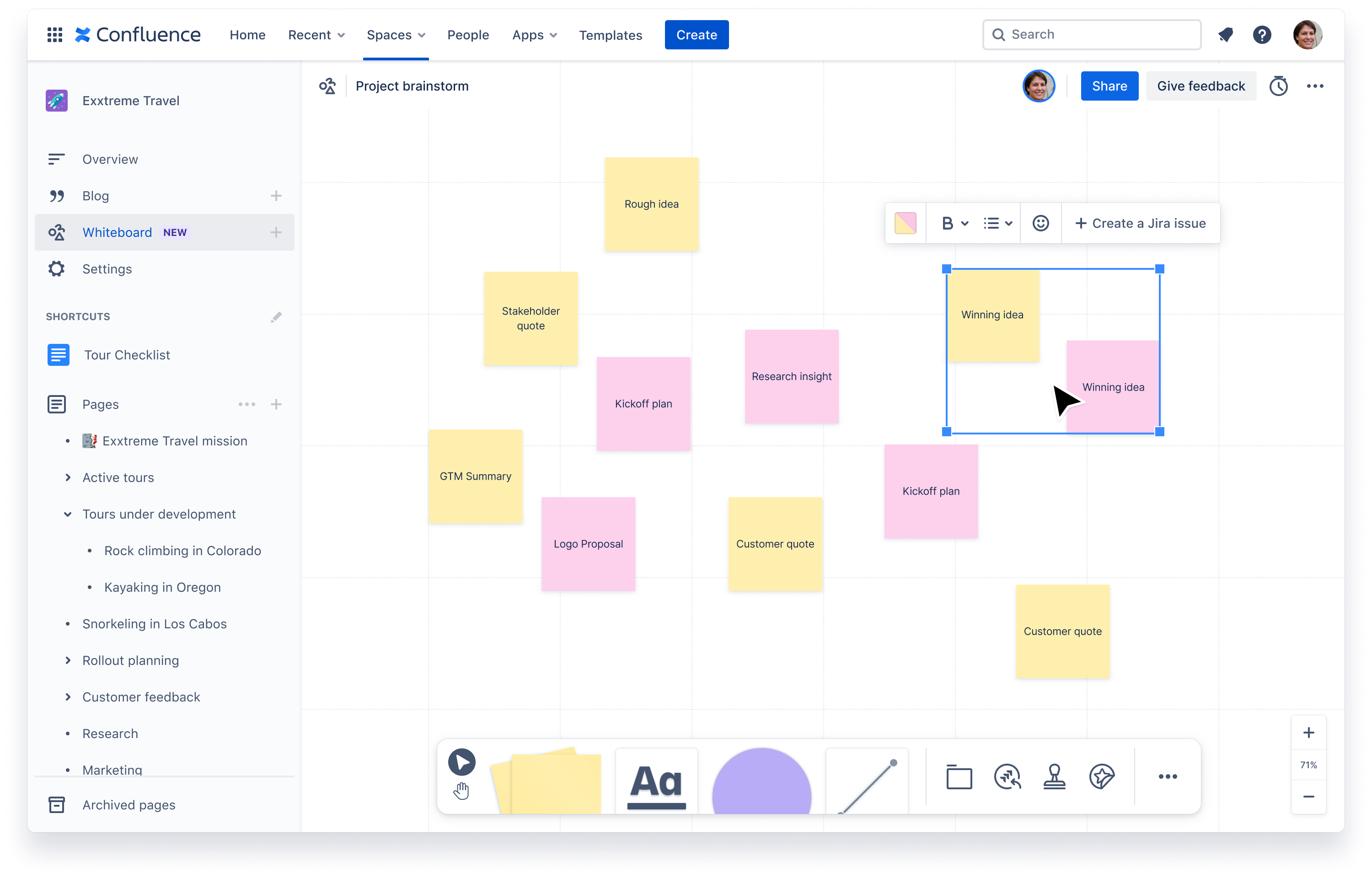
Milestone 2: Public Beta in mid 2023. At this we will focus on having whiteboards be a native part of the Confluence “page tree”. Beta will be announced at TEAM ‘23 in Las Vegas 🍾. It’s not public knowledge until that announcement so please keep it quiet. 🤫 You are in an exclusive, secret trial period.
Opting in or out of the EAP, and what this means for you
Our admin contact at each of your organizations will shortly receive an email asking whether they want to opt in or out of the Confluence whiteboards EAP.
For those that wish to join the EAP starting January 17, 2023
-
We will turn on the native experience in your Confluence instance on your same site the Fabric Alpha exists on.
-
Users will no longer be able to create new whiteboards in the standalone app in this instance.
-
Users will be able to continue to view, edit and delete existing whiteboards in the standalone app
-
Any new whiteboards will now need to be created in the Whiteboard section of Confluence spaces. You can find this towards the top of a space’s left navigation.
-
To move any existing boards from the standalone app to Confluence, you’ll need to create a new whiteboard in Confluence, then copy/paste the content across.
-
Fabric will no longer appear in the Switcher or Start. To go to the standalone app, you’ll need to physically type in the URL to your browser - e.g. “jonno.atlassian.net/canvas”
-
The standalone app and its data will be discontinued on 30 June, 2023
Key callouts for day 1 of EAP:
-
Whiteboard permissions will map to the space permissions. If a user has access to a space, they will be able to create, edit, view, and delete any whiteboards in that space. We will add more granular permissions soon.
-
Whiteboard access will be tied to Confluence access. If a user has access to Confluence, they will have access to whiteboards. There won’t be a way to restrict access to a subset of users within a Confluence site. If you currently limit who has access to the Fabric app on your main company instance, this won’t be possible once you move to the EAP.
What doesn’t exist yet but will be coming in the following months:
-
Whiteboard permissions to lock down an individual whiteboard
-
Whiteboards in Confluence search, notifications, home, and recents
-
Ability to create a whiteboard using the global create button (i.e. the big “Create” button in the top navigation of Confluence
-
Ability to move a whiteboard
For those that do not wish to join the EAP starting January 17, 2023
-
You will continue to be able to access the standalone app via the Switcher and Start
-
You will continue to be able to create new whiteboards in the standalone app
-
Starting sometime in March (exact dates TBD), your standalone app will move to view, edit, and delete-only mode. No new whiteboards will be able to be created.
-
The standalone app and its data will be discontinued on 30 Jun, 2023
-
You will get the try the beta whiteboard feature later in the calendar year 2023 when it goes to general availability
What you need to do
Our team will send an email to the point of contact admin for each of the Alpha customers. You will need to respond in writing letting us know if you either wish to join EAP or not. If you don’t respond, we will assume you don’t want to join EAP and will keep your standalone app active as mentioned above.
Some other fun things we’ve shipped or are coming soon!
As we make the move to Confluence, we’re continuing to ship improvements to make the thousands of whiteboards created every month even better!
Recently shipped
Map out how you’re going to get work done with Smart Connectors
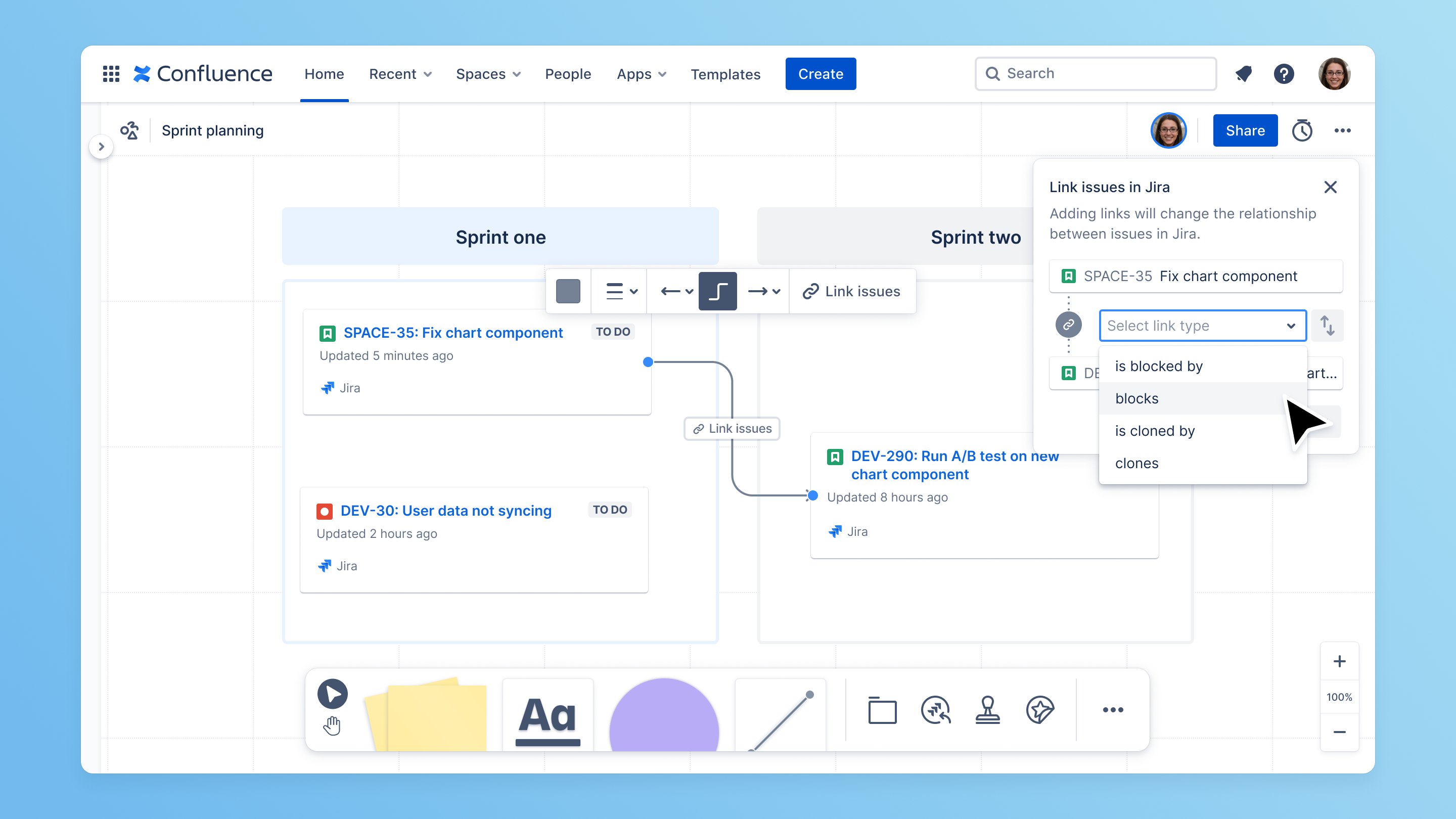
Before work is moved into Jira, we know people want a quick way to roughly map out how work is done. What blocks what? What is related to what? With Smart Connectors, users can select a connector line between two Jira tickets and create a link between the two. This is based off the link field in Jira, and syncs back to that in real-time 💥
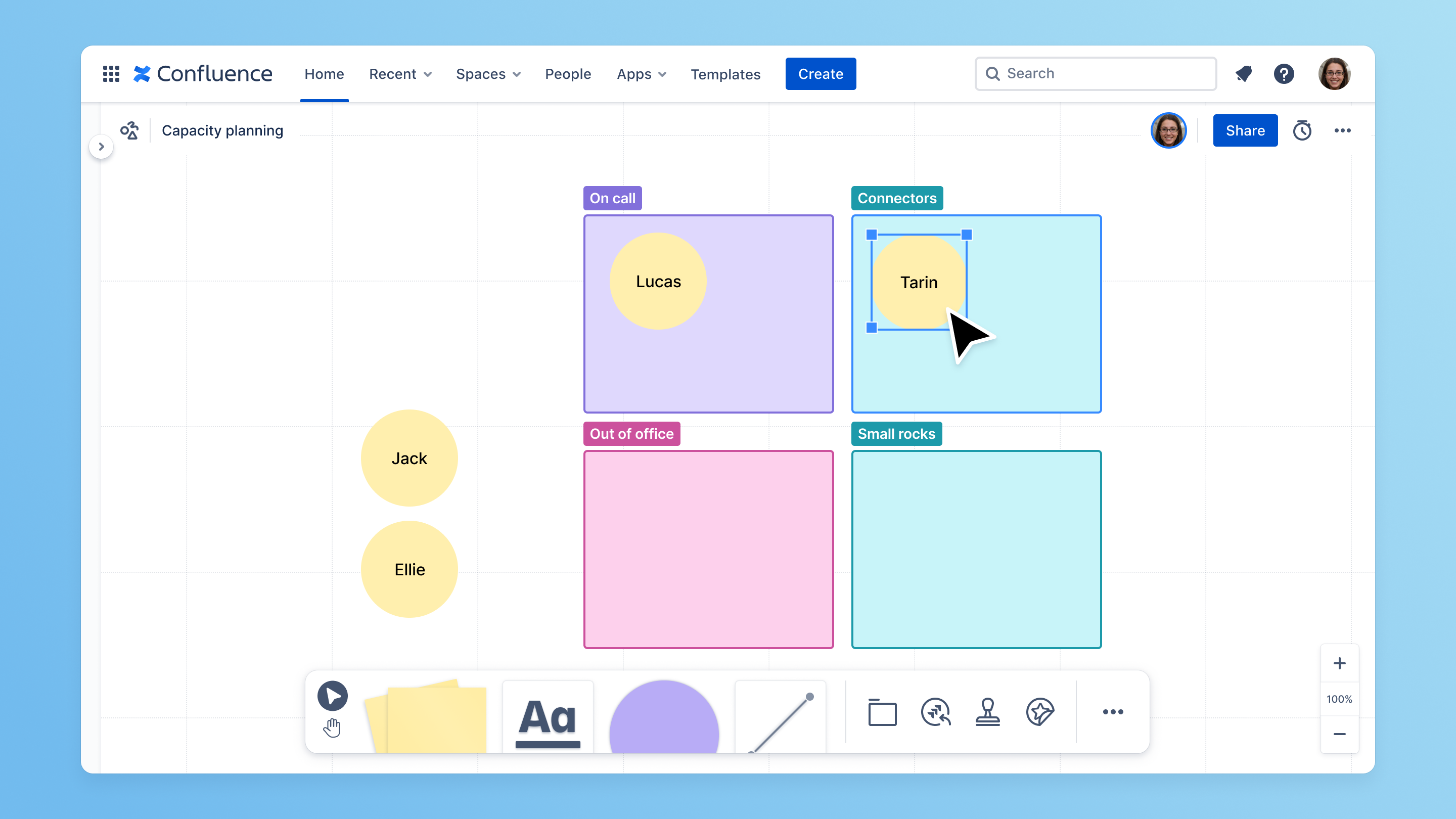
Use sections to organize your work
With sections, you can group and move related ideas, or guide people through workshops with multiple activities.
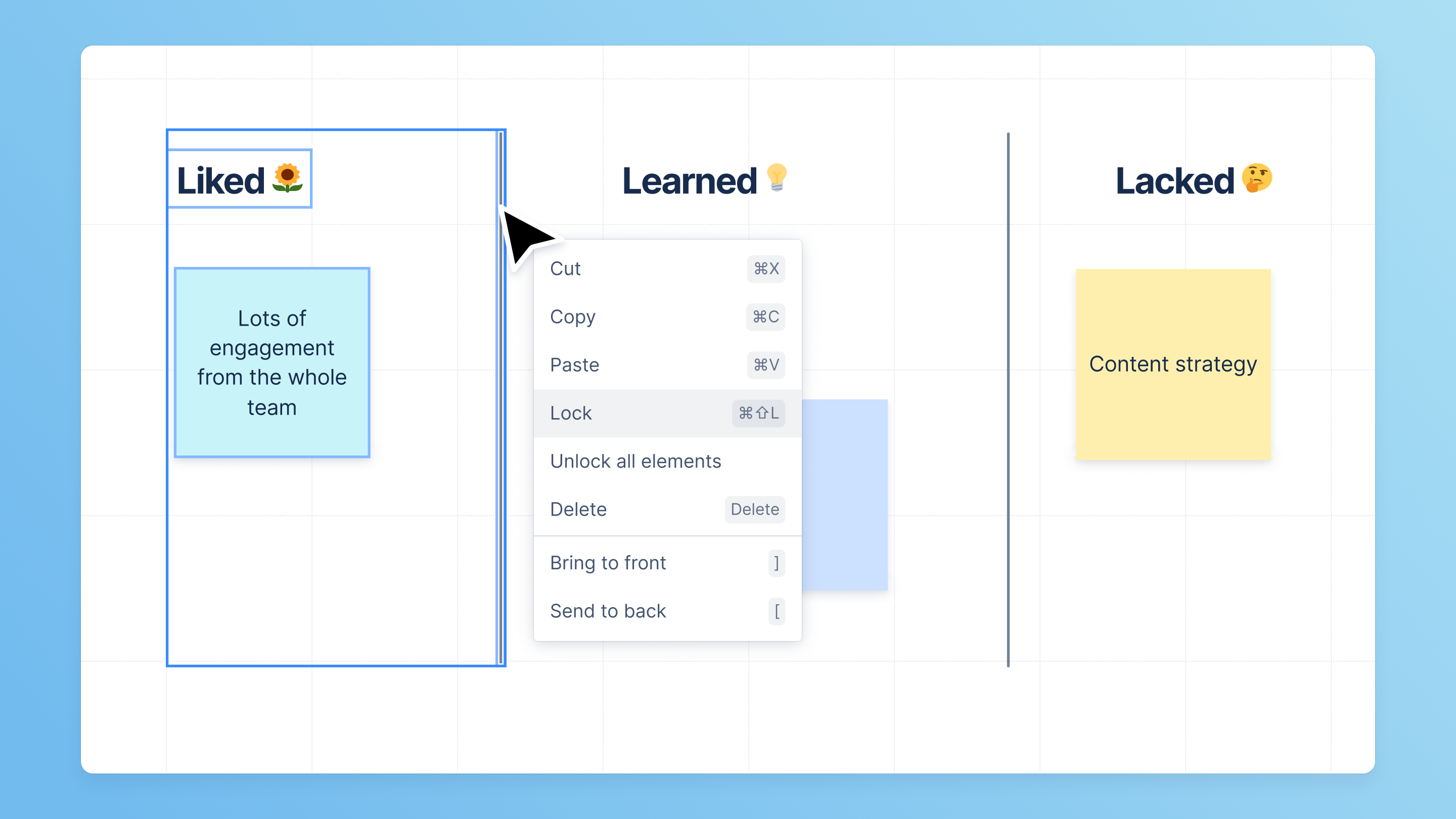
Lock any elements on your whiteboard
With lock, any element on your whiteboard can be locked down. This prevents collaborators from moving or editing them.
For example, you have a background image you want collaborators to add and move sticky notes on top of. Locking the background image would prevent someone from accidentally moving the image instead of a sticky note.
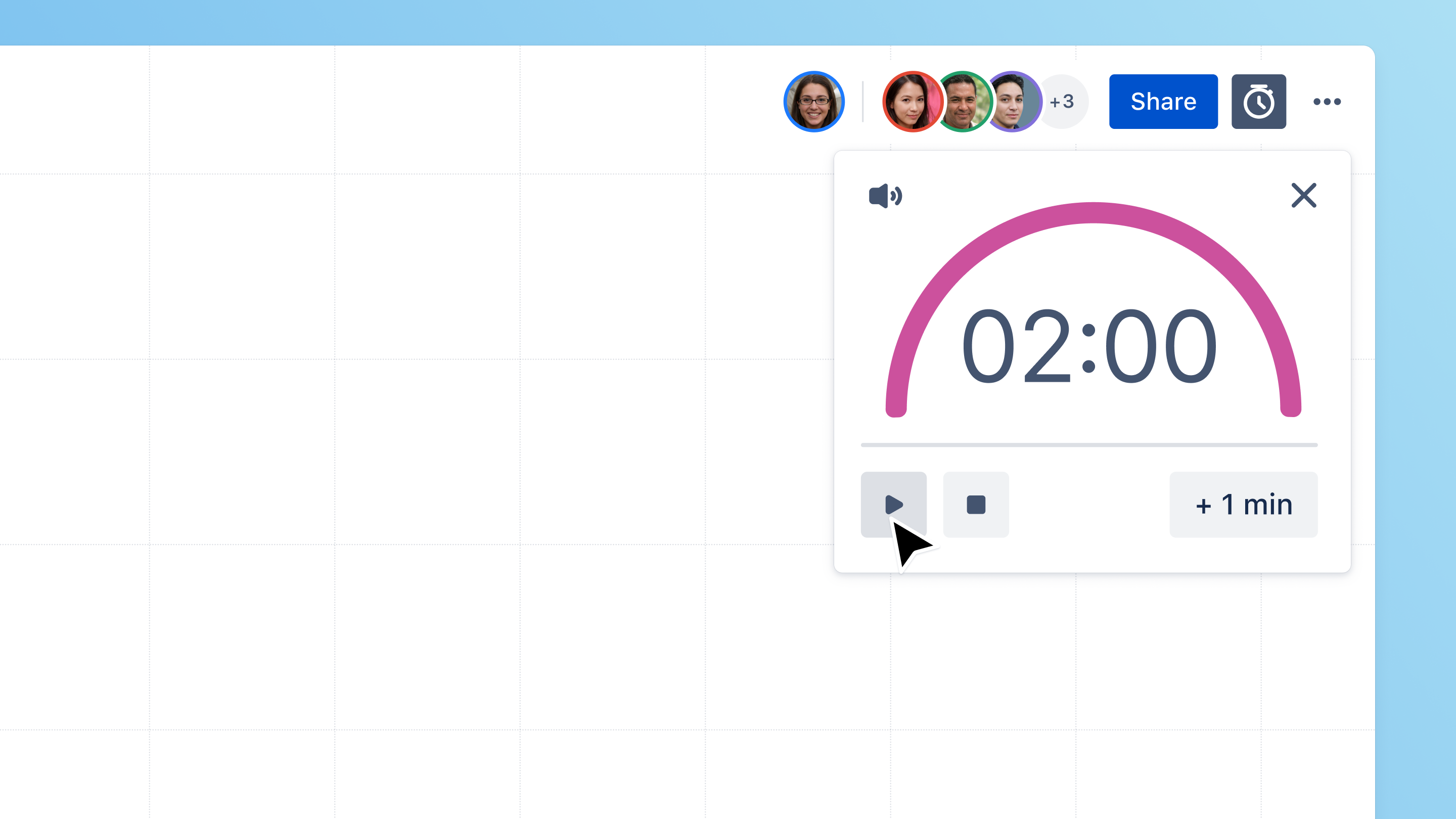
Coming soon
Keep your sessions on track with timer
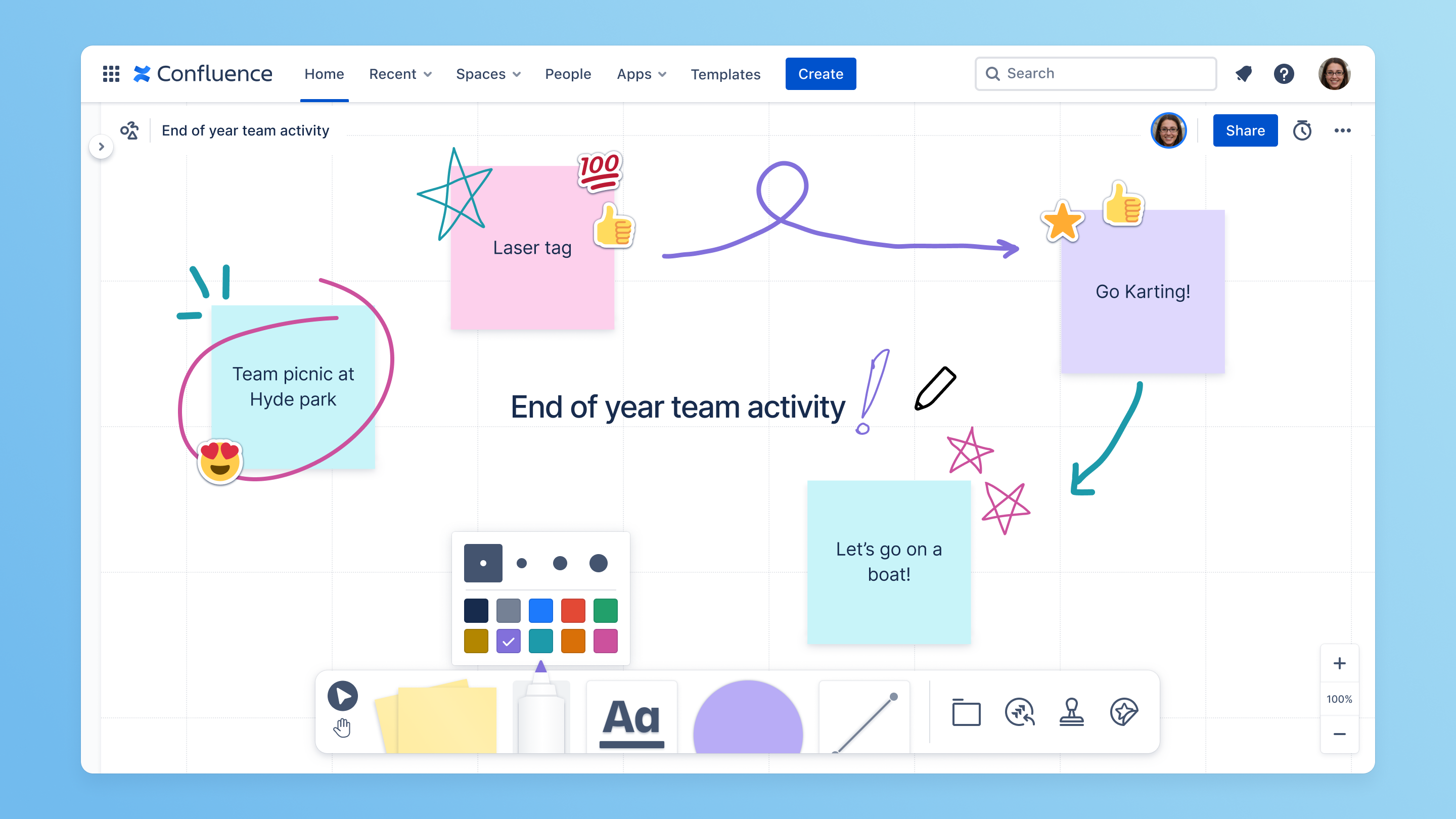
Freehand pen tool
Alignment guides
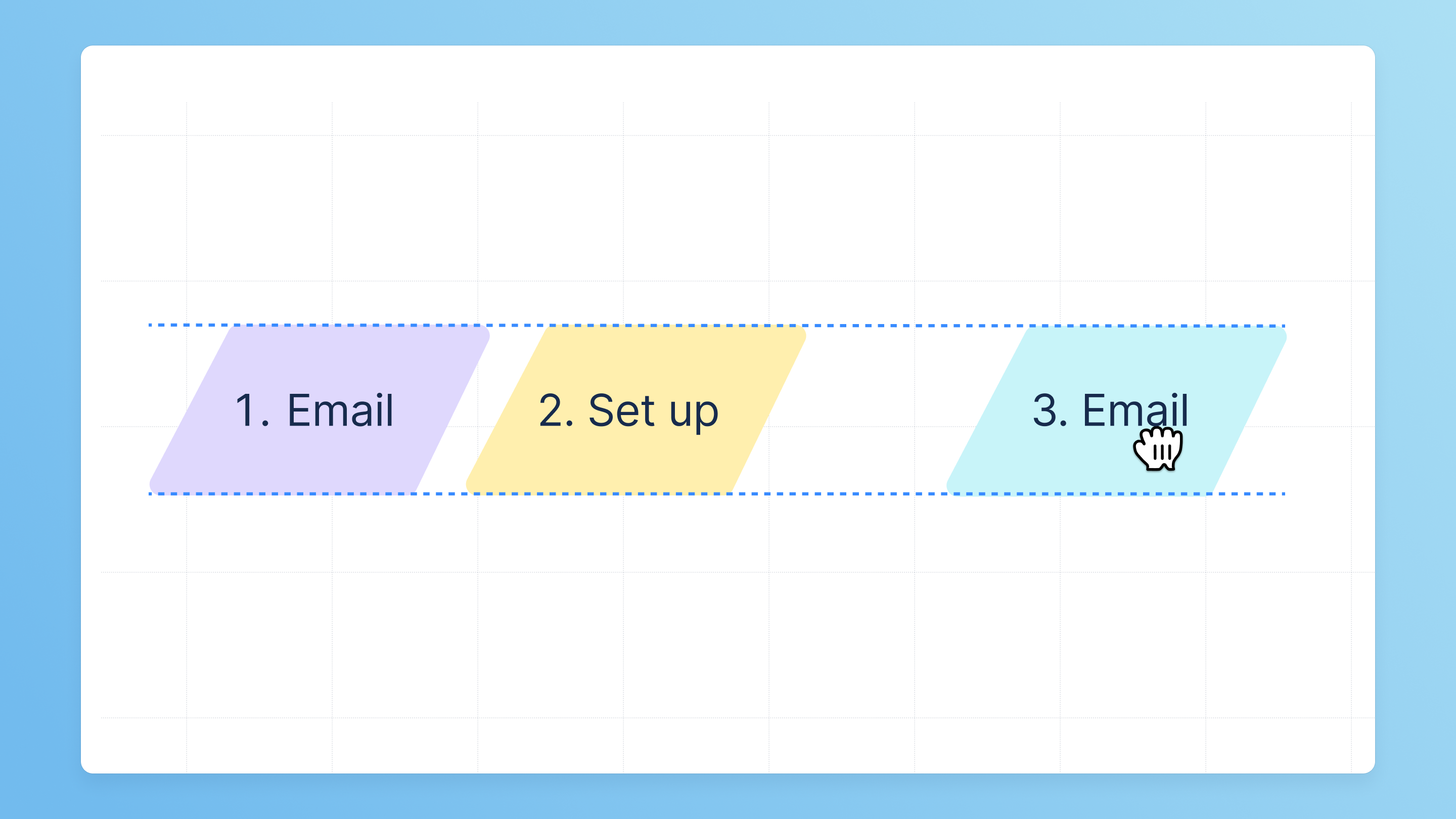
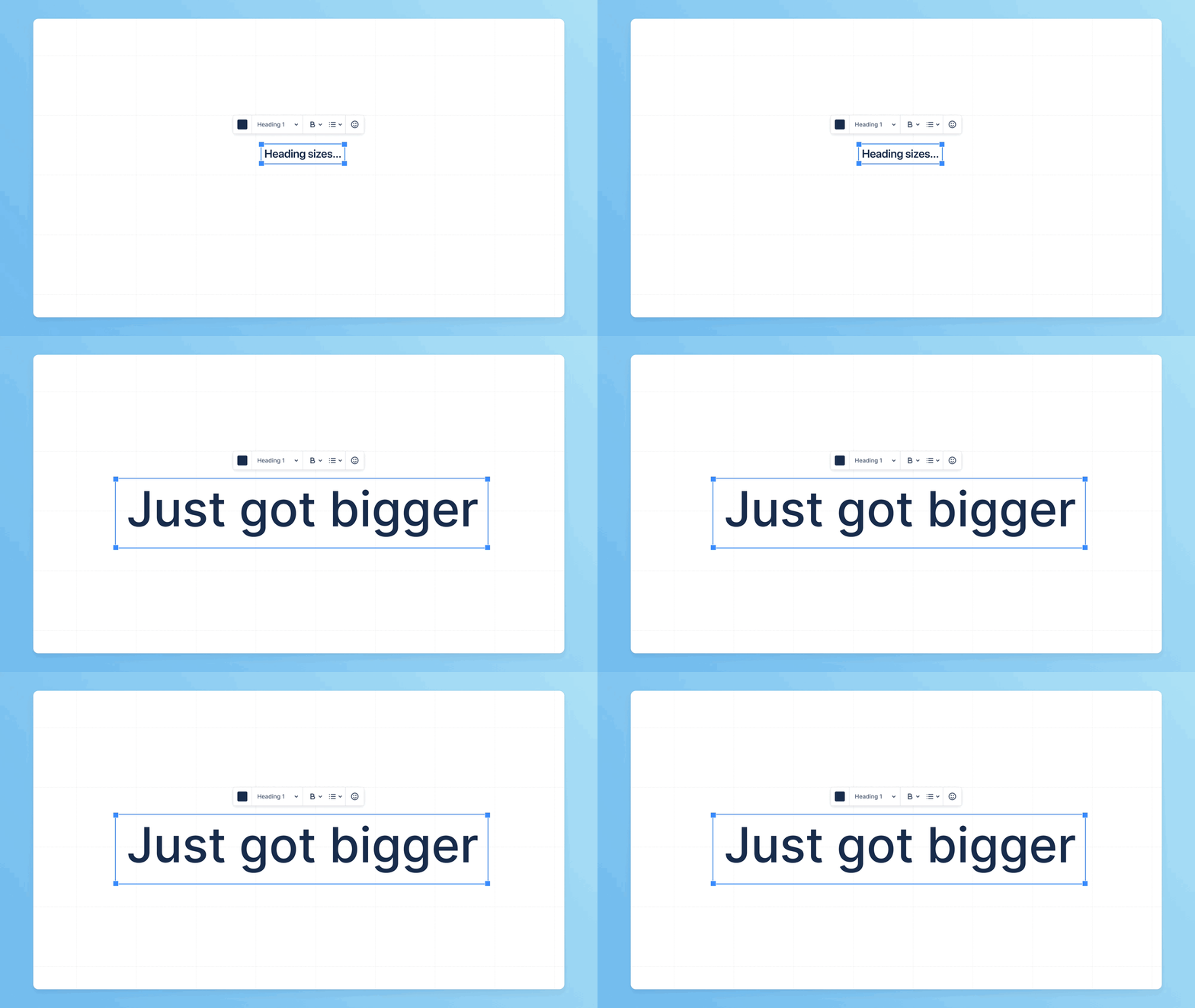
Larger default heading sizes
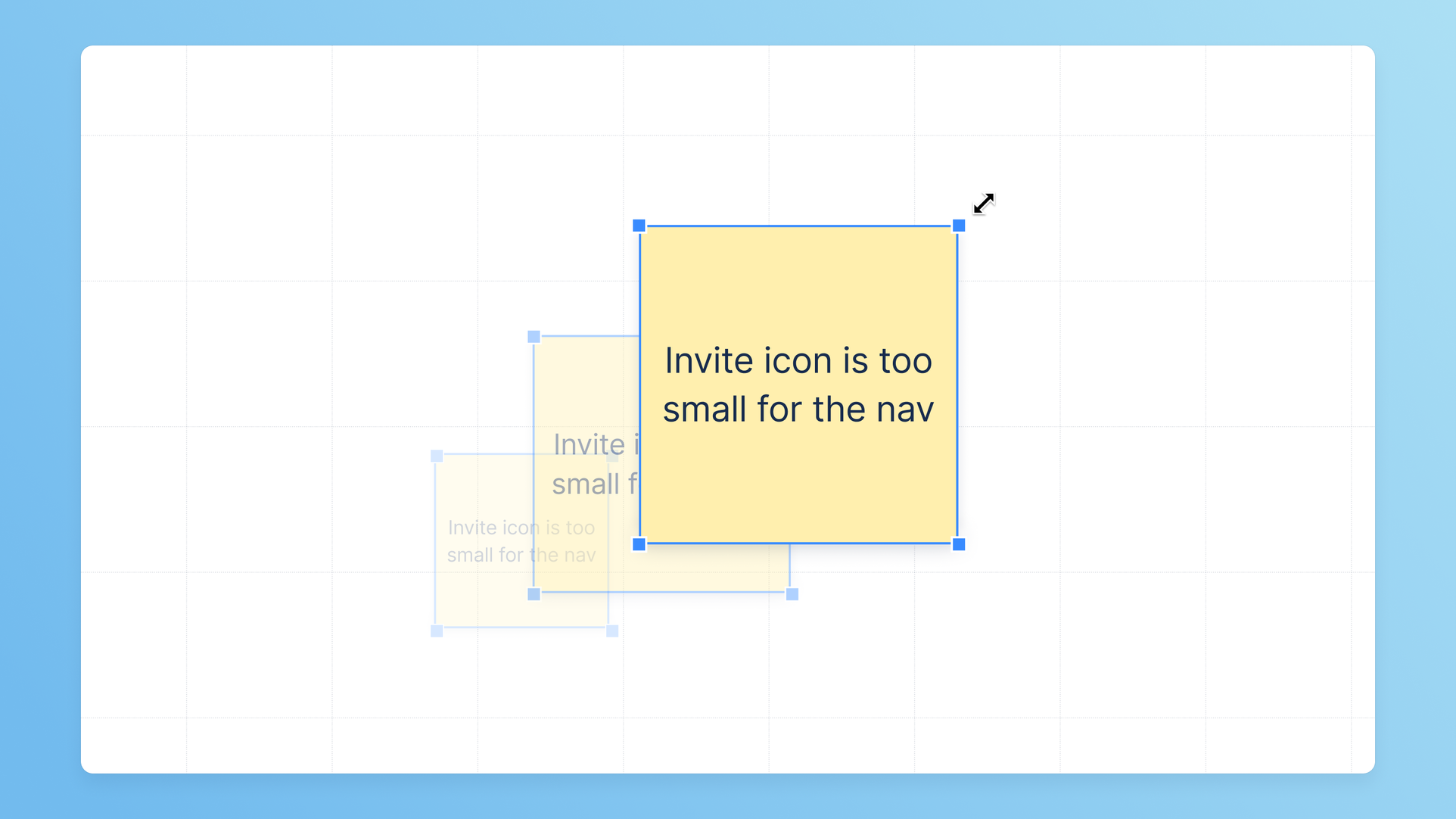
Infinite resize of text and stickies
If you have any questions, please drop them in the comments below or reach out to me at jkatahanas@atlassian.com.
Cheers,
Jonno Katahanas | Product Manager, Confluence whiteboards