But video tutorials can be very helpful, too. Look at the one we added below – it’s short and allows users to track, pause, and repeat steps as required. But some users (still the majority) just feel better when accessing written instructional content telling them rather than showing what to do.
The future is going to be much more video- and animation-based. Screencasts, podcasts, and more e-learning solutions like webinars are going to take over the scene. But note that this type of content also requires a better toolset and skills to be created. It’s also much harder to edit and correct once it’s out there. Here the process is rather based on enabling users to create new content to replace the old one than to constantly edit the same content. So, the richer the media content, the more costly it becomes. This is also a solid reason why textual content is still the most widespread approach.
What about the tone of voice?
Regardless of the language you choose, you can use a tone of voice and style that can be more or less formal, technical, based on common terms, informative, procedural, and so on.
And there is no one universal pattern here to rely on. Make sure to match your Knowledge Base language to be the most natural form used by your audience. If your target users prefer informal, informative, and common-terms-based language, don’t expect them to respond well to more formal and procedural information. And vice versa.
What if you find out that you have more than one audience, and while some adopt the Knowledge Base easily, others don’t? This is the time to analyze and recycle your content if required. You can either multiply your content or create a new one that will be adopted by the majority of the audience (this is covered in point 3 below).
And since we’re talking about language…
You’re probably used to laughing at Google autocomplete results. But consider that this is what people look for. It’s a treasure vault for anyone looking to create content. By researching topics on Google, you can see how users phrase their questions naturally when searching for answers to their questions. You can then implement your findings in the design of your Knowledge Base.
Creating top-notch content for your Knowledge Base is a critical step you just can’t omit. But how to formulate it so that it serves its purpose and is easy to find? This is where patterns come to the rescue.
Identifying patterns and anti-patterns
In the first point, we covered the 90-9-1 rule, and there we touched upon the problem of patterns and anti-patterns. Several dozen patterns apply to both users of Knowledge Bases and – most importantly – to adoption (or lack thereof) within an organization.
Take a look at this list of patterns. Let’s take a closer look at one of the adoption patterns called e-mail to Wiki. It assumes emailing content to the wiki rather than authoring it in the wiki itself. This helps to get users with Wikiphobia (an anti-pattern) to start contributing and easily move content received by email to the Knowledge Base.
Some of these patterns are pretty generic – like the FAQ pattern that talks about the advantages of using the FAQ as a connector between informal, conversational language with the formal, documentation-based system. Or the Lunch Menu pattern that covers rules for time-sensitive content to be managed under KB/Wiki rather than Newsletters/Distribution Lists. But then you get some nice and use-case-specific patterns or anti-patterns that can be really helpful in the process of building your comprehensive Knowledge Base.
Here are a few tips for dealing with patterns:
- Of course, you don’t have to observe all the patterns and anti-patterns. But keeping them in mind is smart because they might occur anytime.
- Match your contributors and/or users with patterns and anti-patterns to understand their actions better, encourage positive ones and mitigate negative ones.
- Establish your goal and stick to it. For example, the Champion pattern is quite close in meaning to the Bully anti-pattern. While the Champion encourages and promotes the use of Knowledge Base, the Bully tries to enforce its use and oblige people to do so at any cost. Consider the goal you want to achieve – use patterns wisely and avoid anti-patterns.
Proper control of patterns and anti-patterns will help to keep the Knowledge Base maintainable and manageable.
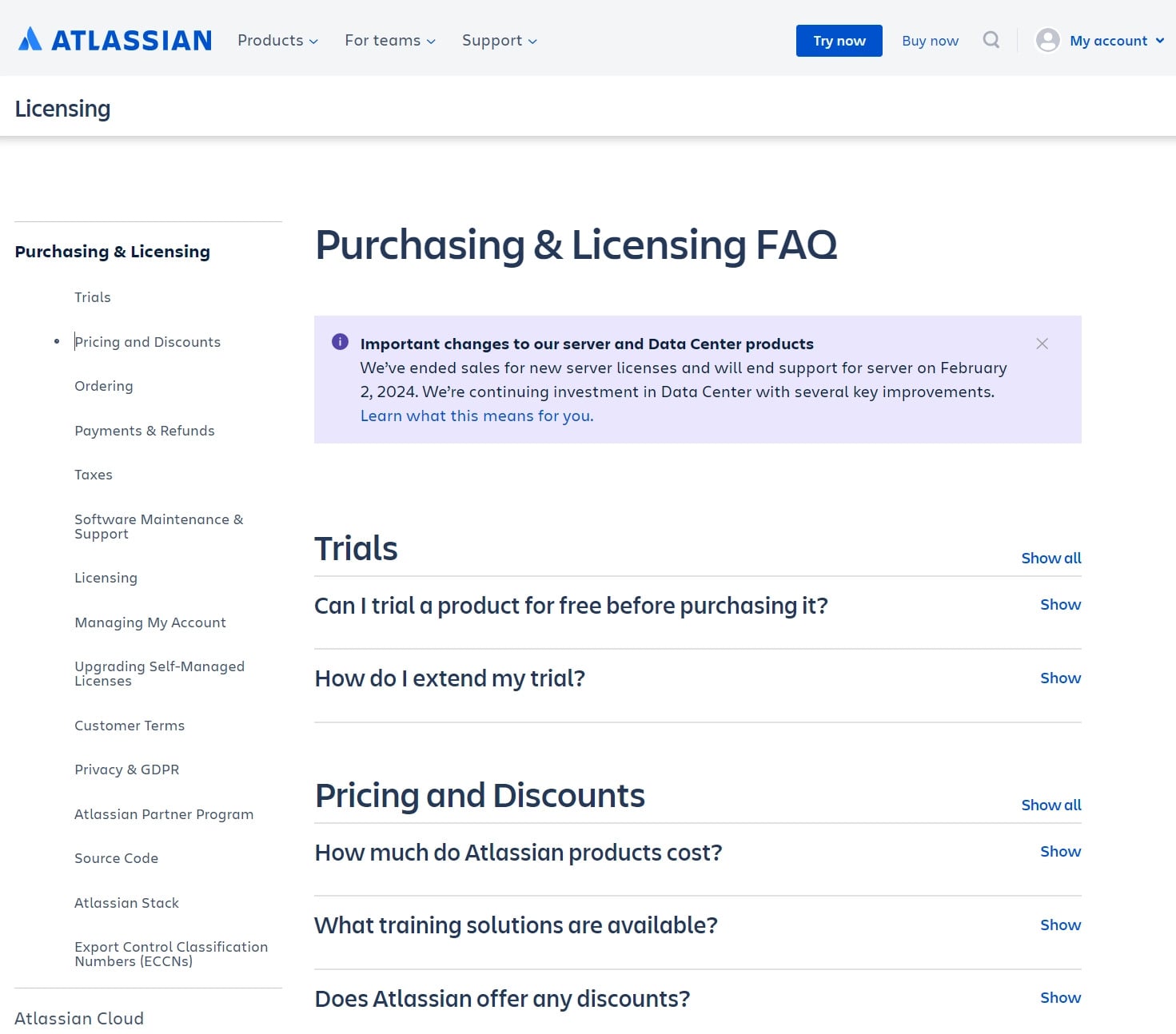
AQ pattern says FAQ use in KB helps due to its steps from an informal, conversational language to a formal, documentation-based system. Image source: atlassian.com
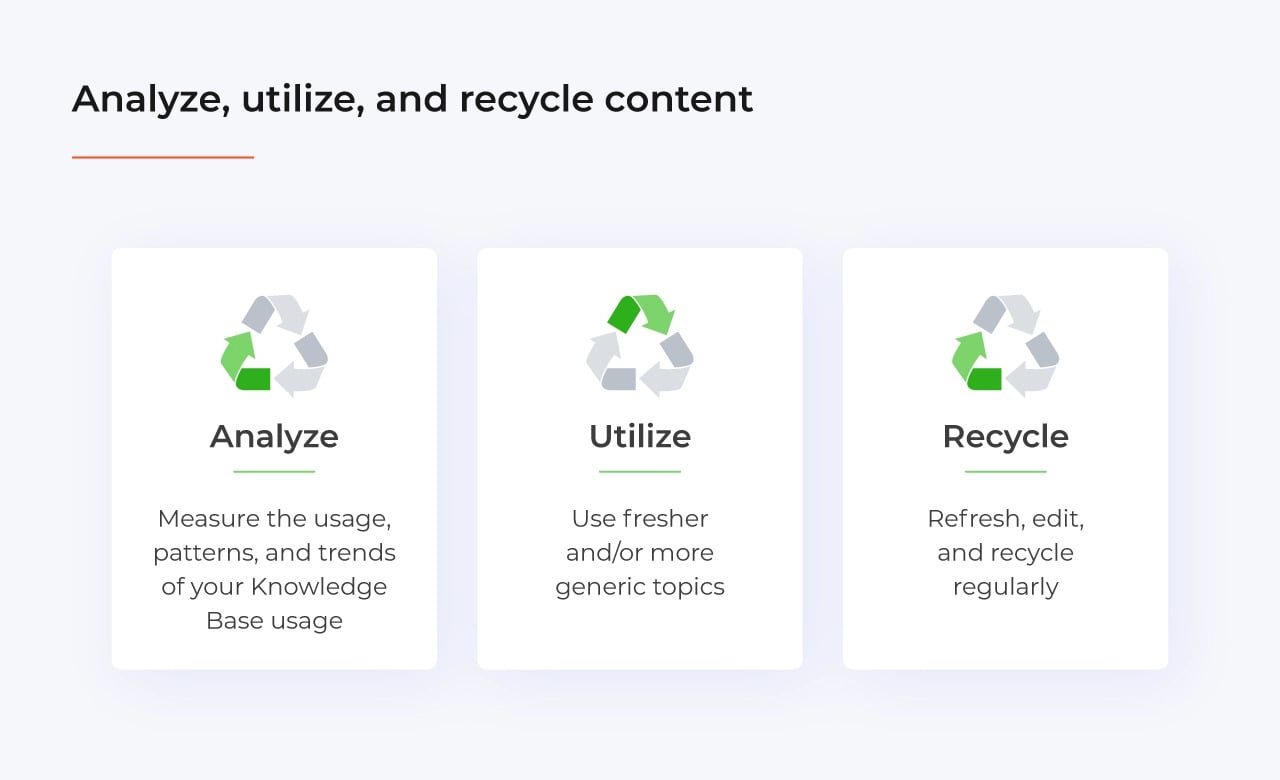
Analyze, utilize, and recycle content on a regular basis
Let’s analyze this step by step.
Analyze
Measure the usage, patterns, and trends of your Knowledge Base usage. Break your metrics down by articles, categories, etc. Implement analytics tools to gather search keywords and SEO optimization rules – they’re important even in internal Knowledge Bases, not only the world-facing ones.
Although paths and user journeys in a Knowledge Base will be relatively short, comparing them to regular web pages makes sense. It’s worth tracking patterns of use. Simple reporting provided by Atlassian is definitely not enough, mainly because it doesn’t give us the feature of time – the utilization of articles trends.
Utilize
Knowledge Base content has its lifespan, which is variable, depending on the topic, universality or specific nature, reference to used technology, etc. The simple FAQ entry like What is UID? will most likely remain the same without any (or some minor) edits for years. It will be valid and fit for use for the majority of that time. An entry like How can I change password in Windows 95? was only good in 1995, maybe 1998. Ok, let’s say 2000. And that’s it – later on, nobody wanted to change passwords in Windows 95 anymore.
Here are a few conditions for more searches and greater content utilization:
- fresher topic,
- bigger audiences,
- more generic topics.
Recycle
Naturally, it’s important to keep content up to date. So feel free to refresh, edit, and recycle regularly. And by recycling, we don’t mean just throwing it away. Remember the example of Windows 95 from the previous point? Most likely, the entry was later replaced with one showing how to change the password in Windows 98. Its content would stay the same by over 90% – we’re talking about the same wording and similar lifecycle, replaceable later by the next OS version password KB.
Also, avoid mixing information about different versions of the same product in one place. This is why, for example, our support portal features separate documentation instances for different versions of TestFLO.
Make the world smile
Last but not least, make the world smile. It might sound silly compared to the previous steps, but it’s surprisingly important to show that the Knowledge Base is a tool created by people for people. Of course, all the information there is important and serious. But don’t shy away from complementing it with a little Easter Egg, a practical joke, or some funny content.
Making the world smile is also about recognizing how important your Knowledge Base is and how it can really help others. The usual success stories behind Knowledge Base implementations are based on IT Service Desks efficiency, volumes of tickets, volumes of article access, etc. These metrics are important, sure.
But imagine a success story named: “How our Knowledge Base saved one life?” And mind you, it’s a real one. In one of the California-based legal companies, the Knowledge Base covered various office policies and instructions, including First Aid techniques. During the onboarding of new interns, an employee of the company collapsed exactly at the moment when using the Knowledge Base search tab on his screen. People panicked and started to shout. Someone called an ambulance. And one person typed this into the open search tab: How to perform CPR.
Wrap up
Experience in dealing with user patterns and content management is the cornerstone of creating a state-of-the-art Knowledge Base. Our express identified these ITSM patterns through many implementations and created a standardized and complete ITSM solution based on a selection of Atlassian tools and apps.
![Photo of Oliwia Poświat [Deviniti]](https://us.v-cdn.net/6038660/uploads/avatars/b4/13/nb4134d5c12317016f5df4a17b9e65dfa.png)


