I use two different board: one is private, the other public.
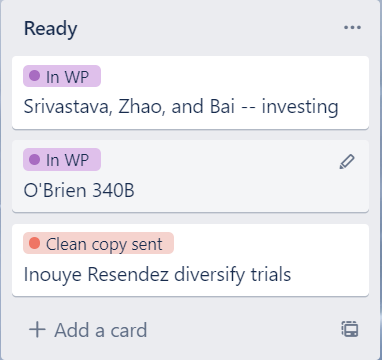
When working with the private board, if I put my cursor over a card, a small editing arrow appears (see the first image, Edit1)), and I can use a keyboard shortcut like "c" to archive the card. That's very handy for someone like me who prefers to use the keyboard instead of the mouse.
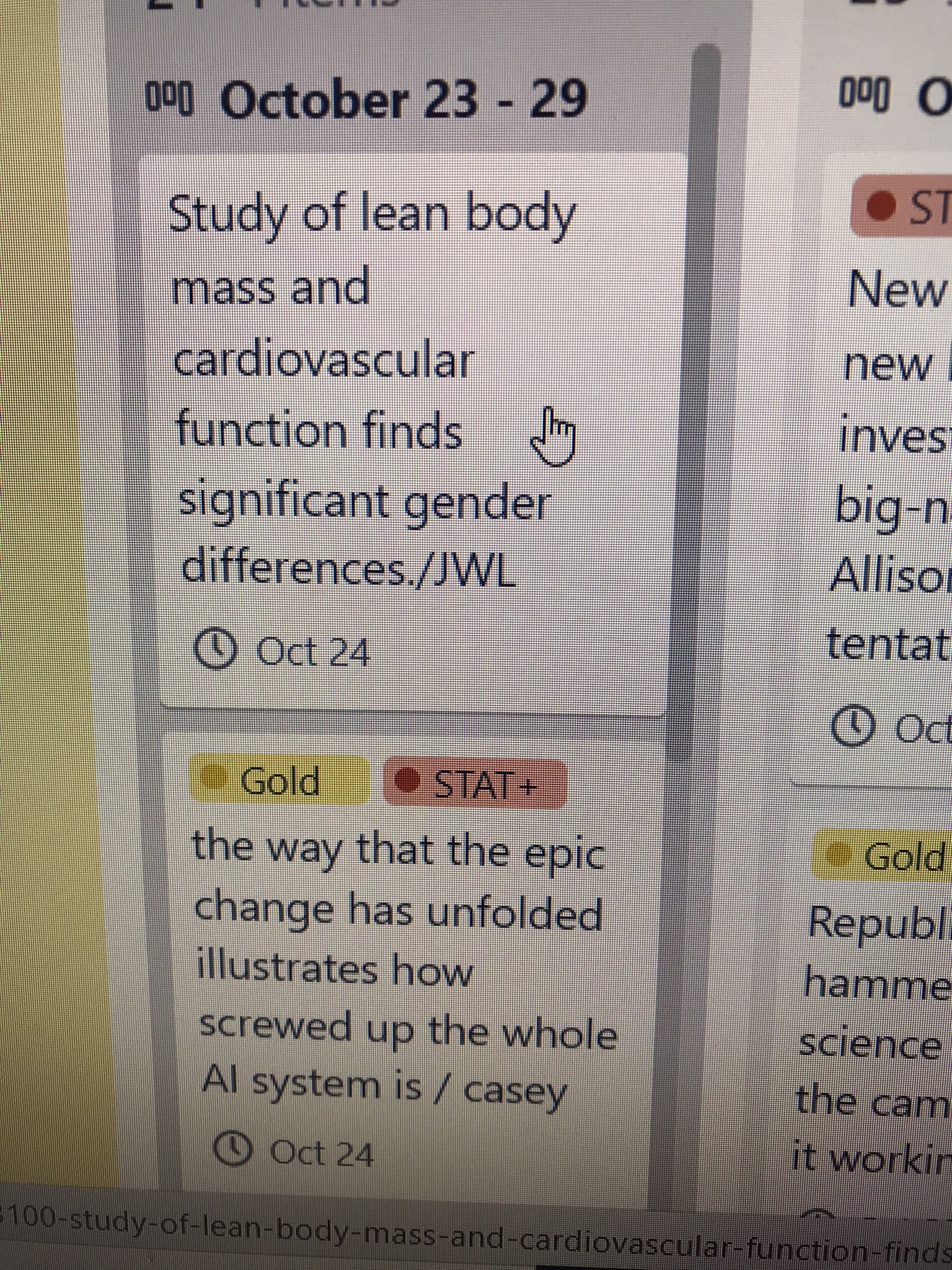
When working with the public board, nothing happens when I put my cursor over the card (see the second image, and must either click on the card to open it and can then use "c" or other keyboard shortcuts, or right click on the card to do something with it.
Is there a setting that I (or the admin of the public board) can adjust so the public board offers the editing tool by merely hovering over a card?

