If you're part of a lucky group of testers, you might have already noticed this new feature in Trello, but even if you're not, 100% of folks have access to this new feature today! So get excited because it's all yours!
What is it?
Well it's two exciting things.
View switcher
New buttons that you can add to your board to quickly switch to other board views! (Previously you'd have to click the button next to the board, select the view, and then do the same to go back.)
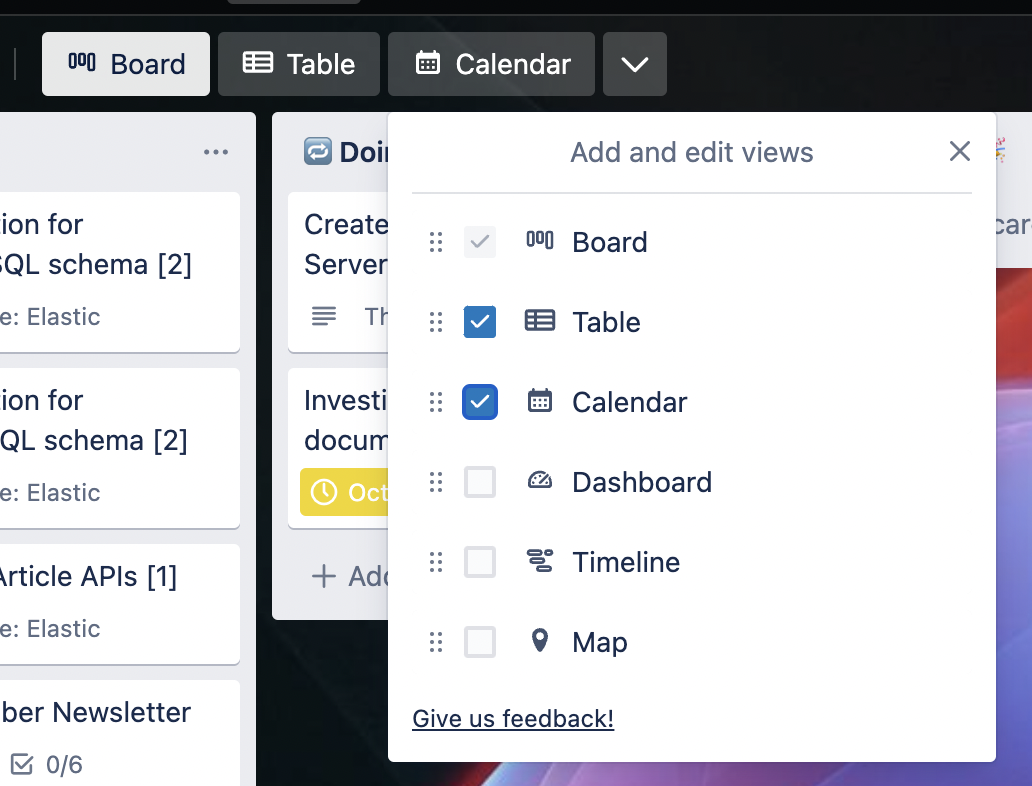
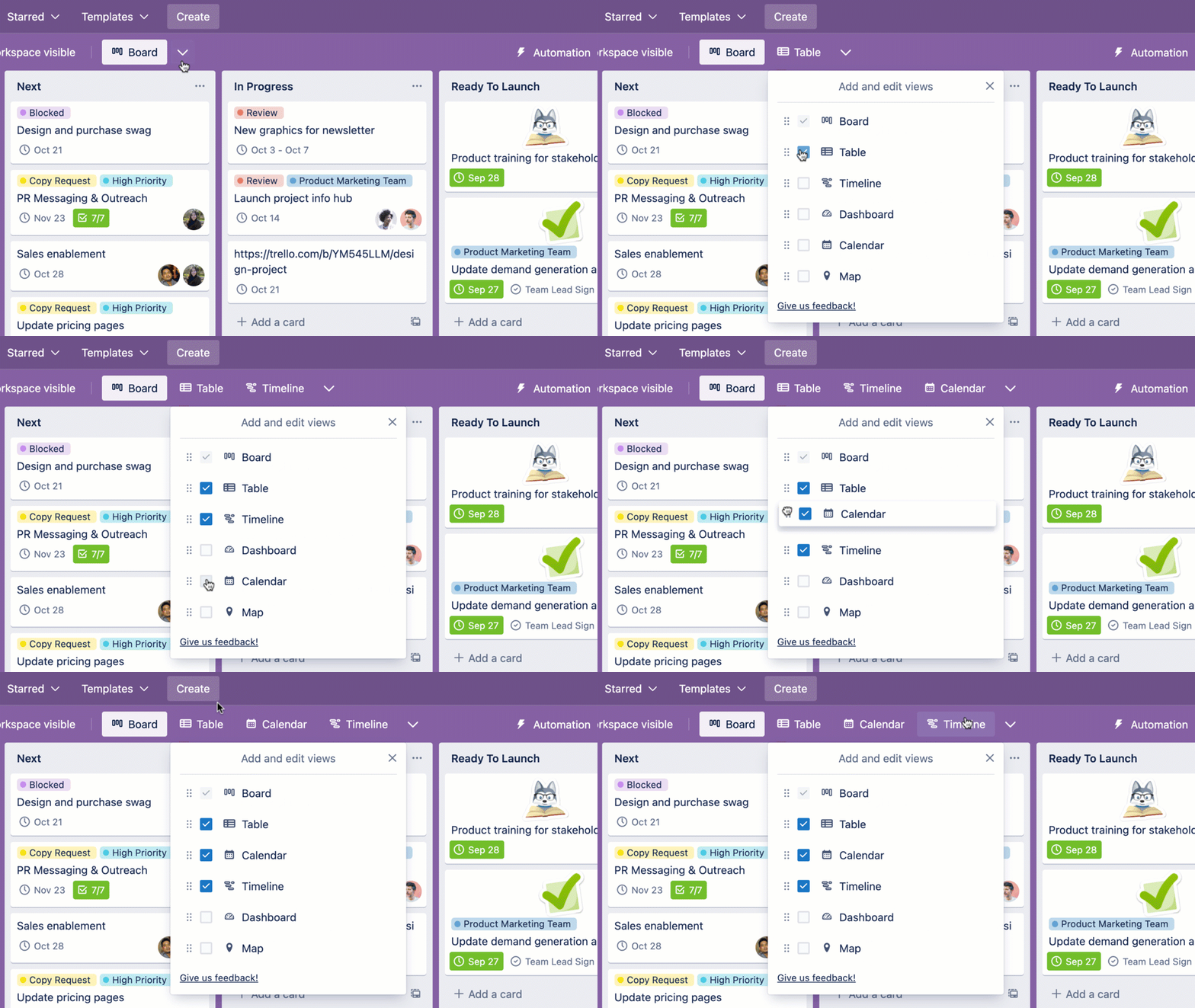
So now you can add buttons on your board to quickly navigate to those other views and you can re-order the buttons so they're in whatever order you want.
But wait there's more... is that Table View for boards I see there?
Yes, yes it is!
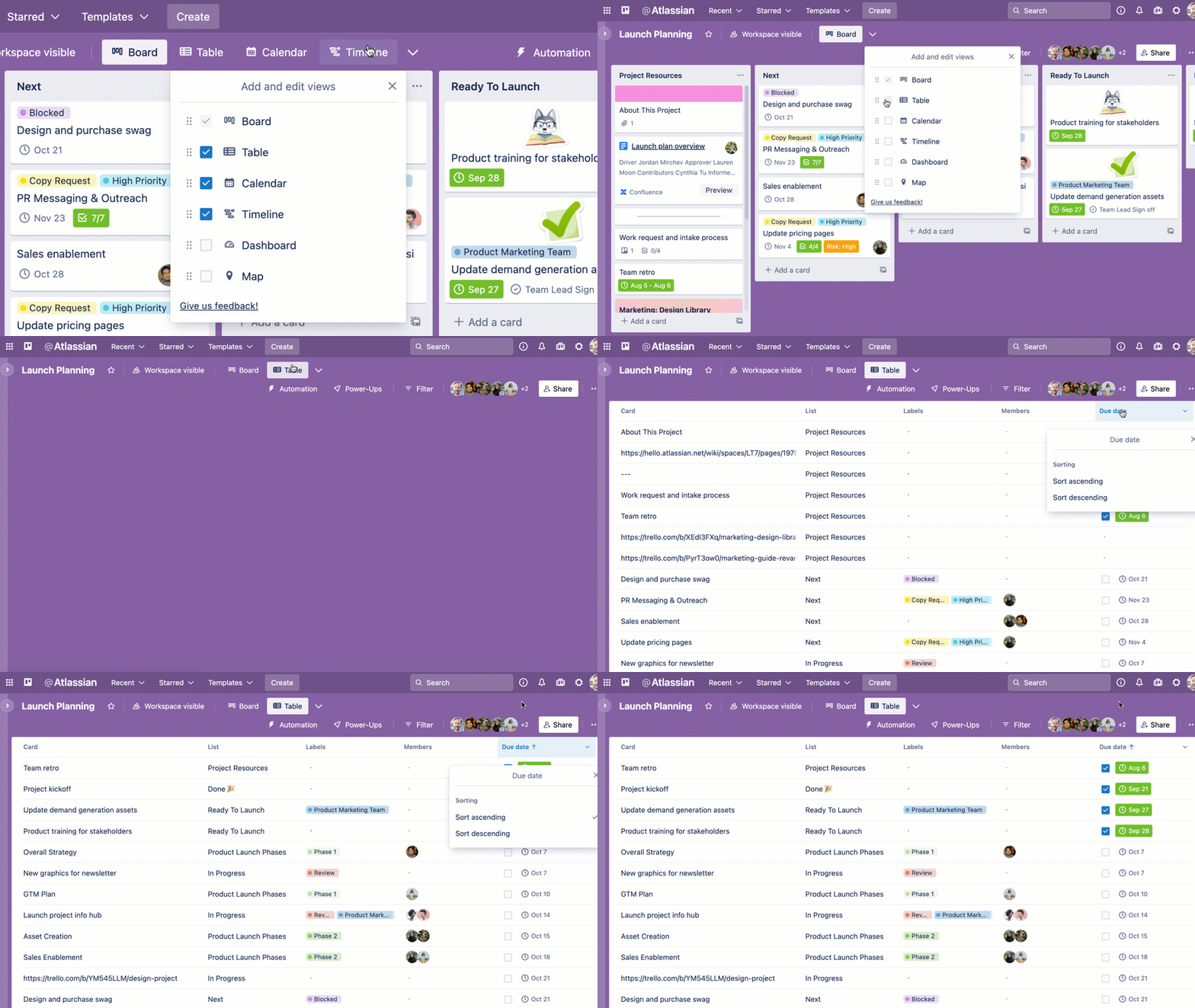
If you miss your spreadsheets but want to keep Trello, try out the table view. Previously this was only available for Workspace views where you can combine multiple boards and make a table, but now you can view a single board in Table view!
How do I use it?
If you don't see access to it, just refresh Trello (if you're like me and constantly have Trello open, you might have to refresh so it pulls the latest updates to see it!)
Once you see the board button, click the dropdown arrow next to it and check the views you want to include buttons for. You can drag and drop to re-order the buttons.
Changed your mind and don't want a view? Open the dropdown and just uncheck it!
Want to use the Table view? Just select the Table option, then click that button to see your cards transform into rows, just like a spreadsheet!
I made this video to walk you through the changes and show you how it works.
 https://www.youtube.com/watch?v=wsSIENBSqBM
FAQs
- I don't see this feature on my board. Try refreshing Trello. Still don't see it? Contact support.
- Do I have to pay to access these views? Yes, nothing is changing about the pricing, but you've always needed to pay to access additional views on Trello. (Check out the Trello Premium plan.) You can access some views, like Calendar and Map views for free with Power-Ups (search for them in the marketplace and they'll create buttons on your board to switch to those views).
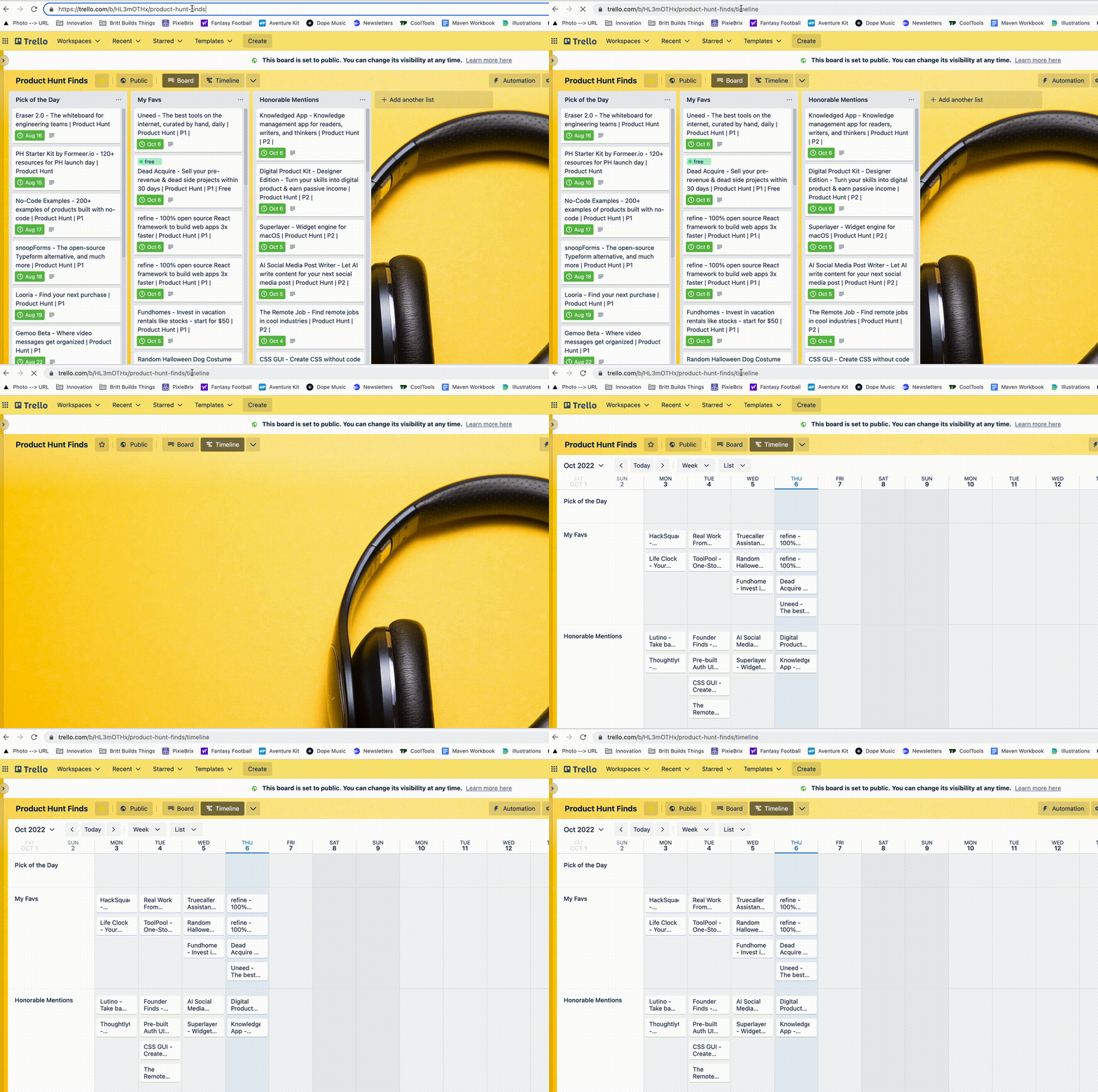
- Can I switch to a view without creating a button? If you want to just go table view or calendar view without creating a button, did you know you can append the name of the view to the end of the URL and go there directly? Like this:
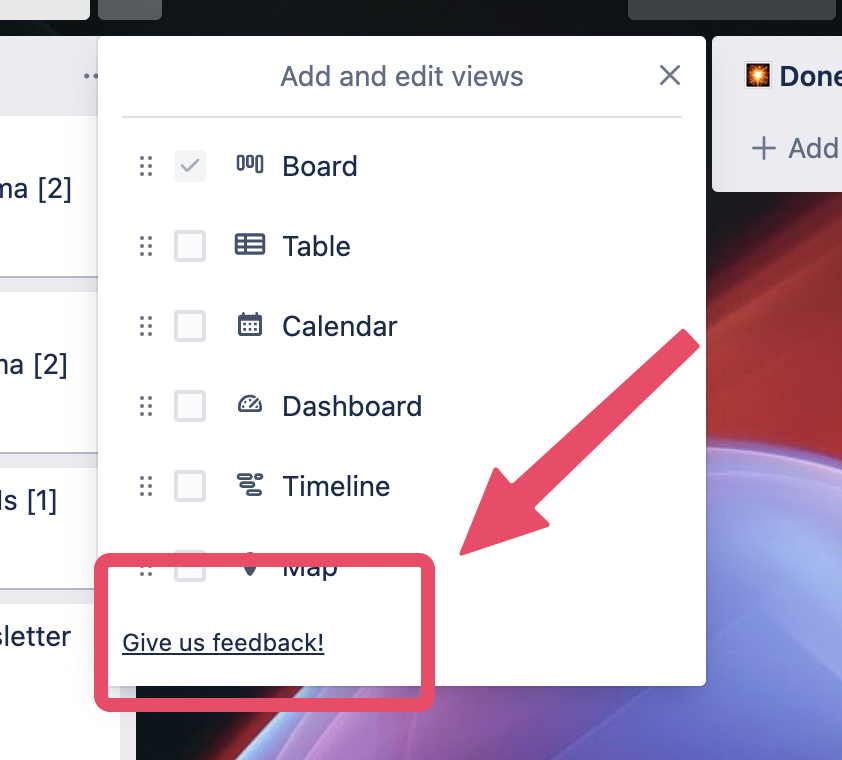
- I have some thoughts on this new feature! Where should I share those? Check out the "Give us feedback" link at the bottom of the view switcher menu. Please submit your feedback here so the appropriate teams can monitor and adjust!