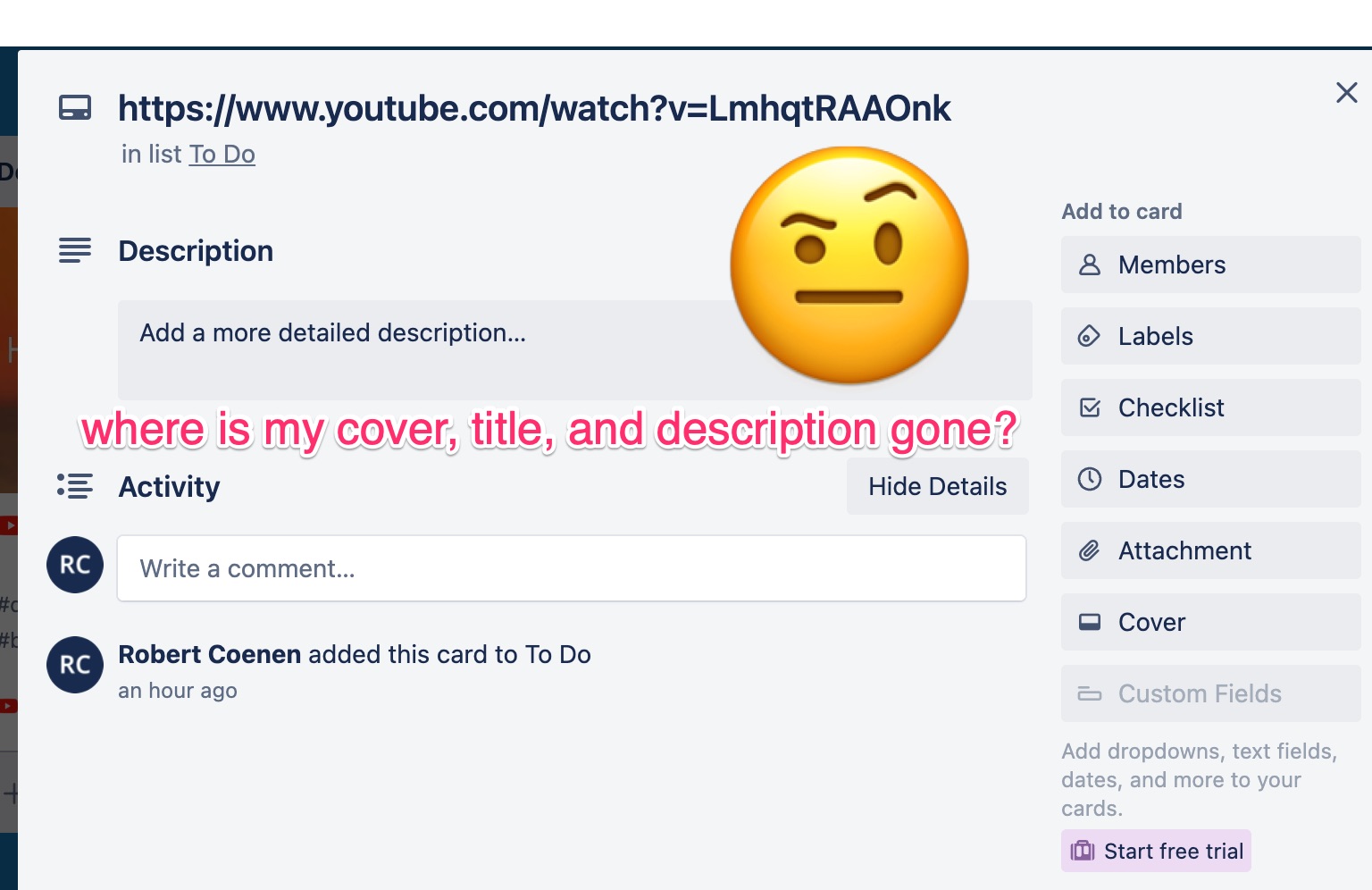
Hello everyone, here is what i am trying to do:
- I want to copy+paste a URL into a new card
- I want the card to populate itself with an auto-generated cover, title (and perhaps description), extracted from the URL
- I then want to be able modify the card: add comments, add tags, override the title, description, etc.
Sadly, when I try to do this, teh auto-generated cover, title and description disappear once I convert from "link" card to "regular" card. See below.
Any ideas in how to achieve what I want? Is this simply a missing feature?
If so, could Trello add a new feature "Keep auto generated content" when doing the "convert to regular card" in step #4 below?
Thanks!
1. Create a new card
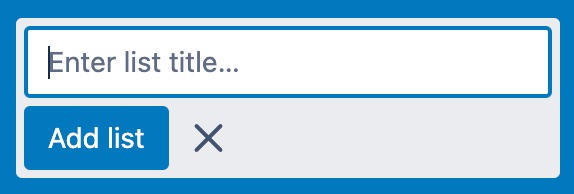
2. Copy+Paste URL (for example: a Youtube clip)
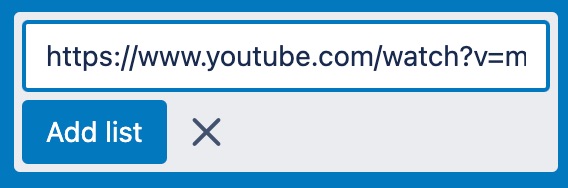
3. A "link" card is created, with auto generated cover image, title and description
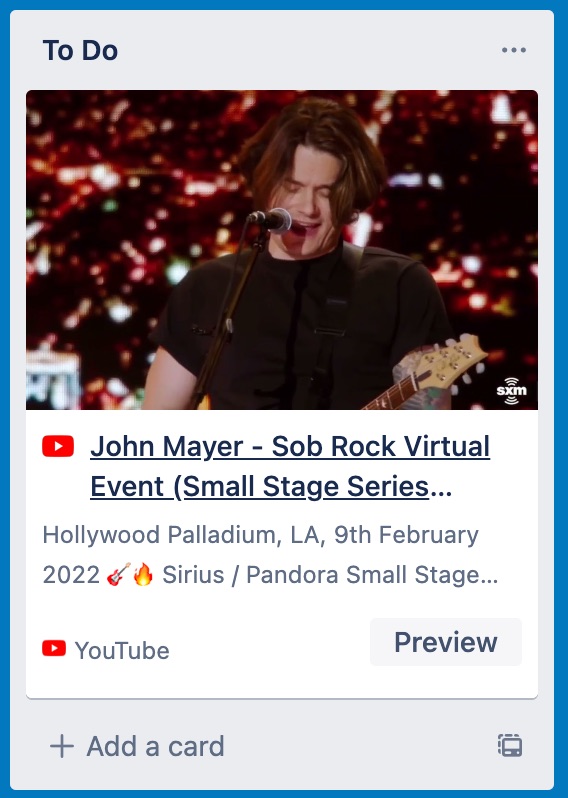
4. I want to add comments, labels, etc. to this card.
To do this, it seems that I will first have to convert the "link" card to a "regular" card...
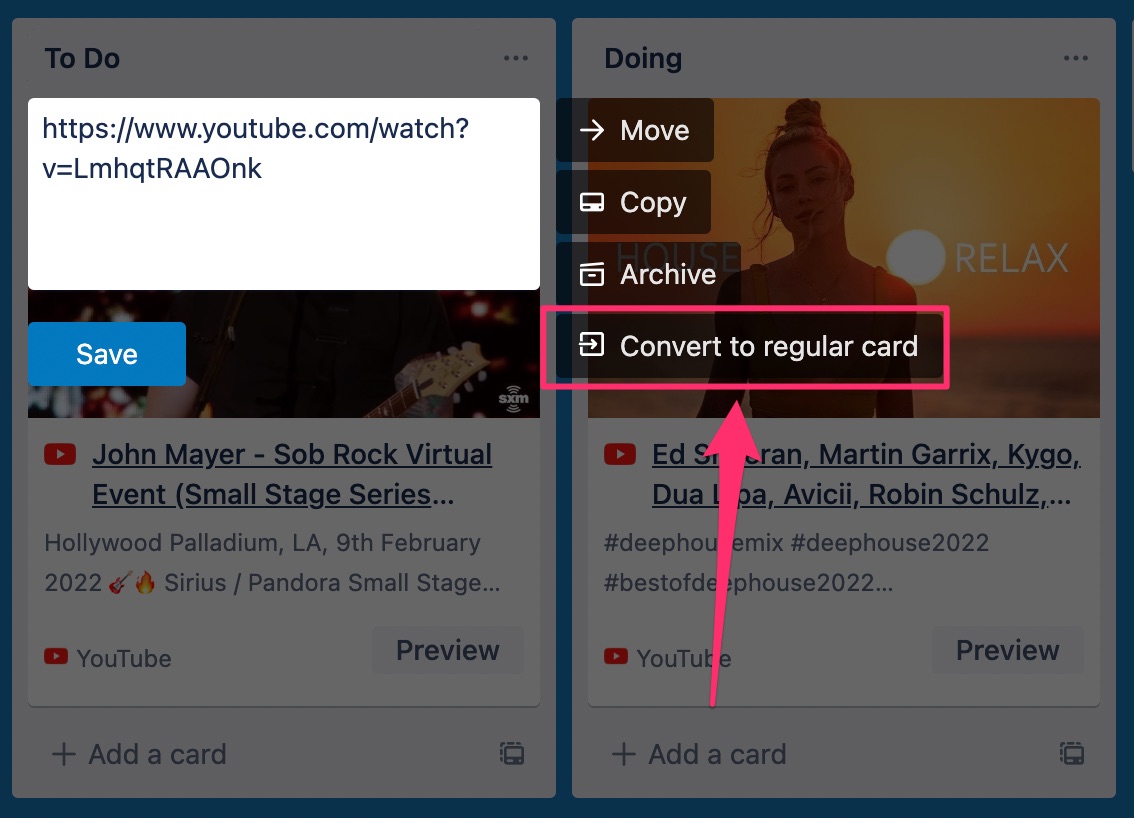
5. The card is now converted to a "regular" card. Let's open the card...
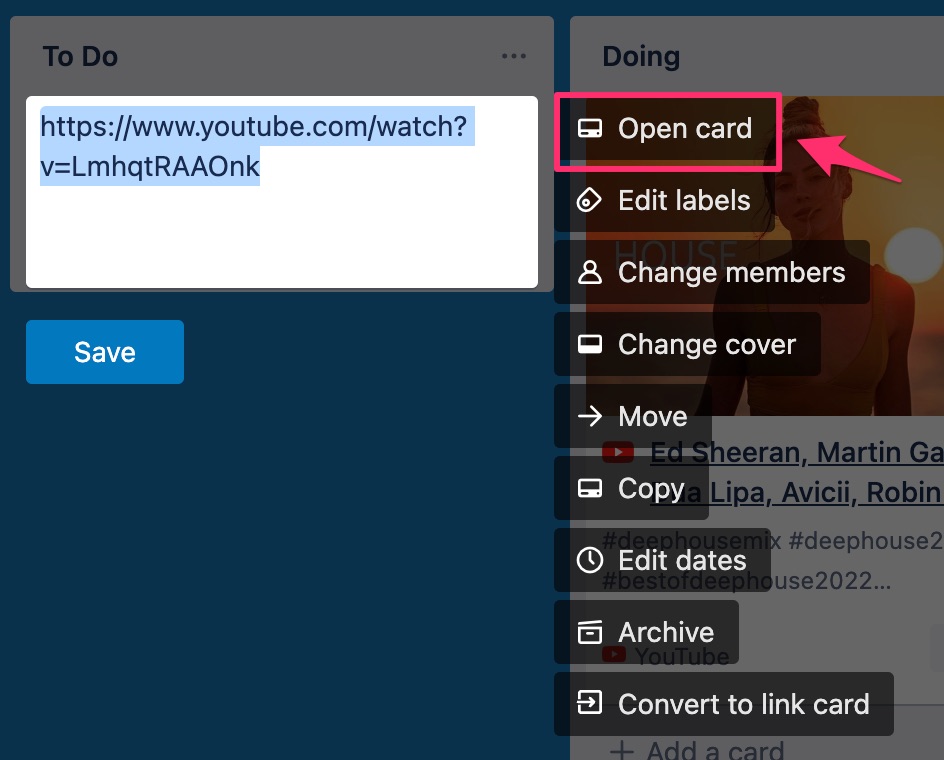
6. Yes, I can now add comments, add labels, etc. but sadly, the original auto-generated cover image (and title+description) are now gone...