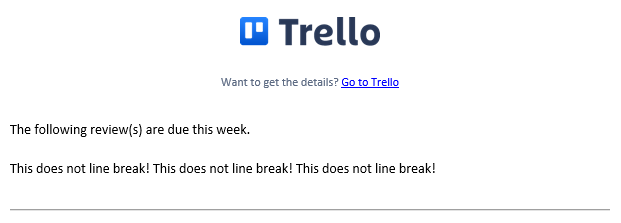
I can't seem to get a single newline to show up in the report pattern. The double newline "\n\n" works and puts an spaced line in-between the next line and prior line.
What I want is in the pattern for building the report output to be able to do something like this:
Review #01 of Weather: Due EOD 04/22/22
Tags: Review, Weather
Expected Time: 1hr
Review #02 of Weather: Due EOD 04/31/22
Tags: Review, Weather
Expected Time: 3hrs
Everything I try either doesn't work, or gives me a spaced newline (because I have to use two newlines). I want to replicate what I did above with the text following Review #01 and Review #02 above. Any help is appreciated it.
I've tested this with some of the cases below.
Example 1:
every sunday at 8:00 pm, create a report in variable "report" with all cards in list "Current Reviews" using pattern "This\ndoes\nnot\nline\nbreak!\n", and send an email notification to "email@address" with subject "Review(s) Due This Week" and message "The following review(s) are due this week.\n\n{$report}\n\n---\nNotes:\n\n1. This report was generated at {timelong} {date}." 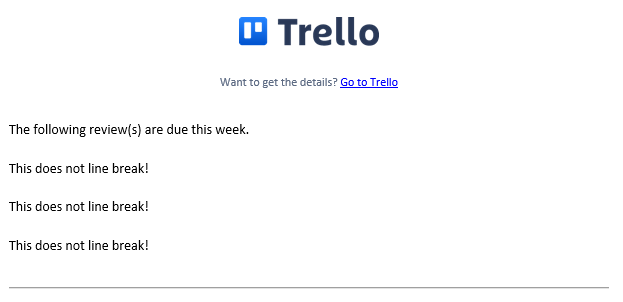
Example 2:
every sunday at 8:00 pm, create a report in variable "report" with all cards in list "Current Reviews" using pattern "This\ndoes\nnot\nline\nbreak!", and send an email notification to "email@address" with subject "Review(s) Due This Week" and message "The following review(s) are due this week.\n\n{$report}\n\n---\nNotes:\n\n1. This report was generated at {timelong} {date}."