In one of the tutorials it's mentioned that we can share a single view without showing users the rest of the project by sharing in full screen. It seems that this will only work for external users to have view only access. I want to be able to share a view to our company that they can still comment on without seeing any other views.
I tested this and as the shared user I can still minimize the full screen view, which then allows me to see and comment on other views. Please let me know if I'm doing something wrong. I tried manipulating the settings a bunch of ways but none worked how I expected.
https://www.loom.com/share/ff427d9c35f94924a00637b1ec19352d
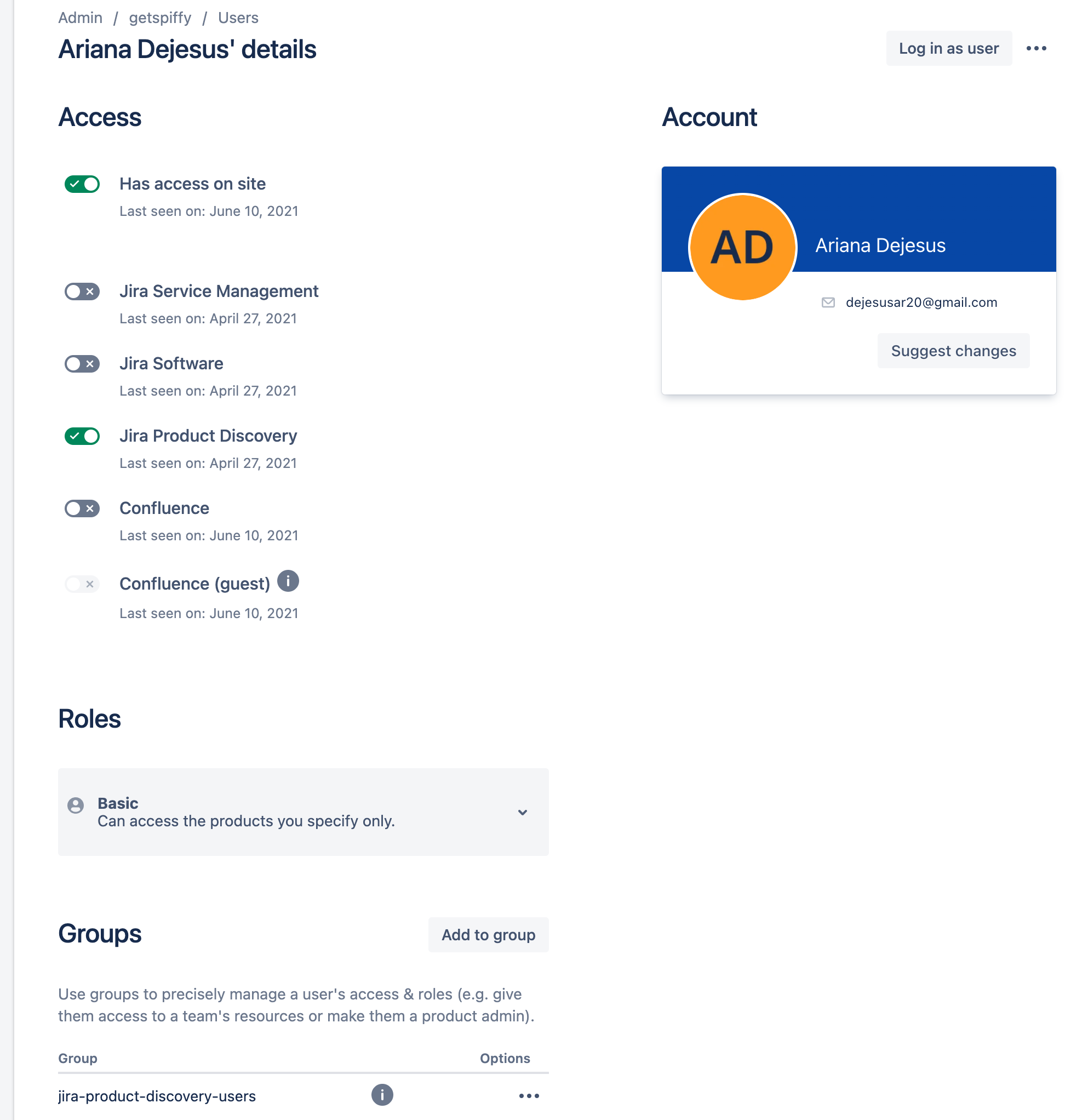
In the recording, the left screen is using my admin account while the right screen is using a shared user. The screenshot shows the settings enabled for the shared user. Without Product Discovery access toggled on I was only able to view issues but not comment.