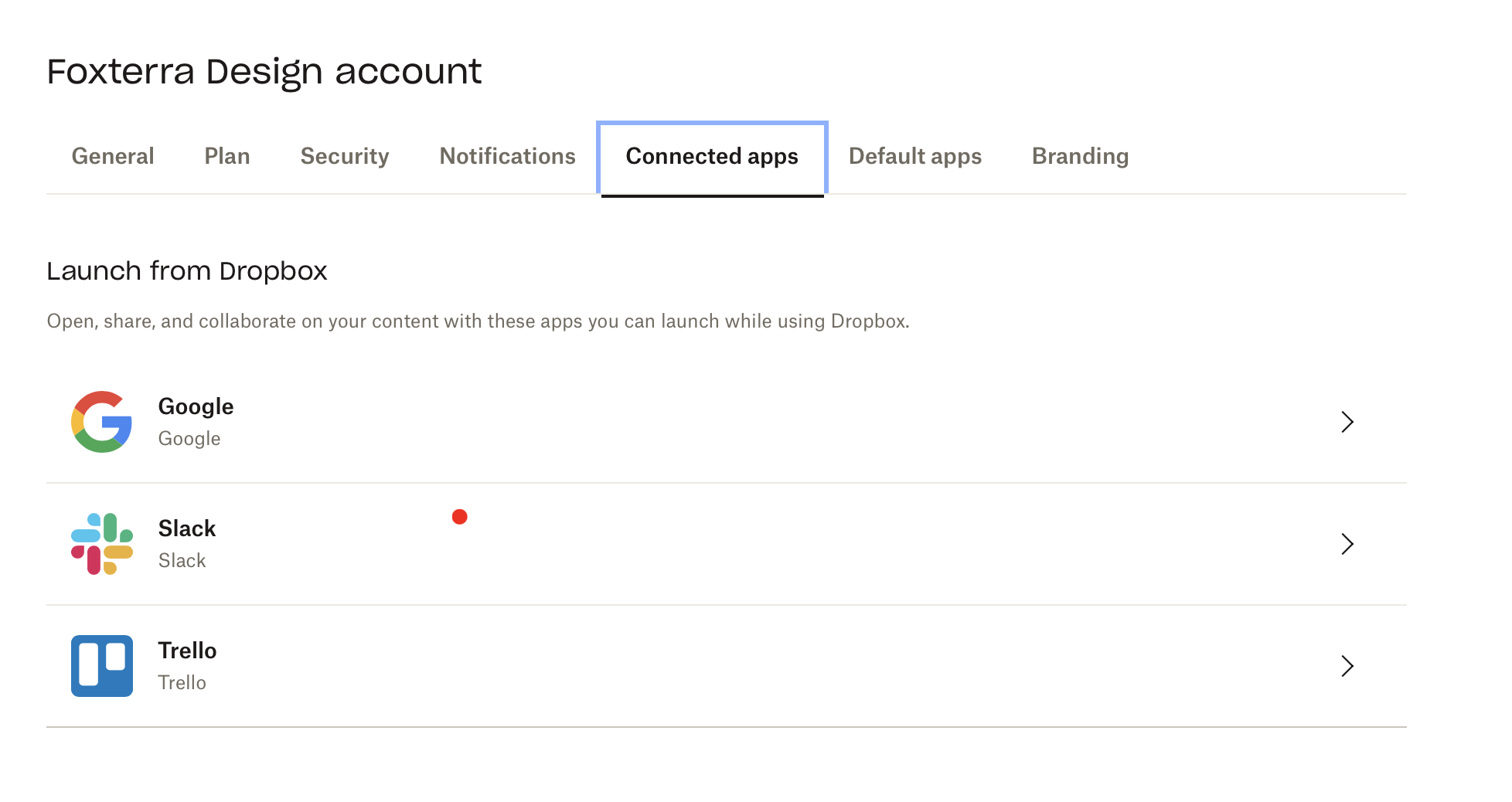
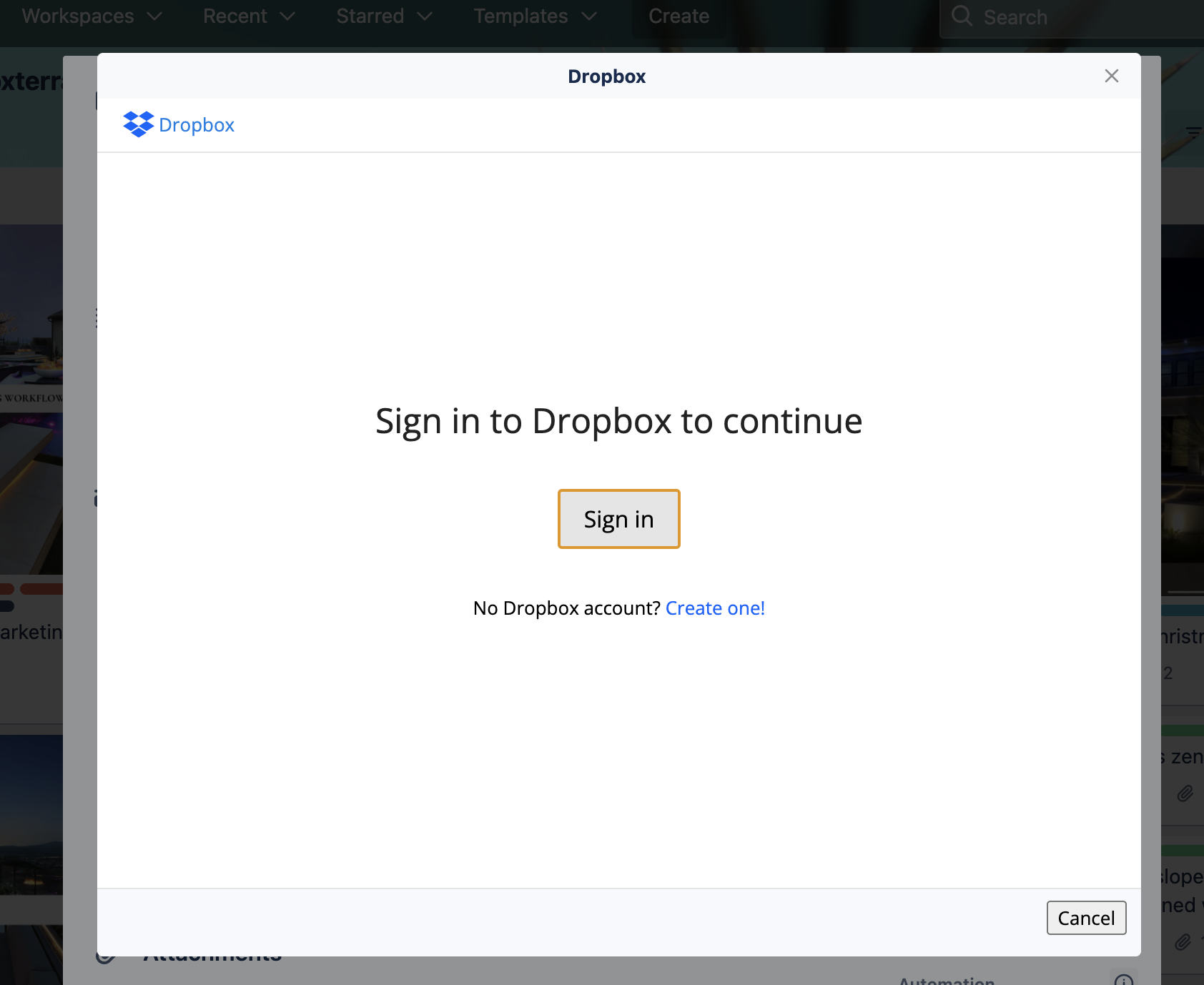
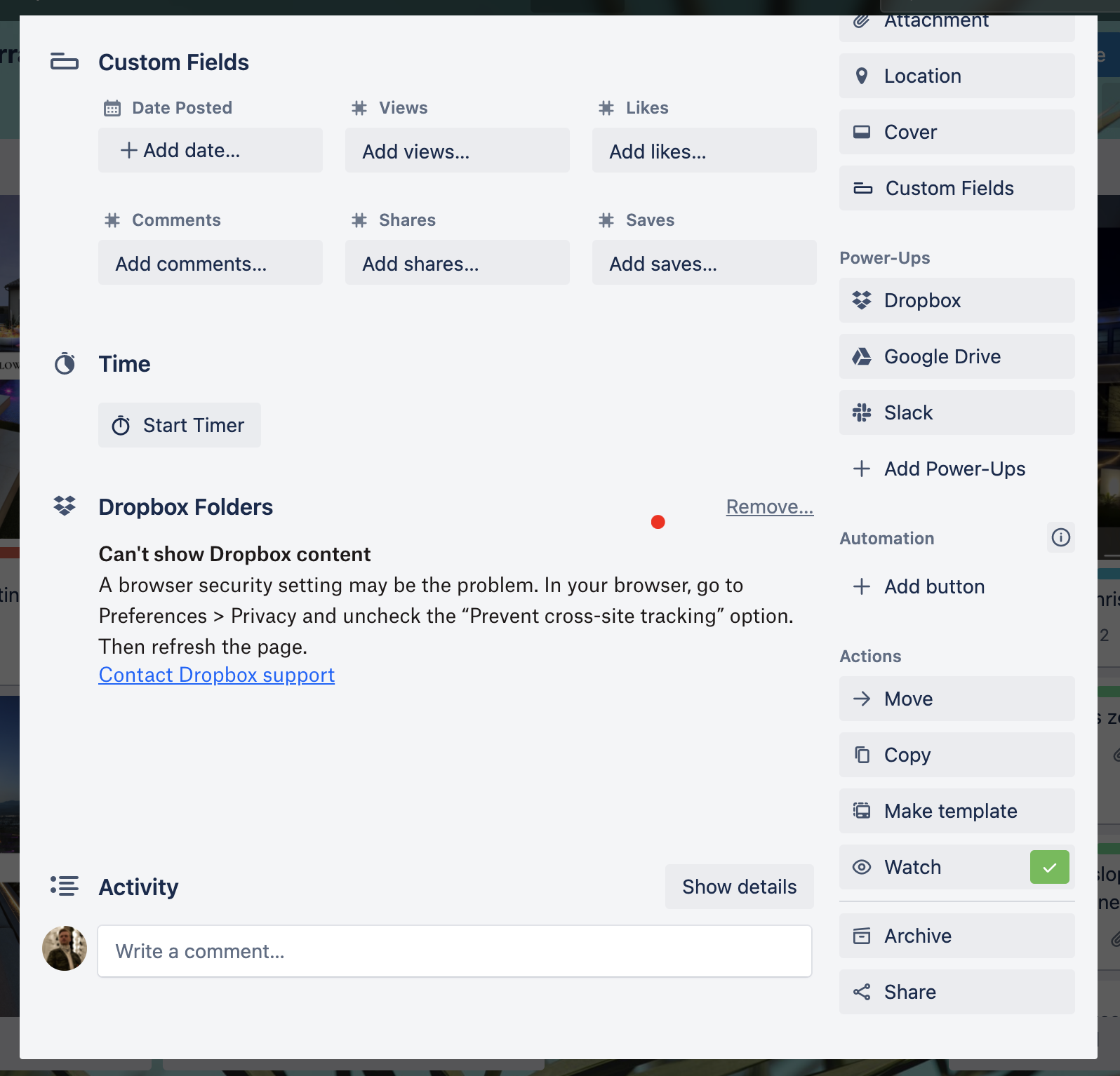
I just added Dropbox to Trello with the "Add Power Ups" button. When I click on Dropbox, and then "Choose a file or folder," it takes me to the login window. When I click on "Sign In" nothing happens. I have also manually added Trello as a Connected App in my Dropbox account.
See attached screenshots.
I've already gone into my browser preferences and unchecked the "Prevent cross-site tracking option" as Trello suggested I do. This option wouldn't make sense as I'm trying to use the Trello desktop app. I actually can use Dropbox in Trello in my browser no problems. But I really need to have it in the Desktop app.
I've also already tried un-installing and re-installing Trello as well.