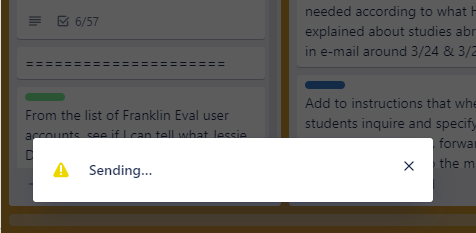
In Windows 10, using the Trello app, I was working in a card with a very long checklist and I accidentally hit something on the keyboard and got a pop-up saying "Sending..." with a yellow triangular exclamation symbol. I wasn't trying to send anything. On the message, the only option is to click the "x" to close it, but when I do, it comes back a minute later. The checklist I was working on vanished from the card. (The card's title and list of changes and everything else remained, but no more checklist.) I closed the app and logged in via the web, hoping to find the checklist still present there. It was, so I made backup copies of my checklist cards. Now, most of my checklists are cleared of checkmarks, as if no steps were done. That isn't a big deal, but how do I make it stop trying to send something somewhere? I went into settings and turned off email notifications, but that made no difference. Thanks for any help!