Hi everyone,
There is currently an issue to access the workflow editor to change your ideas' statuses/workflows.
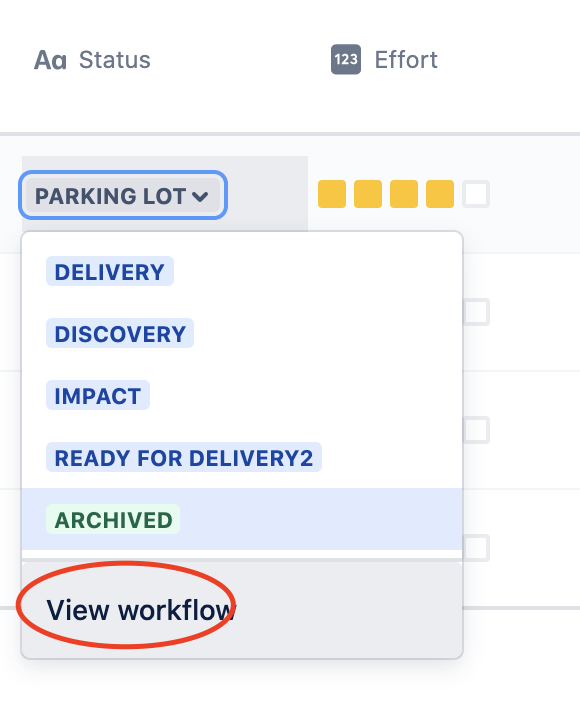
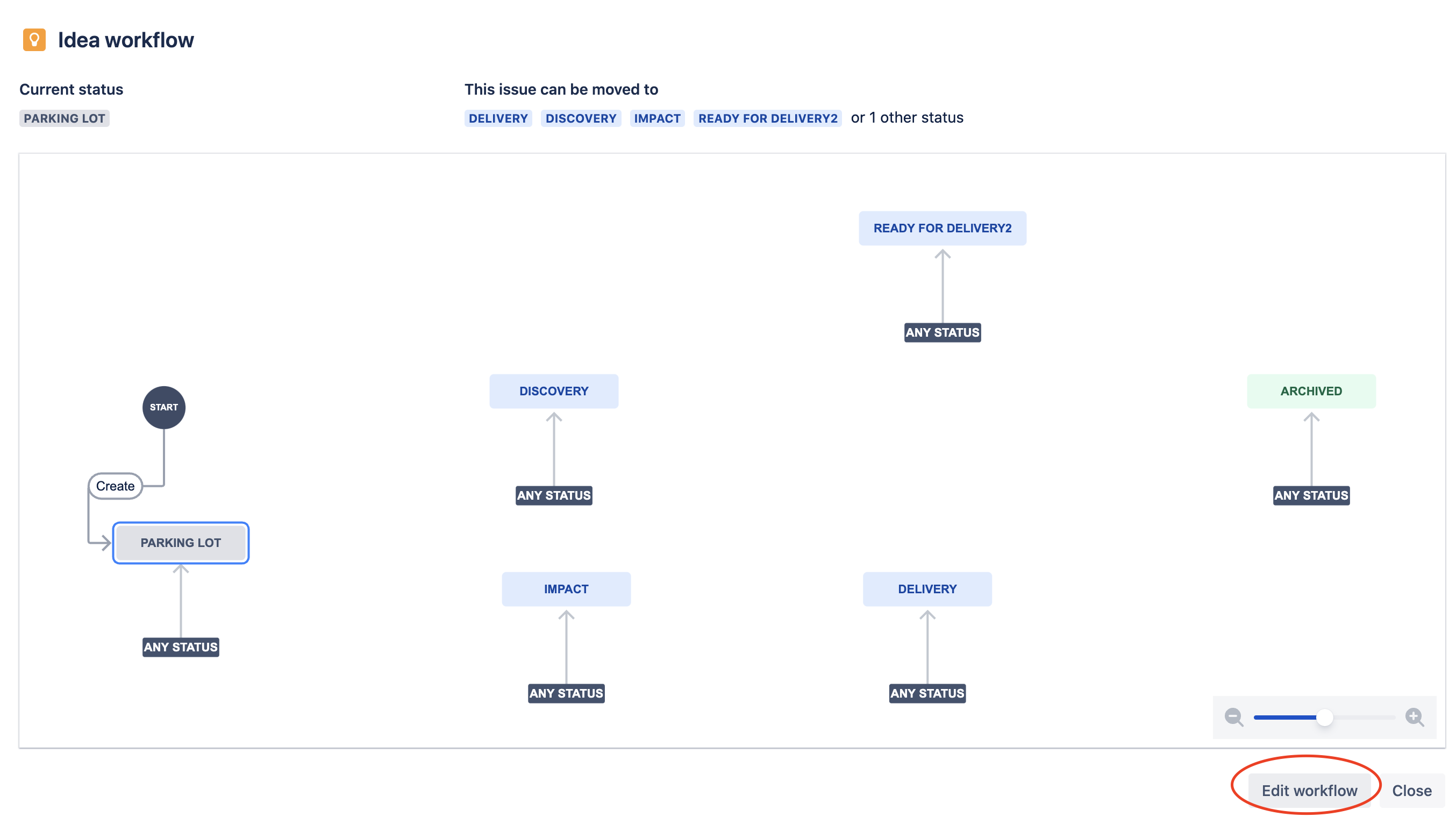
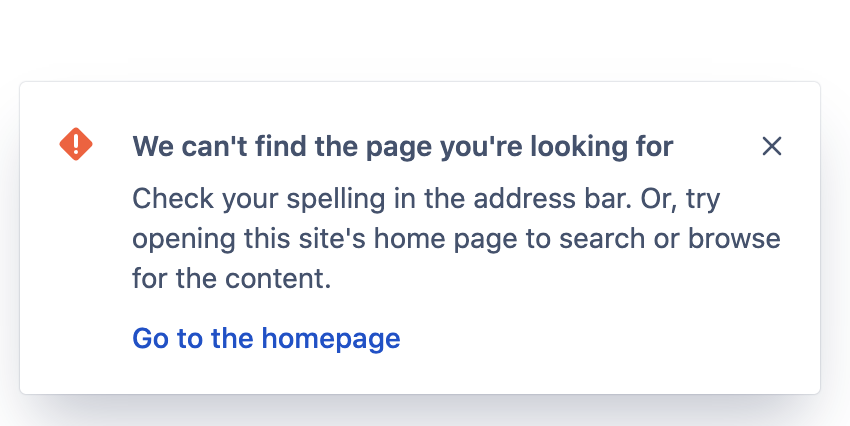
We'll fix this and let you know when that's resolved. In the meantime, you can use the following hack workaround to get to the workflow edit screen:
- Find the project key and the issue type ID in the URL in your browser on the page where you have this error (in this case "BD" and "10105")
https://xyz.atlassian.net/jira/polaris
                              /projects/BD/ideas/settings/details
                              /issuetypes/10105/workflow
- Open the following URL, replacing the items in bold with your project key and issue type ID:
https://xyz.atlassian.net/jira/software/projects/BD/settings/issuetypes/10105/workflow
This should open the workflow editor. You might get the error again after you make changes to the workflow and save it, but you can ignore them - it works.
