Dear all,
I have a Data Center instance hosted in Azure on which I have a backup SQL server database.
Then I install a fresh local copy of Jira DataCenter 8.15 on my local machine using the Windows installer.
During installation it ask me to ceate a new SQl Server database ( I named it Test-Db). good all goes fine until the end. Then I stop my instance
Then I restore my previous backup on my local SQL server into an other database named jira-db.
Then I open the dbconfig.xml file and change the DB name to be jira-db
Server ID are different in that backup Db.
Then I restart my Jia instance, and follow instaruction as creating new trial licence as Server ID is different.
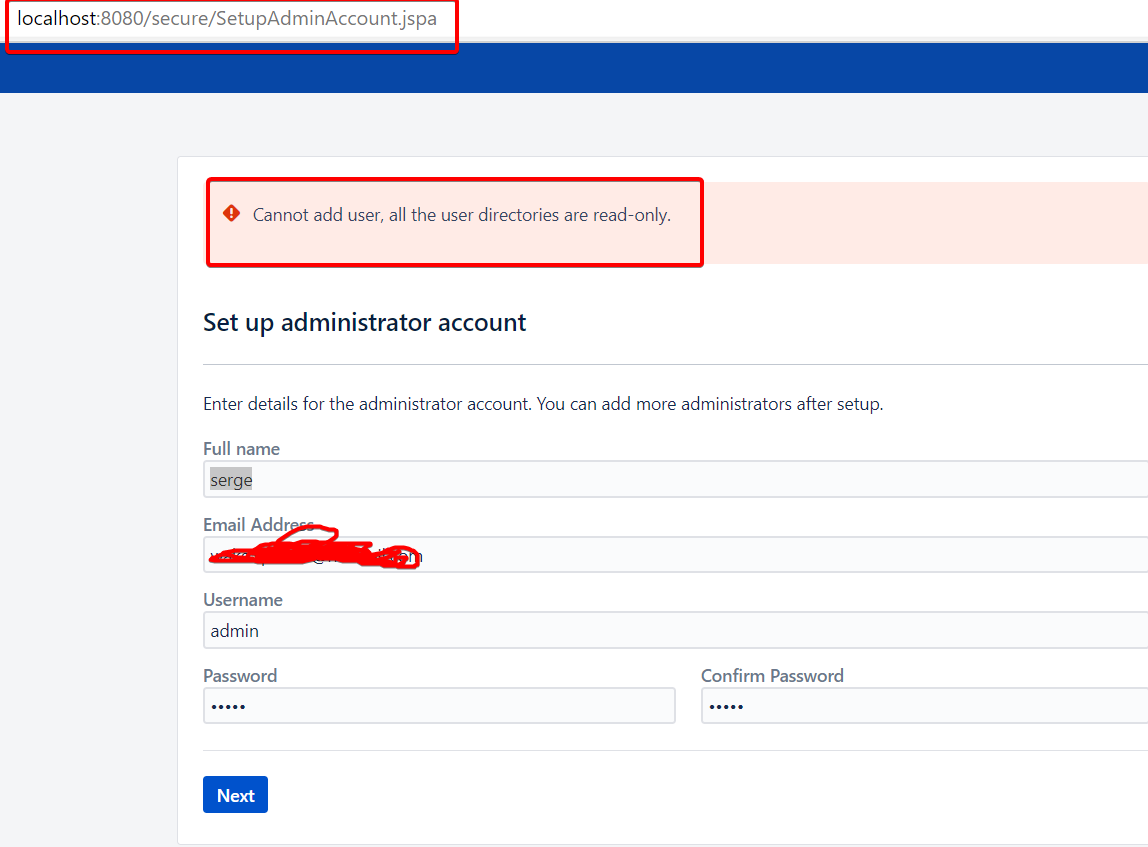
Then installer next step prompt me to define an Admin account ( even if I have already admin account in my Jira-Db)
Then at the time of saving, it says that it cannot add user because directory is in read only.
"No error in log file, and I log in to SQL server db with same user as in initial stage
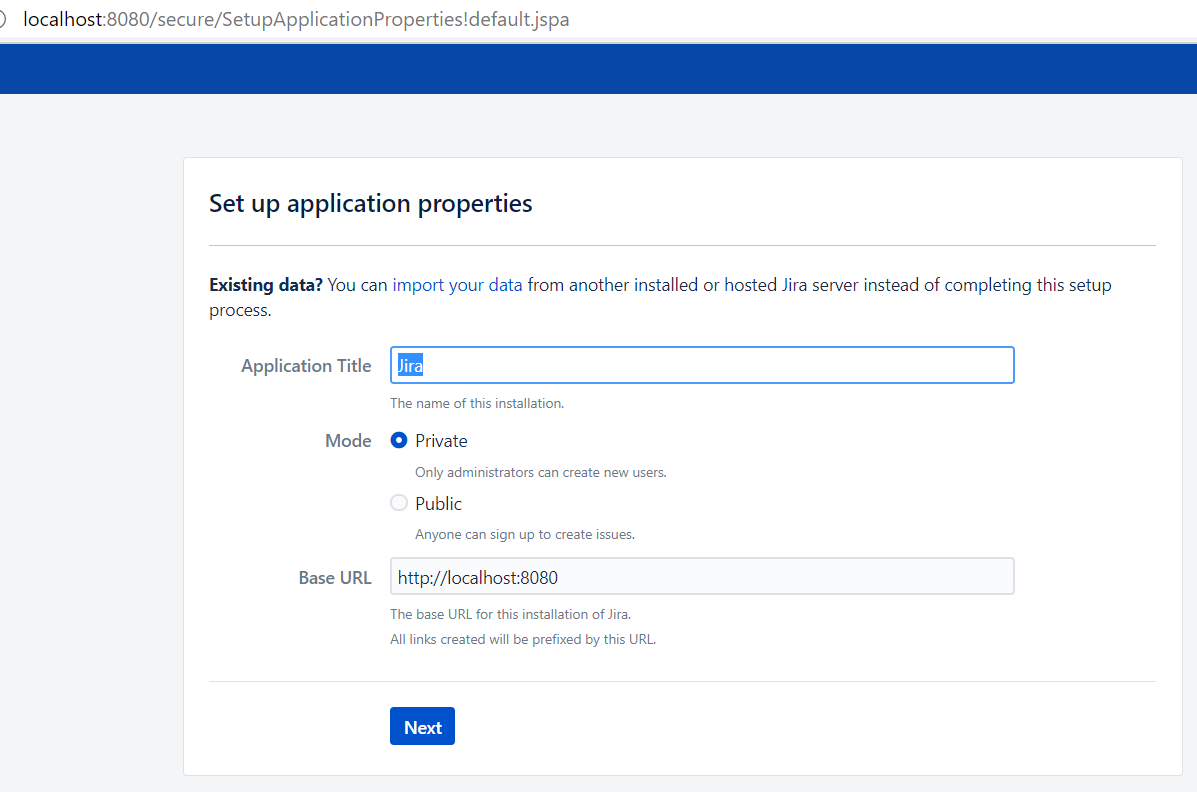
In fact when the instance started, it does not take in account, information stored in different config files, it start to ask again hostname even if it has it and all other remaining.
Any idea why I get that error ?
regards