TL;DR
Admins can now modify the Project Lead and/or the Default Assignee fields of a next-gen project
What has shipped?
When a next-gen project is created for the first time, the Project Lead and Default Assignee fields default to certain values depending on certain factors and the type of project. In Classic, these fields are available in the Project Settings → Details page and the project admin is able to change the values in these fields at will. In next-gen, however, these fields were not available for modification and the defaults set during project creation were not modifiable by any actor related to the project (project admins, Project Lead, etc.).
We are very happy to announce that admins can now modify the Project Lead and Default Assignee fields for all Jira Software and Jira Service Desk next-gen projects.
How do I use it?
Customers can choose to edit the Project Lead and Default Assignee fields by following these steps:
-
Open the Project Details page available under
Project Settings → Details
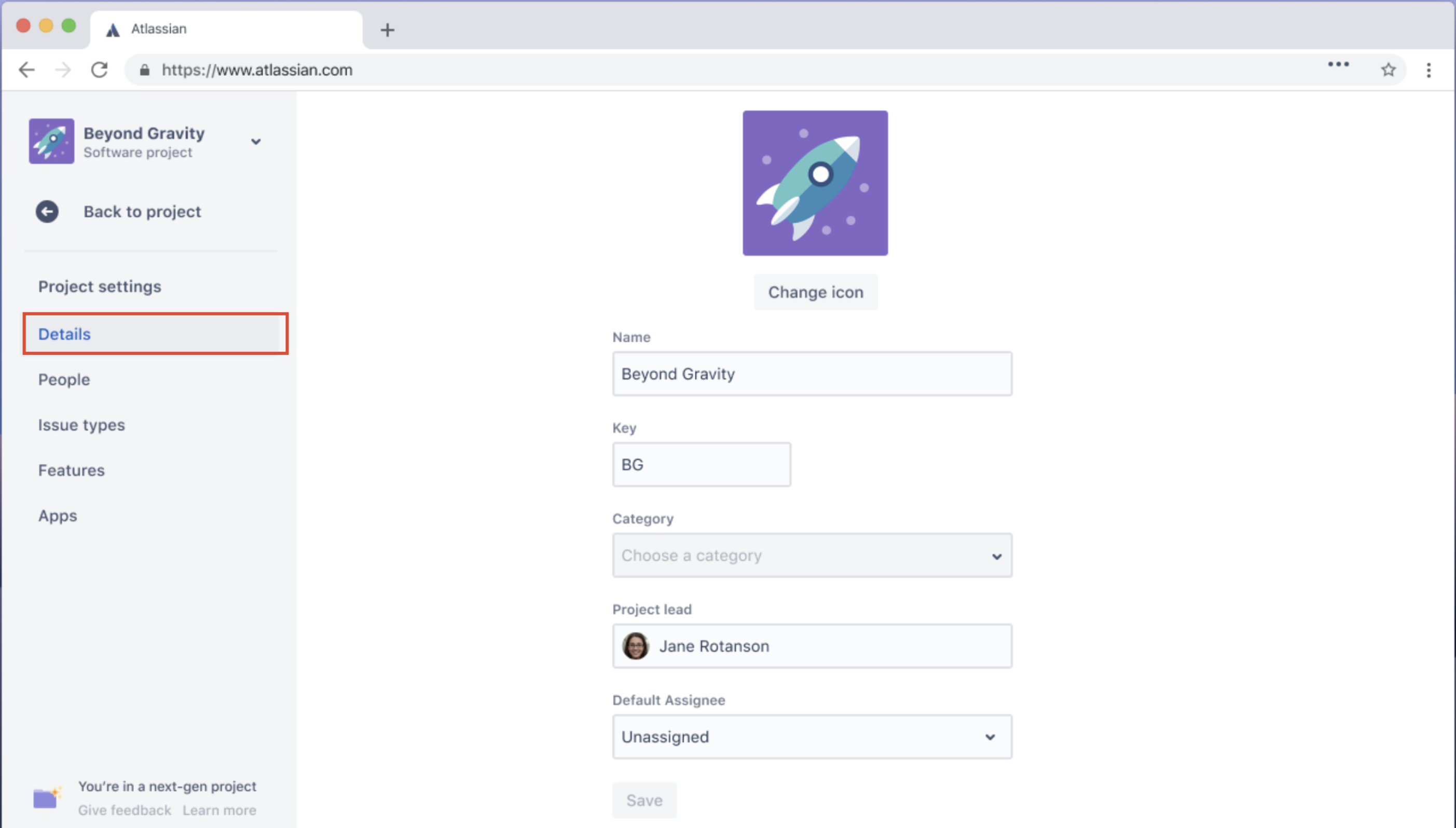
- Here, two new fields ‘Project Lead’ and ‘Default Assignee’ are now available
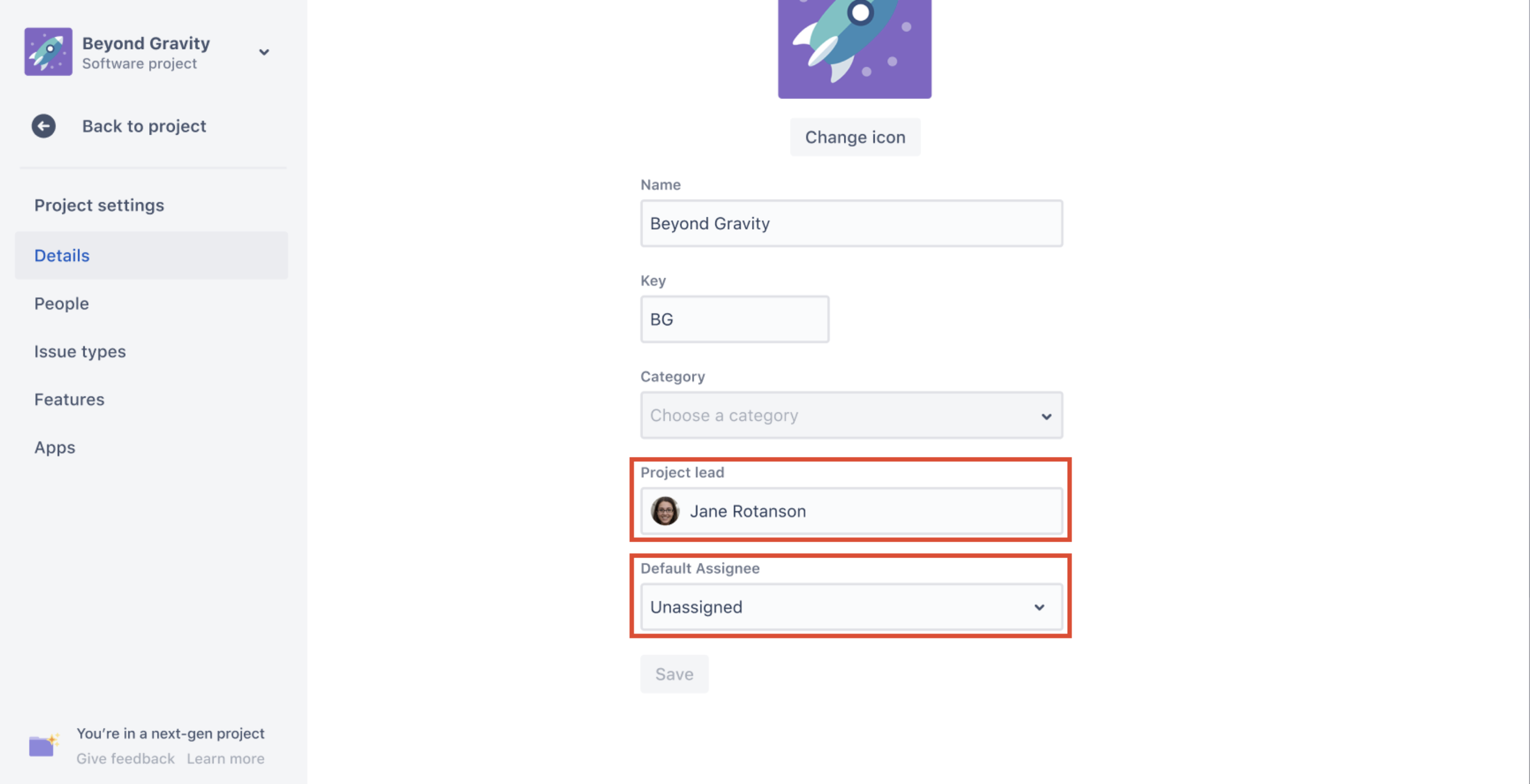
- You can assign any user as the Project Lead as long as the user has site access in which the next-gen project belongs.
- You can choose either Unassigned or Project Lead as the Default Assignee. If you choose to set the Project Lead as the Default Assignee of a project, please ensure that the user has viewing access to issues of the respective project. Please note, that the Unassigned option may not be available if it has been disabled by the administrator.
- Press Save
This release finally gives next-gen admins greater control over these two important fields of a project and puts an end to the need for time-consuming workarounds.
Have any questions or feedback, please comment on this post and we’ll get back to you as soon as possible!


