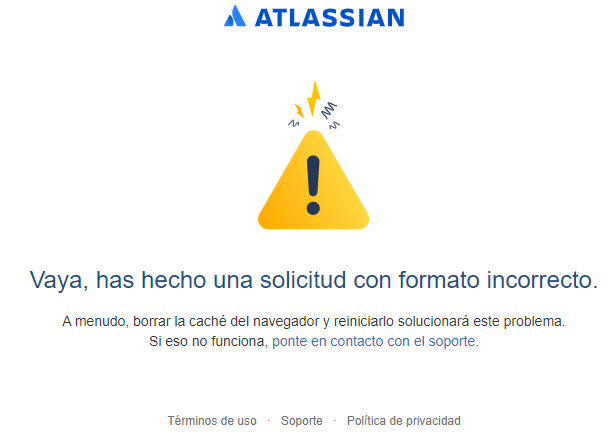
In a new freshly installed latest Windows 10, and latest Chrome... when I try to login into id.atlassian.com an error mesage is shown, malformed request.
I already deleted browser cache, all cookies, restarted chrome, but still the same error.
Hi @Joaquín Javier Abenza ,
Welcome to the community!
Please visit the below link and follow the steps!
https://help.trello.com/article/743-recovering-your-trello-account
I hope it will solve your problem!
Hi @Soumyadeep Mandal
l already reset my password, it is working in all browser with the old machine and in Chrome's incognito mode, Firefox, Opera, etc... in the new machine but it is not working on Chrome normal mode with the new machine, deleted againg all cache & cookies but still the same error.
You might have enabled any extensions that are blocking some functionality of Trello.
Example: adblocker, popup blocker etc.
@Joaquín Javier Abenza sounds like a problem that you'll need to contact Trello support about. In order to do this, go back to trello.com/contact and go through all the various automated response things until you get to the form to submit your question to the team, I would also recommend submitting a link to a screencast using loom.com demonstrating the problem.
Hi @Iain Dooley
I think the problem is not specific/related to trello, because it also happens when I try to login directly in id.atlassian.com
@Joaquín Javier Abenza Okay well maybe this is the best spot there:
https://support.atlassian.com/contact/
It looks like you're new here. Sign in or register to get started.