I have been using Sourcetree several years now, but recently I have encountered a new problem with using Beyond Compare as the diff tool.
Up until recently, when I compare a file in the latest commit on the currently active branch with an earlier commit on the same branch, the earlier commit file would show in source tree in a temp directory, such as C:\Users\Peter\AppData\Local\Temp\Mxm5Gc_requestHandler.cfc.
But the current commit version would show in the correct path in the repository. For example, C:\development\repository\requestHandler.cfc
However, recently it has started opening both the current file and the earlier version in temp directories
i.e.
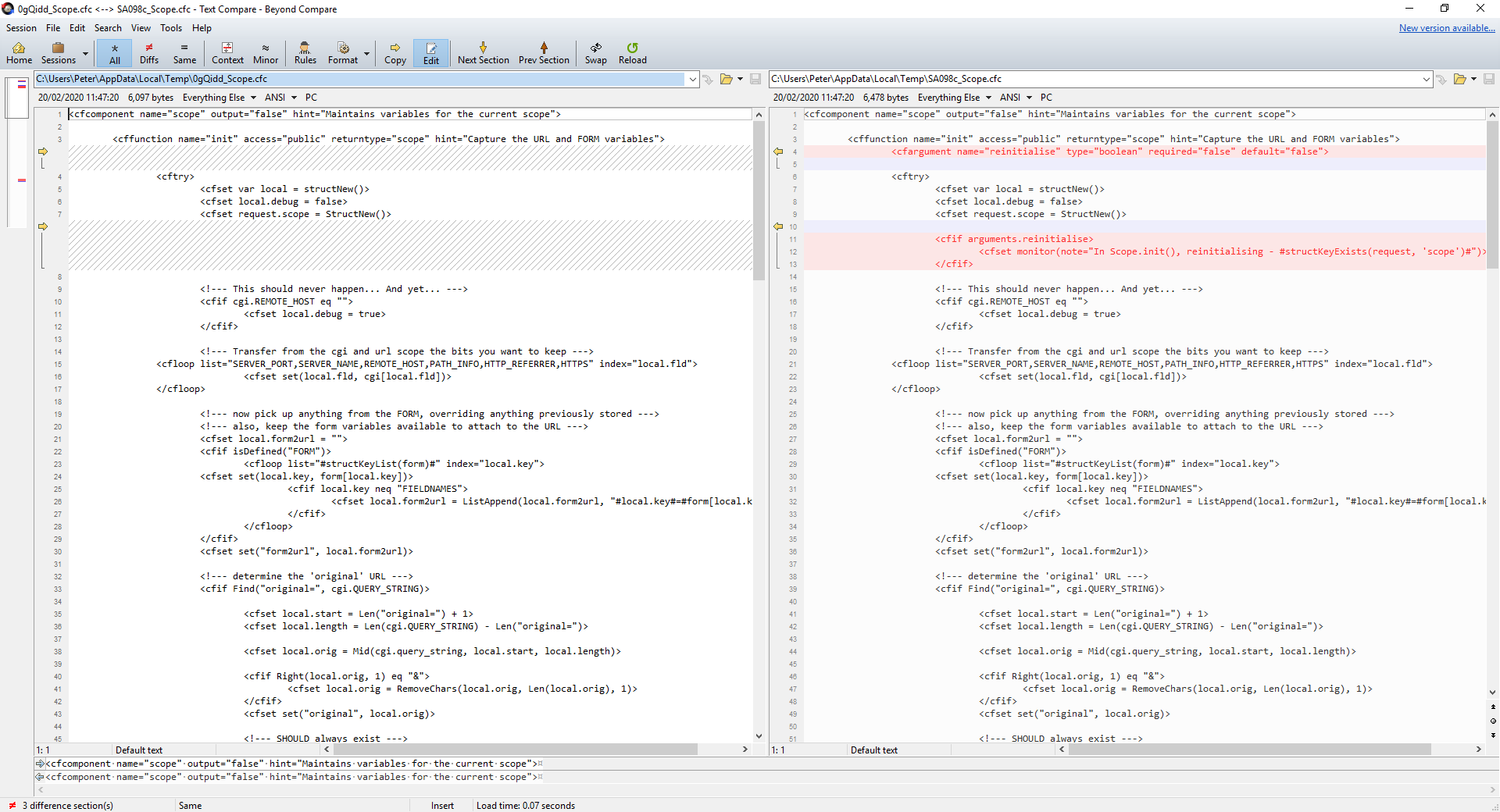
C:\Users\Peter\AppData\Local\Temp\cjovMc_requestHandler.cfc
C:\Users\Peter\AppData\Local\Temp\Mxm5Gc_requestHandler.cfc
This means that I am unable to make changes to the current file via beyond compare, as it is not showing me the current file, but rather a copy in a temp directory.
This effectively stops me being able to use Beyond Compare to resolve merge conflicts anymore.
I am not sure why this has changed and why it suddenly seems to be opening the current file on the current branch as if it needs to be in a temp directory.
I have tried googling this and not found any answers so far.
I have tried some of the more obvious things:
- making sure my version of source tree is up to date (I am now on 3.3.8).
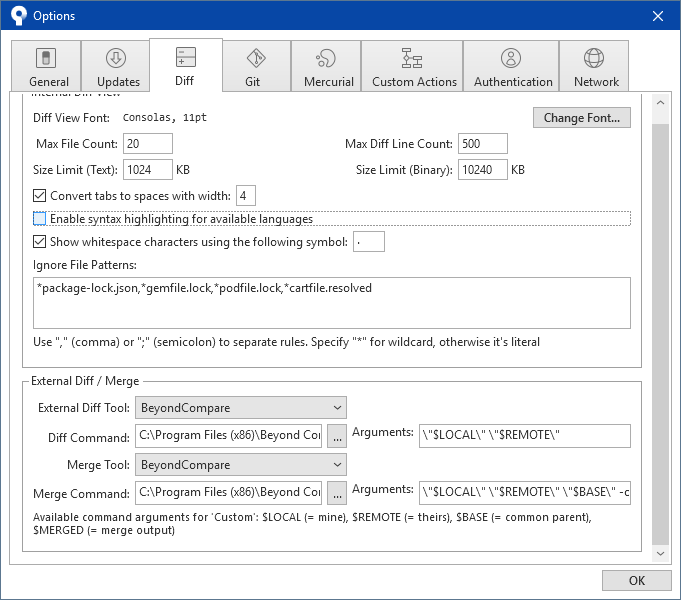
-setting the diff tools option back to default, then resetting to Beyond Compare,
but none of this has made any difference.
Has anyone else had and resolved this issue?
I have added screen shots of:
the diff options in tools / options,
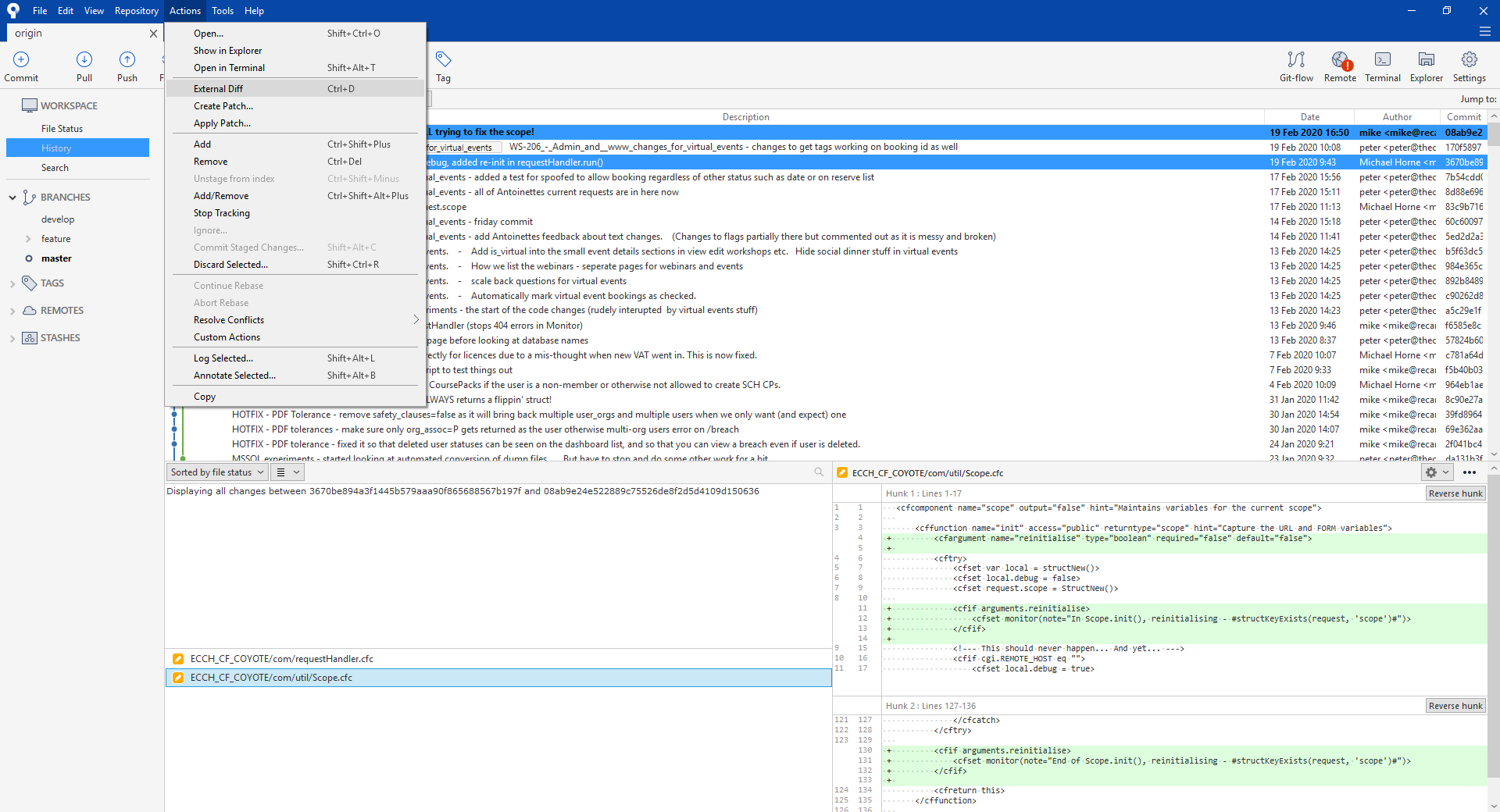
showing how I select the diff tool on a file with the current commit and earlier commit on the same branch
showing beyond compare with the different file versions both showing in temp folders rather than one in the correct repository path as expected.
Thank you
