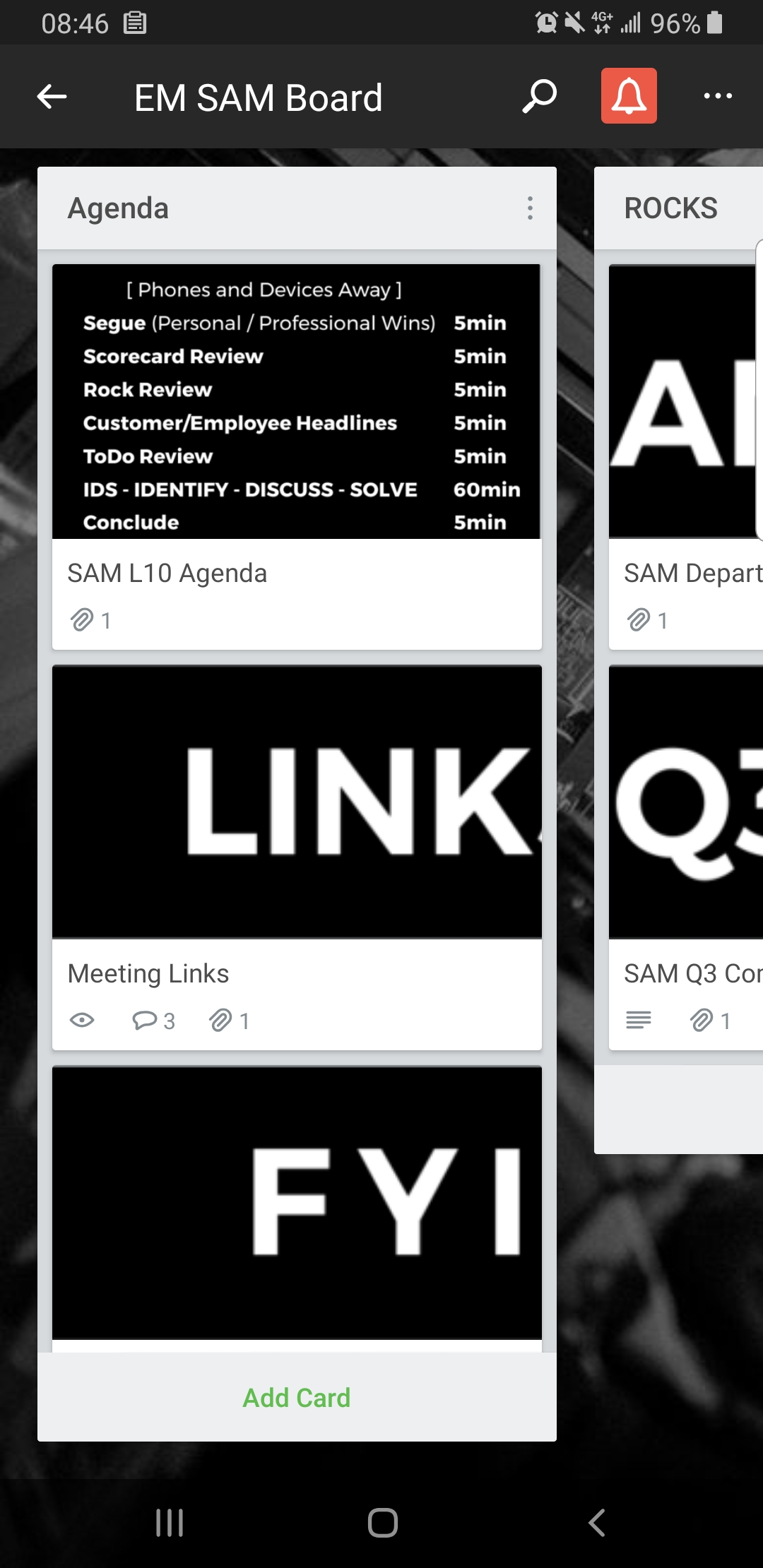
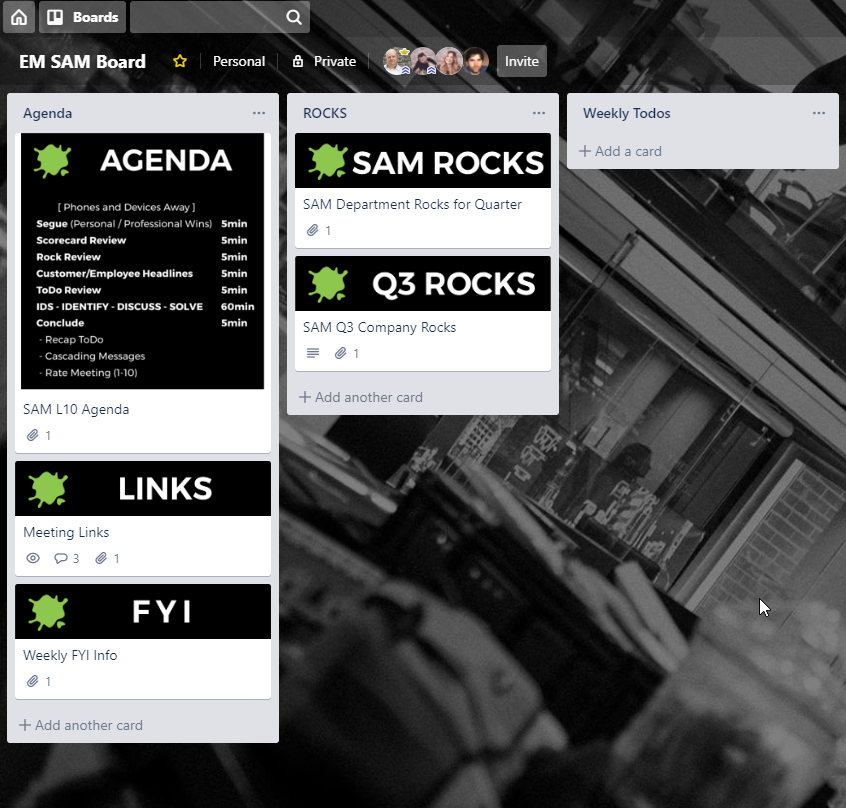
The use of the card cover images in desktop is brilliant for highlighting or segmenting content. And in desktop, the card view of the image is set to the width of the column.
However, when viewing in the Android Trello app on tablet or phone the image doesn't fit the width and looks ugly and unreadable for its original purpose. Examples from desktop and app below.
Can we set the card view in android to show the image presented at full width?