I'm trying to add my Azure DevOps remote account to the list of accounts I have in Sourcetree same way as other providers: 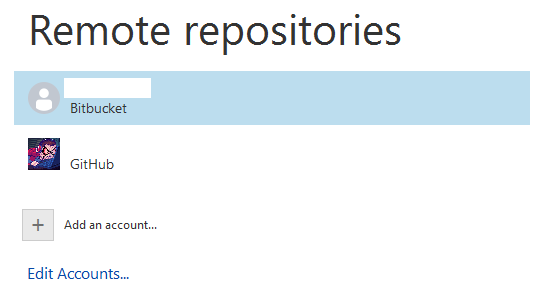
However, nothing I do seems to work when I try to add a new one (with Azure DevOps selected as Hosting Service):
- I tried with the email and account I use to log in DevOps which greets me with VS30063 Not authorized (I have full admin rights).
- I've generated a PAT inside DevOps and used it as a password to the account (as per instruction) which results in: Failed to check login for *user*. Insufficient authentication credentials. Sourcetree could not find password for *user* at *DevOps link*.

- I've also tried using the PAT as a username (and still providing the account password) with the same result as above.
What exactly is the procedure for connecting the two, and what exactly is SourceTree expecting as an input for an Azure DevOps account?


