I just noticed today that my UI in Sourcetree seems to be broken, but I can't seem to narrow down why.
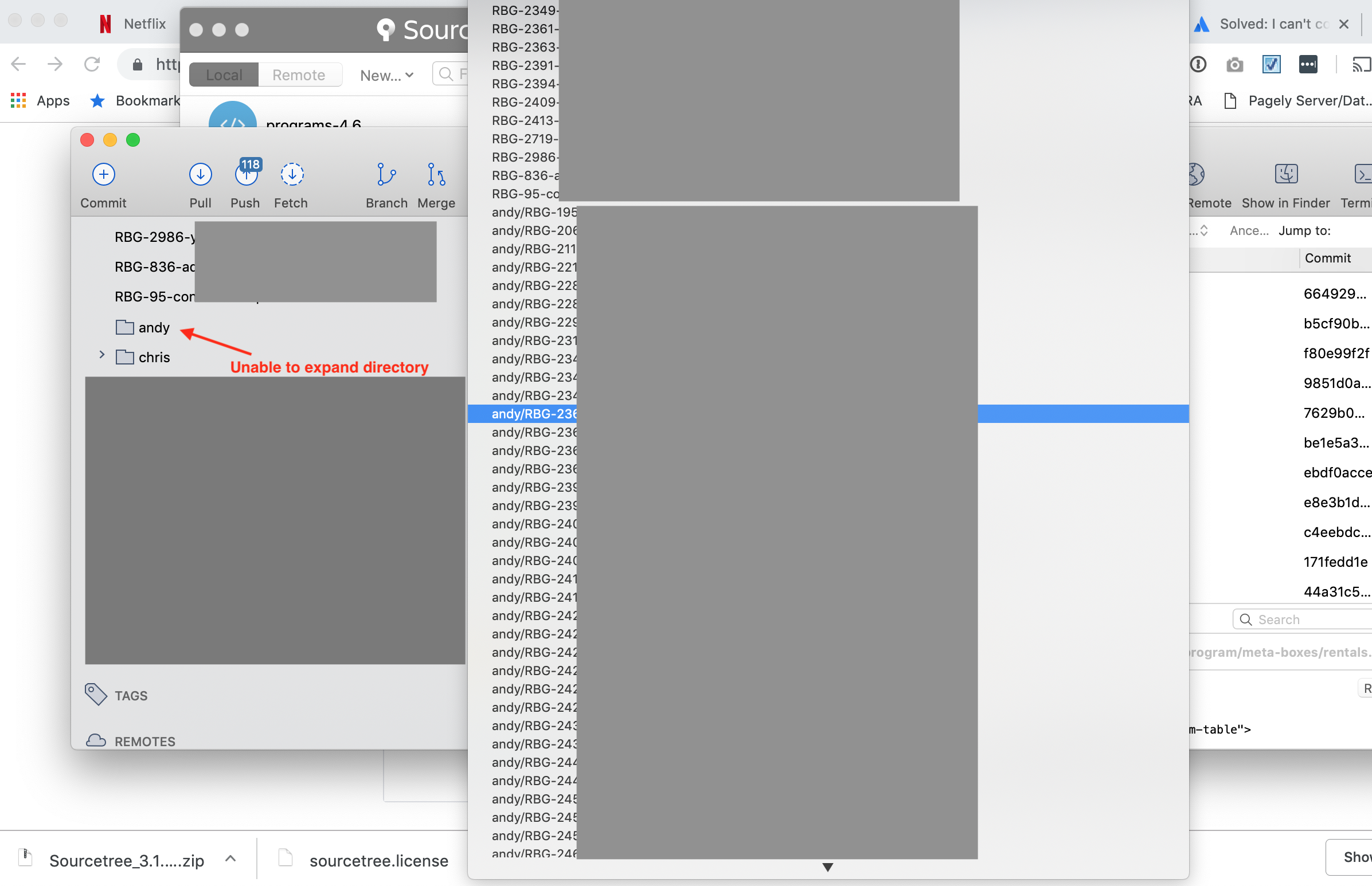
I usually name my branches `andy/branch-name...` and sourcetree is very good at nicely organizing them into sub-folders. Today though, I noticed that my folder no longer had an expanding arrow, even though all the local branches still exist and work fine when I use the git command line. They are even accessible through the commit log in Sourcetree.
Sorry for the highly obfuscated screen capture, but what you are seeing is the left pane of source tree. The long list of branches on the right is from the branch selector at the top of the graph display showing all local branches.
I have tried the instructions to wipe my sourcetree config to the defaults (by removing all the files within the `Application Support/Sourcetree` folder. I have also tried removing and re-installing Sourcetree without any luck.
Guess I am back to using the command line!


