I have seen somewhat related posts, but haven't found the solution for the specific issue.
Each time I open SourceTree (2.3.1.0) I receive a message (first dialog in image) about uninstalling older versions.
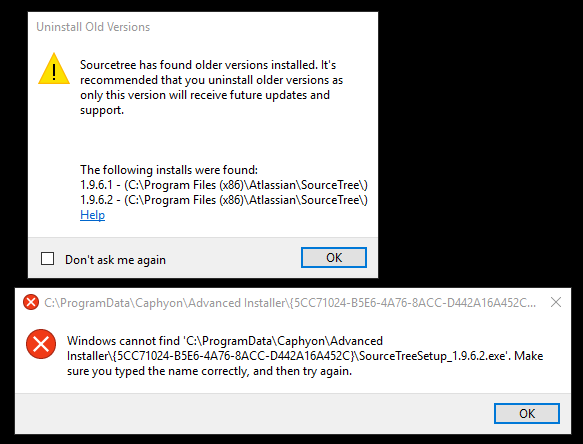
The older versions do appear in Settings... Apps & Features in Windows 10, but if select one of these older versions and click "Uninstall", the system returns an error dialog (second dialog in image) about a missing installer file. (The file does not exist.)
I have tried some of the suggestions in the related posts, but so far without success.

