Just recently, Trello has started behaving oddly when I select text and attempt to type over it. If I do not release the right mouse button *exactly* when I reach the outer edge of the editable region, edit mode ends immediately. I end up typing all sorts of Trello shortcuts, thinking I'm still typing. It's really frustrating. I have to make sure that after I select text, I stop exactly at the edge of the text area and bring the cursor back into the box. Here are some screenshots that may be able to help. (I tried to find a support section for Trello, but couldn't find where to log issues, so that's why I'm bringing it here.)
This is me selecting something, and my cursor manages to remain inside the editable area:
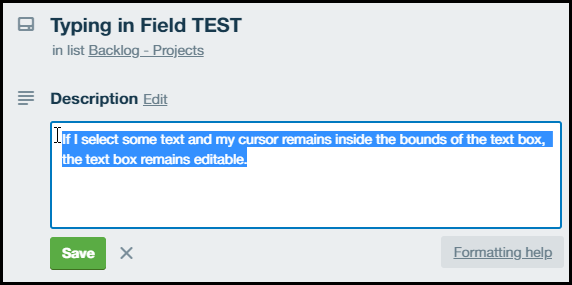
As you can see, if I manage to lift my finger off of the mouse button before my cursor exits the text area, then the field remains in edit mode. However, If I do not lift my finger off the button exactly at the boundary of the editable area, it bumps me out of text mode:
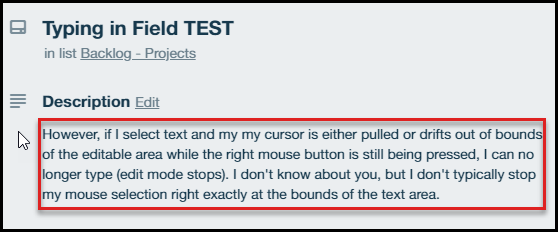
This is *super* frustrating.
If there is a workaround or an official way to log this bug, please let me know. Thanks!


