Checklists are one of Trello’s most popular features—a way to break a card into sub-tasks, each with its own due date or assignee. If you're new to them, Trello Support has everything you need to get started: Add, delete, and manage checklists.
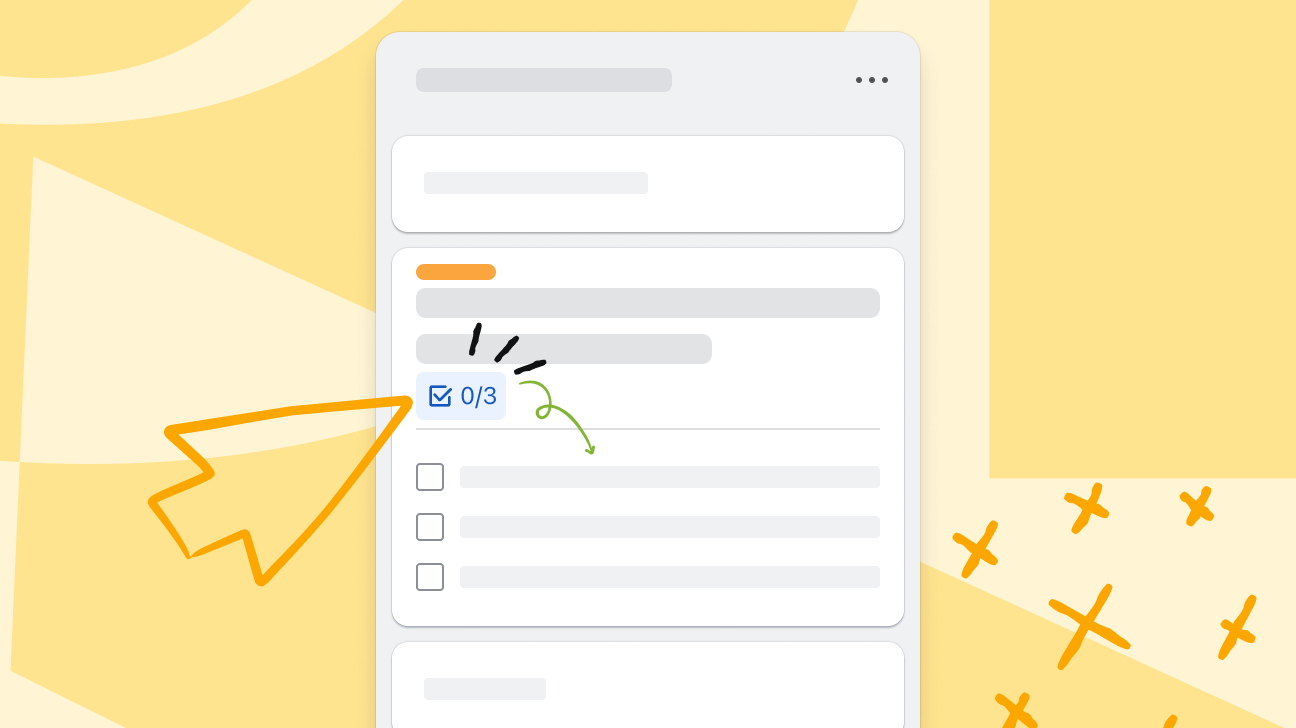
Until now, checklists have always lived on the back of a card. Starting this week, you can expand your list of items right from your board—without having to open and load the card details. Due dates show as a small clock icon which you can hover over to see the full date, and you can check off items from the front of a card as you go. Just create a checklist like normal, then look for the option to expand or collapse your checklist on the front of the card.
Available on all plans, rolling out now. Happy checklist-ing! ✅ ✅ ✅


