We’re excited to announce a major update for Jira Product Discovery: you can now migrate Jira Product Discovery spaces from one Atlassian cloud site to another! This long-awaited capability empowers organization administrators to seamlessly transfer Jira Product Discovery spaces - including their custom fields, configurations, and core data between cloud sites.
Why this matters
Merging teams after an acquisition? Consolidating workspaces for better collaboration? With Cloud-to-Cloud data transfer, you can now bring your Jira Product Discovery ideas, workflows, and configurations together - no matter where they started. This is especially valuable for organizations that want to unify their product discovery efforts or take advantage of deeper Jira integrations after proving value in a separate site.
How this works
Cloud-to-cloud data transfer is now available for Jira Product Discovery spaces, expanding its migration capabilities. Org admins can transfer Jira Product Discovery data along with other supported Atlassian apps when restructuring their cloud instances.
To transfer Jira Product Discovery data:
- Go to admin.atlassian.com. Select your organization if you have more than one.
- Select Data management > Data transfer.
- Select Create transfer plan.
- On the How to transfer app data page, select Next.
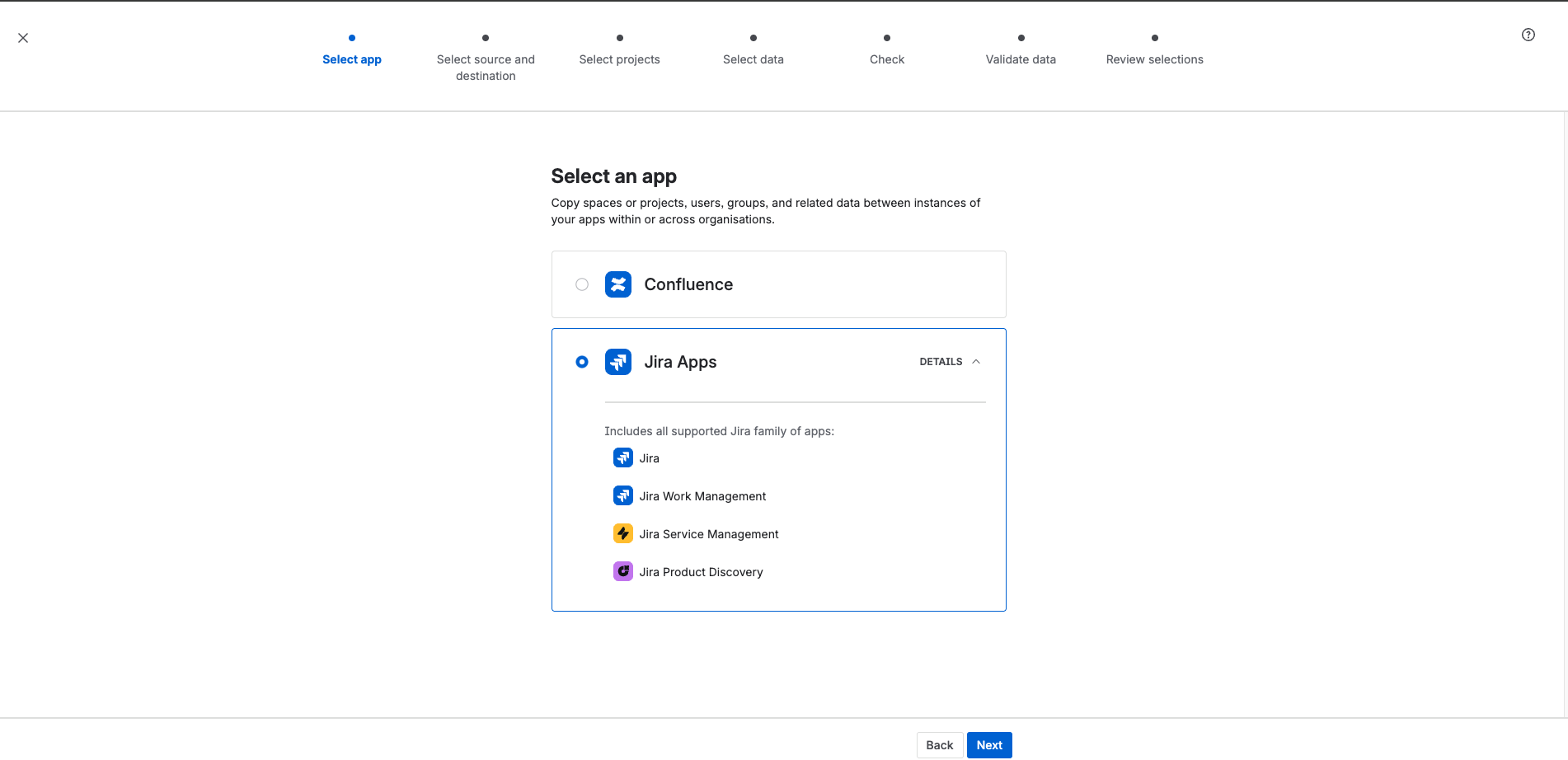
- From the Select an app page, select Jira Apps > Jira Product Discovery.
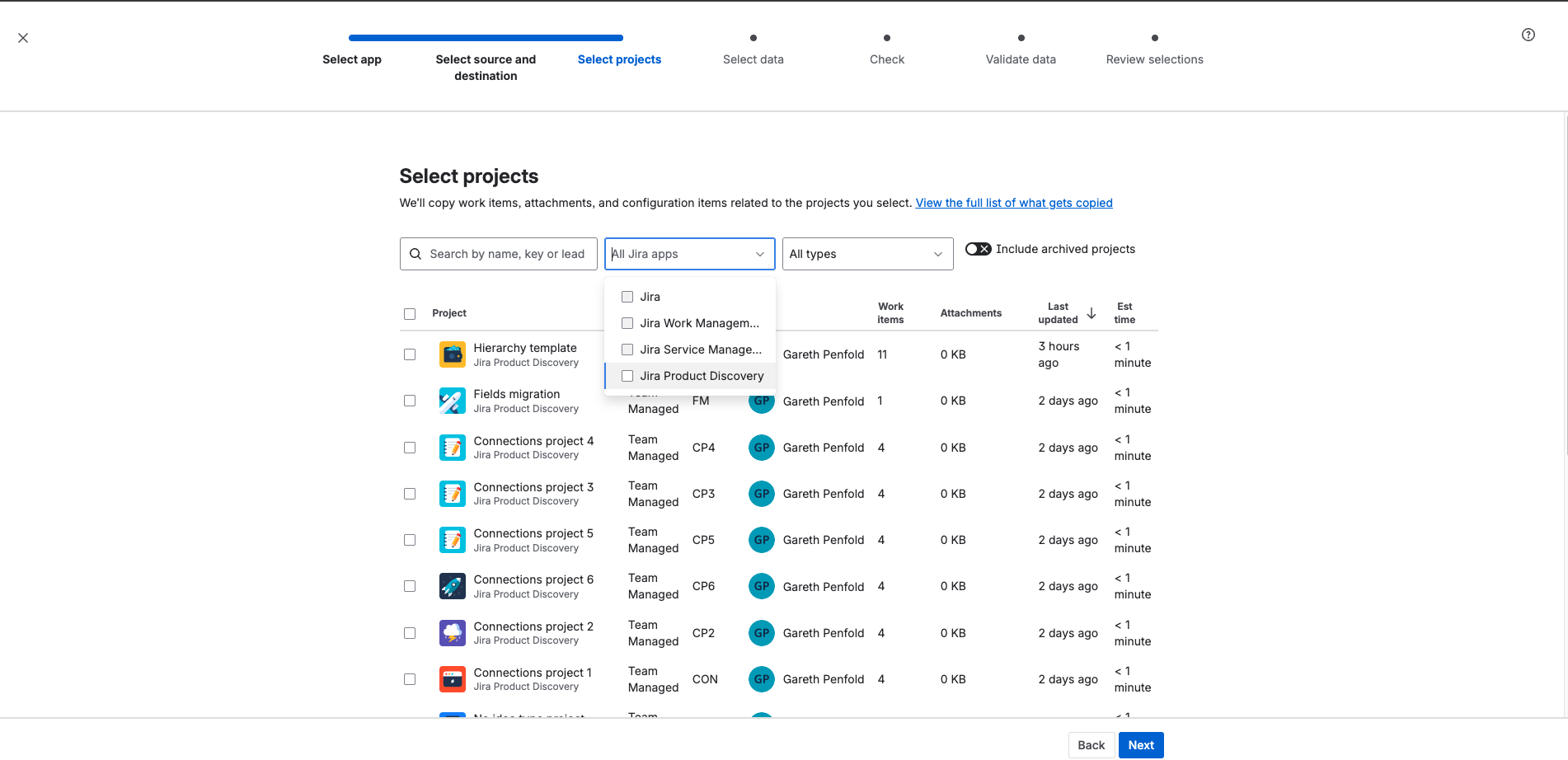
- Follow the prompts to transfer Jira Product Discovery data.
What data is included in the migration?
When you migrate a Jira Product Discovery space, the following are supported:
- All core Jira team-managed space capabilities (permissions, work item types, workflows, etc.)
- Jira Product Discovery app-specific features:
- Custom field types (checkbox, connection, date, hyperlink, multi-select, number, people, rating, select, short text, slider, formula)
- Space and global field configurations Work items using these fields
Note: This first milestone migrates your key data, with some fields (votes, reactions), insights, and views to follow in future releases. Check out more details on what data can be migrated for Jira Product Discovery.
Since views aren't included in this milestone, we provide a ready-to-use All ideas view with your migrated work items and key fields (Summary, Comments, Insights, Labels) so you can get started right away.
Cheers,
Olga


