Hi everyone,
We’re excited to share an improvement to Jira work linking in Focus via Automation.
You can now link work items to Focus Areas using custom field values in Jira, making it easier to automatically connect work to the right Focus Area — with less manual setup and fewer rules to manage.
With this update, you can configure a single global Automation rule to manage work linking across all Focus Areas.
What’s new
With this enhancement, you can now:
-
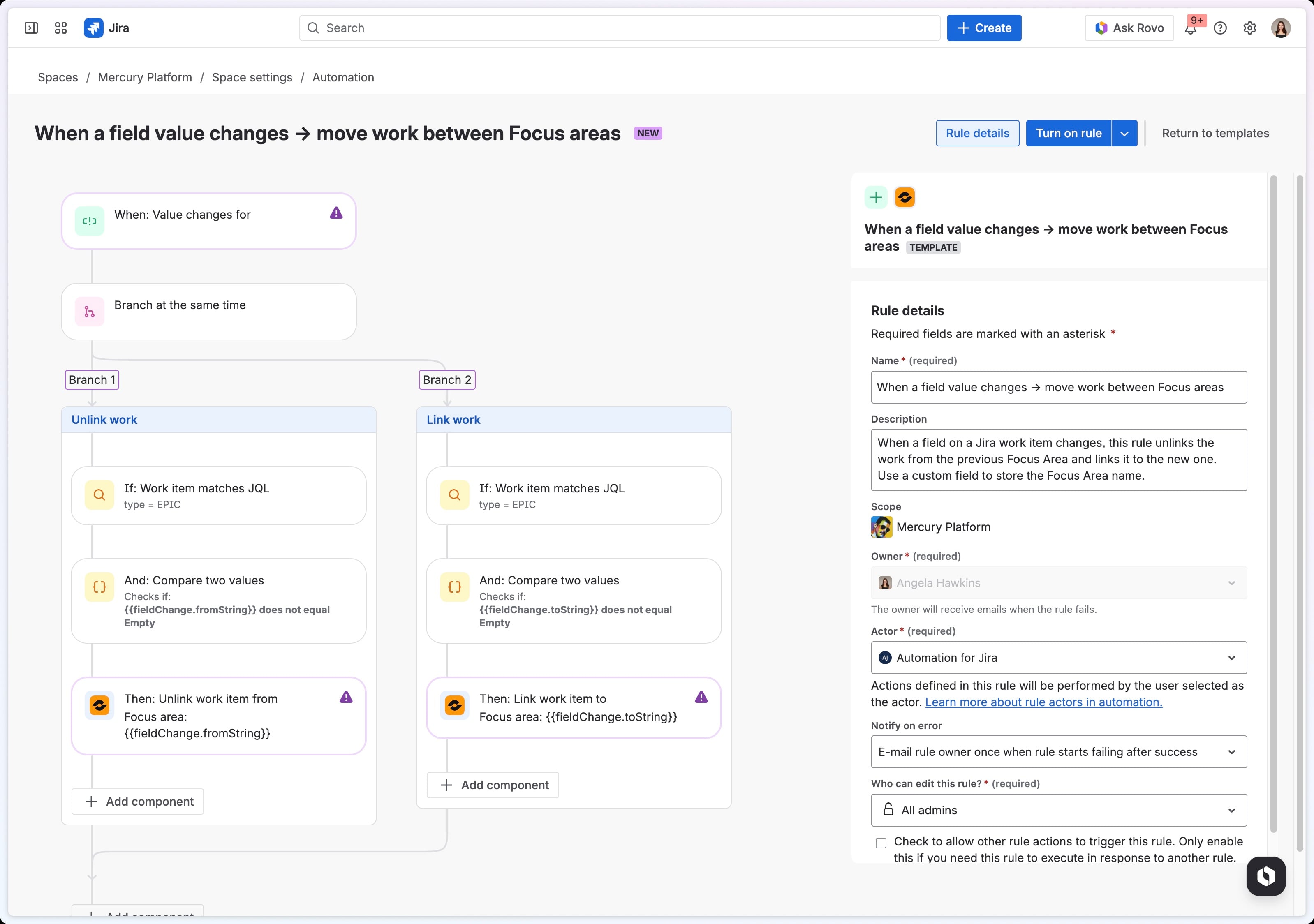
Link work to the correct Focus Area using custom field values in Jira work items — enabling precise and explicit assignments.
-
Automatically keep connections up to date by moving work items when the custom field value changes.
-
Continue using JQL-based criteria for work item selection (as previously supported).
This makes work linking more scalable, accurate, and easier to maintain over time.
How to get started
To set up your automation, make sure you have:
Next:
-
Create a custom field in Jira (or use a system field) to store Focus Area values.
-
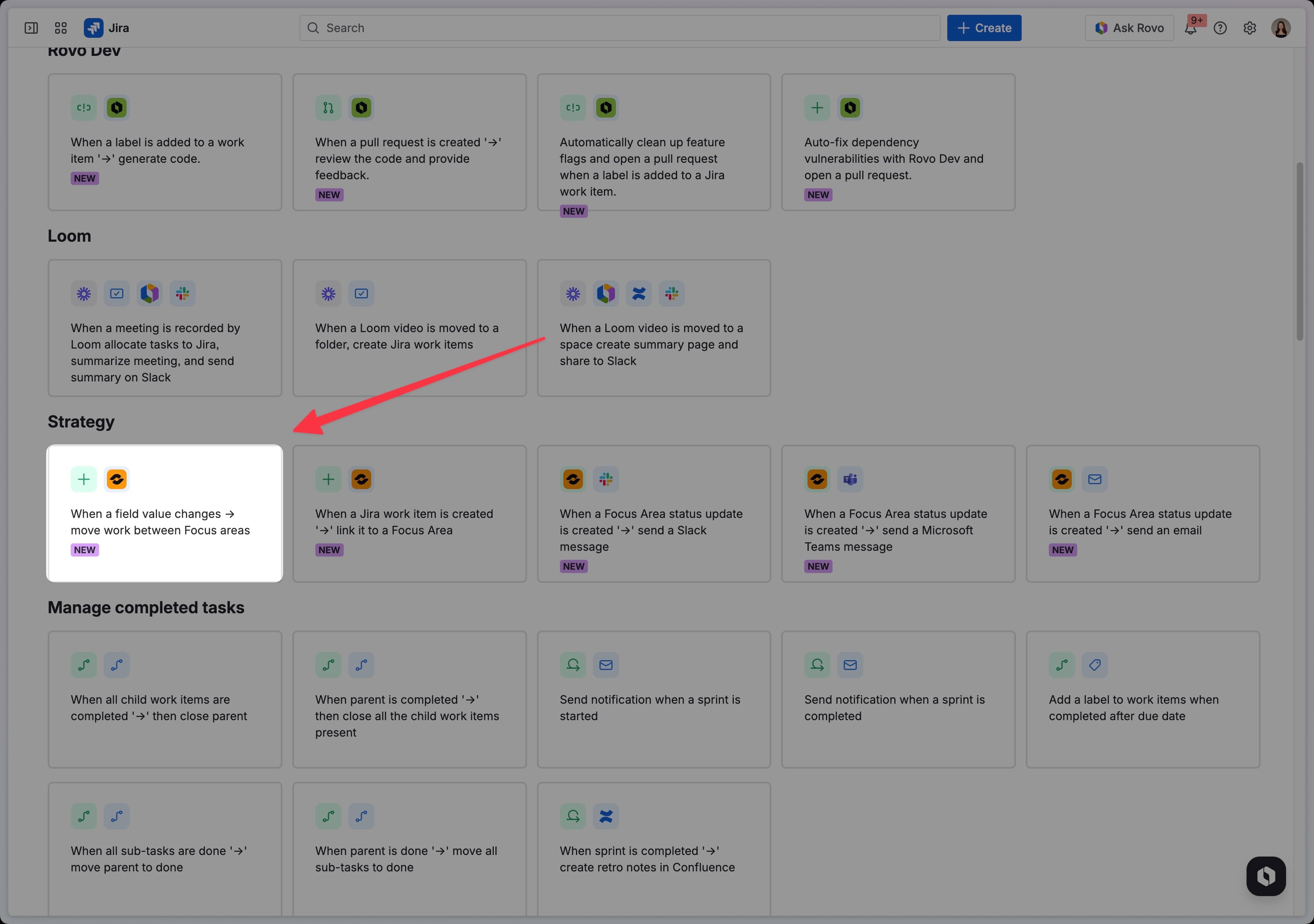
Configure your rule in the Jira Automation Platform using the provided template.
-
Choose your custom field and further customize the rule.
Once the rule is enabled, any time a Focus Area value is set or updated in that custom field, the work item will automatically link — and stay in sync — with the correct Focus Area.
What’s Next
We’re continuing to invest in expanding automation triggers and actions. If you have feedback or ideas for what you’d like to see next, we’d love to hear from you in the comments below.
