Importing from a .csv file is problematic.
When creating a database automatically some fields are already created and some empty entries are added. Could there be an option to directly create a new database from file?
Further, now there is no way to automatically set the field names to the header row of the imported file. So you have to enter/copy the field names manually. When entering a name, you have to create that field by clicking the + Create new text field.... button. And you have to do this for all fields you want to import.
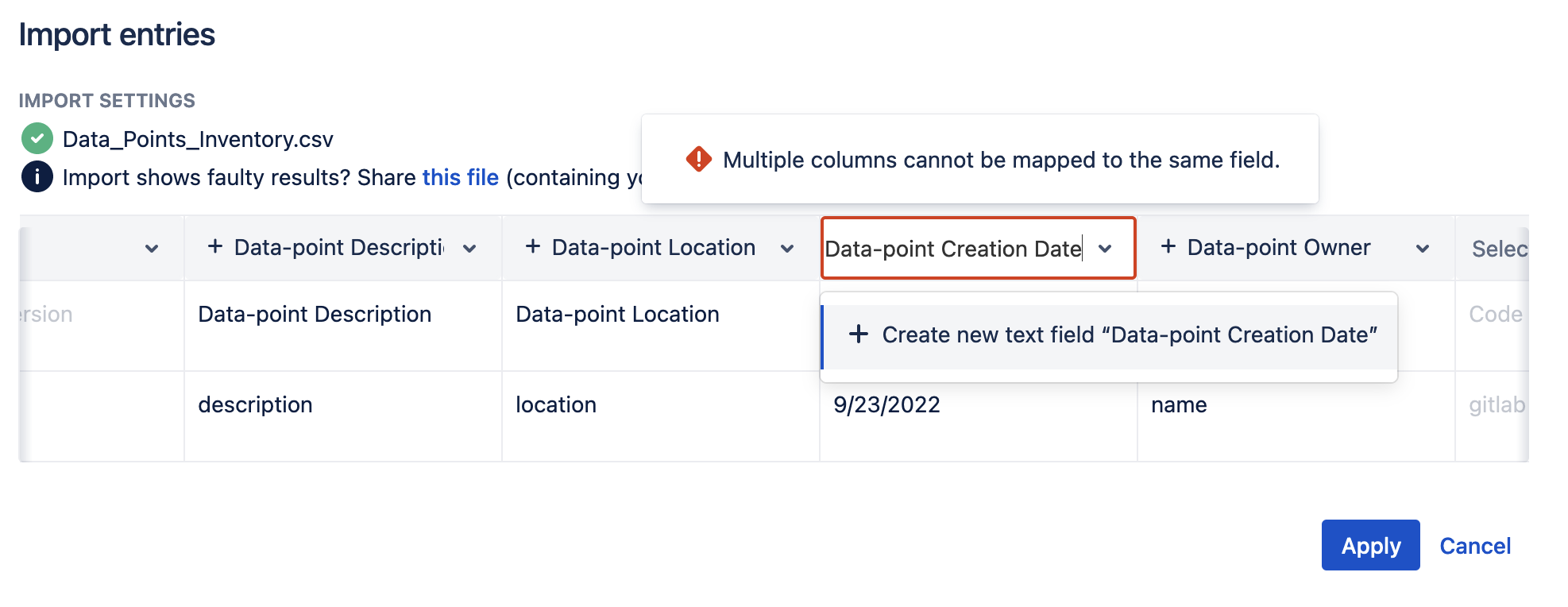
It would already help if all fields would have a default "text type" and a default name not conflicting with other fields. When clicking the Apply button, you cannot continue until all field names are set to different names.
But... after creating/setting all fields with the desired name and continuing I get:
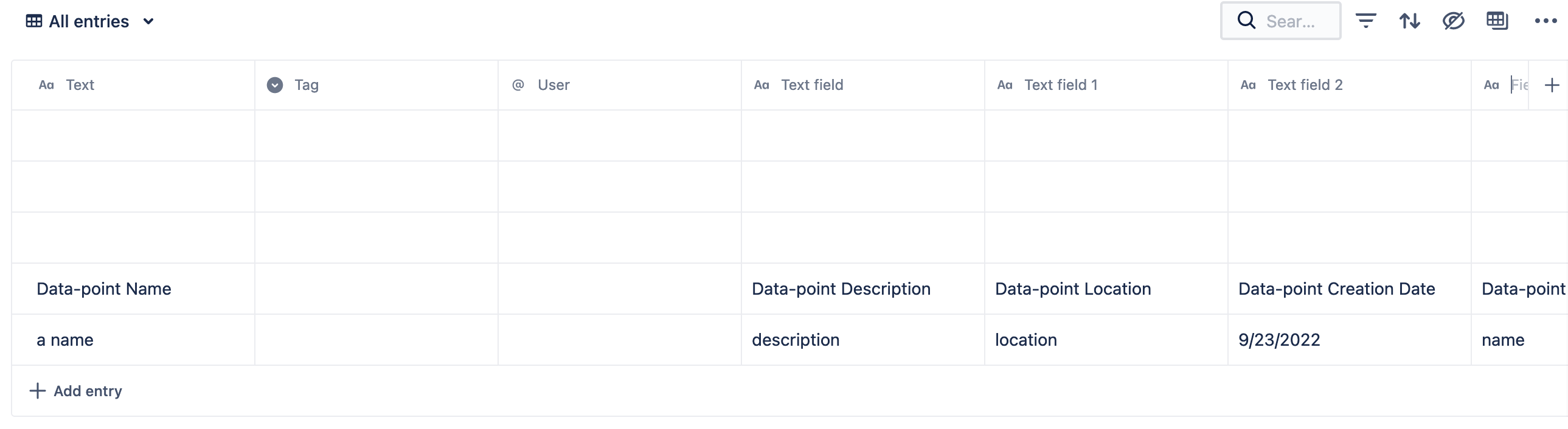
So all my changes to the field names were gone and default names were given to the different fields...


