At Atlassian, we take great pride in the software we ship, and even greater pride in the success our customers achieve when they use our products. #JiraHeroes is our monthly spotlight series where we ask customers to share their success stories with Jira Software. We hope that customers will find inspiration on how to overcome their own challenges by hearing how our #JiraHeroes overcame theirs.
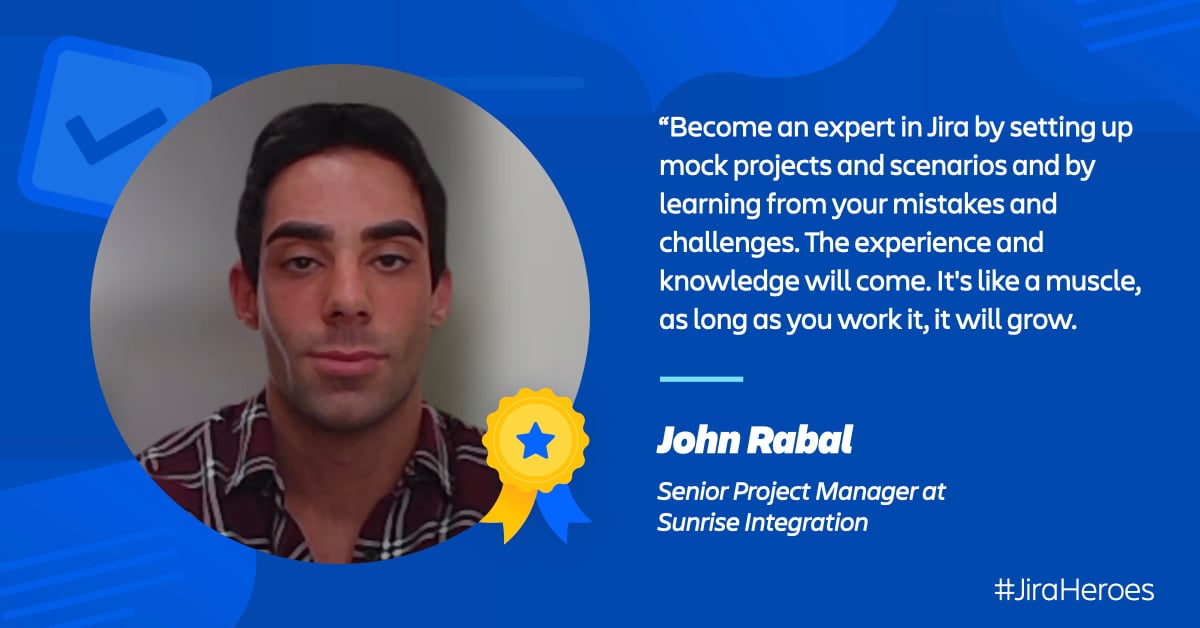
This month, we’re featuring @John Rabal, a Senior Project Manager at Sunrise Integration, who shares how he created several rules using Jira automation in order to streamline reminders and reporting that was used daily and scalable and applicable across projects, teams, and clients!
Please introduce yourself! Tell us about where you work, your role, and the team you're on.
My name is John Rabal, I am a Senior Project Manager at Sunrise Integration. We craft custom software applications, data integrations and workflow solutions. Some of our customers include: Ferrari, DHL, Live Nation, Quay Australia, Maersk, TalkShopLive, Shopify & MasterCard.
Tell me about what your company was trying to achieve and how that informed the way you thought about using automations with Jira Software.
As Project Managers & Scrum Masters at Sunrise Integration, our role is to empower our Development Team with the right tools to ensure continuous delivery of value.
Some of the best tools we utilize are all part of the Jira Software. We tailor our Sprints to align with our customers and work closely with them to harness change as a competitive advantage. As one of my primary goals at this company, I have implemented a solid Jira / Agile Ecosystem that can be scalable across different Teams, Clients and Projects.
What specific processes did you implement in Jira to drive towards that goal?
We use tools and metrics such as Insights to track our Development Team's Velocity and ensure our team is committing to a reasonable development increment. We use progressive overload when the Development team has reached their Performing Stage (more on this below) to capitalize on increased velocity. We keep making our customers happy by producing weekly demos and by delivering valuable software on a sprint basis.
Context: Psychologist Bruce Tuckman described how teams move through stages known as forming, storming, norming, and performing. The Performing stage is when the development team is performing at optimized velocity and completing the PBIs' that we committed to as a team. I think it's important to understand all teams reach the Performing Stage at a different time and know how to leverage the team's strength to capitalize on this stage when it's reached.
We use Burndown Charts as a way to plan for success on our Sprint, manage expectations, prevent any unforeseen issues by limiting unpredictability within an upcoming Sprint and to spot deficiencies during a Sprint, and deep dive to find out why.
Most importantly, we utilize Jira Automation for many things. Through Jira's seminars and educational videos, I have learnt Automation and how to implement it as an efficient tool at Sunrise Integration. Here’s a few I found useful:
How do the automation rules work?
Here are several rules I have setup that we currently have in place that are being used on a daily basis for our Developers, Leadership team and Clients:
1. Daily Open Tickets Reminder:
This Rule gathers each developer's open tickets in Active Sprints, and sends a daily reminder in the morning to each developer through Slack. It sends the following information: Task Name, Jira Key, Story Points and Task Status.
It is also linked so that they can be redirected to it with one simple click. They are sorted by Sprint & Project Name.
Rule ingredients:
2. End of Day Issue Status Report:
This rule sends an update to all Client stakeholders by gathering tasks from the Project's Active Sprint and notifying them by EOD through Email. This rule is especially helpful for projects with smaller hours’ cap. This allows for the reporting to be automated and for developers to have more hours to work on stuff!
Rule Ingredients:
We have other rules in use right now such as:
-
Automation to transfer comments from a client from Jira Portal (Service Desk) to a different Jira Project only accessible to our internal team, and vice-versa.
-
Automation to alert a Project Manager of when a task may be going over its estimate.
Thinking back, what are some best practices you share to help others as they think how to leverage automation to meet their own unique needs?
Keep your Backlog tidy! Our Project's backlog is the most important thing for a project to succeed and to ensure the team succeeds collectively, as well as individually (Product Owner, Project Manager and Developers all benefit from a tidy backlog).
Separate your tasks into Sprints, plan ahead. Utilize separate "buckets" by Epic name to see how many story points are left to complete an Epic and to ensure your Roadmap is accurately represented.
Be thorough. Make sure all of the following things are included in your projects:
Document! Document all your rules to make for smooth knowledge transfer and to remember what and why you did it.
The main rule I have is: "Just because you can automate something, doesn't mean you should." Not all automation will lead to simpler workflow, but with Jira you can automate just about anything.
In general, what is one pro-tip you could give to someone who’s a new Jira admin?
Become an expert in Jira by setting up mock projects, scenarios and by learning from your mistakes and challenges. The experience and knowledge will come. It's like a muscle, as long as you work it, it will grow.
I am most proud of the automation I've been able to set up, and the reception it's had by our clients, and mostly our developers. It makes me very happy that I am able to find new and efficient ways to empower them and make their job easier.
Thank you so much for sharing your insights, John!
Are you inspired by John's story? Do you have a Jira Heroes story of your own of how you’ve used Jira in a way that impacted your team? Check out our call for submissions, and let us know you’re interested in the comments! 🙌🏼


