We recently migrated to confluence cloud and starting using the new editor (https://support.atlassian.com/confluence-cloud/docs/convert-pages-to-the-new-editor/)
Before the migration I was using the old editor and I was creating tasks assigned to myself, spread over different pages and spaces. I was following up on my tasks via the "Tasks" page which can be accessed via the profile menu.
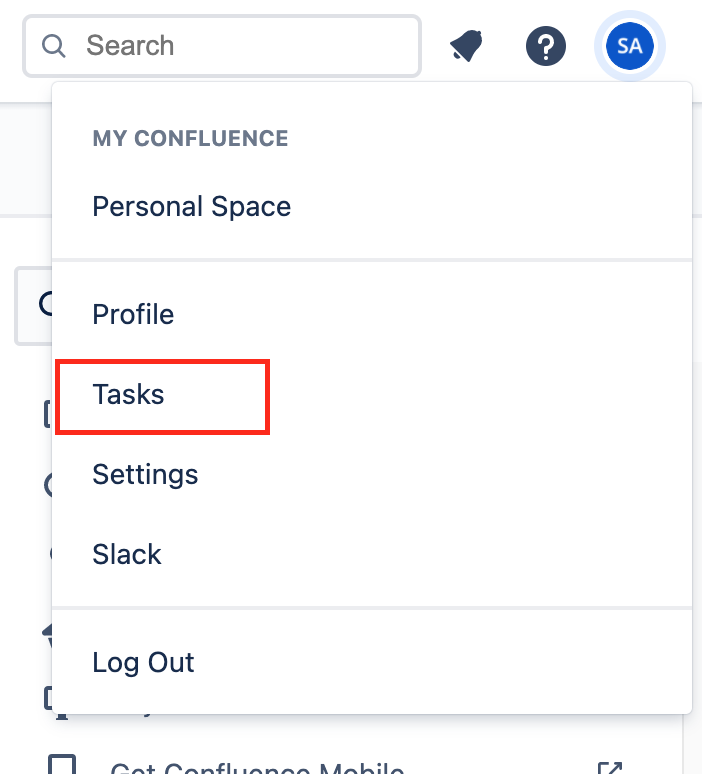
Since we migrated I noticed my list of tasks is empty. When I convert a page to the new editor the task shows up again in the task report. So it looks like tasks from the old editor are no longer displayed.
This is a big problem for me because I basically lost my full task list on which I depend to have an overview of my to do's from different meetings.
I don't know which pages have tasks and they are literally spread over 100's of pages and different spaces. I can't find them back manually.
I tried looking for a bulk convert option to convert all pages to the new editor, hoping to get my tasks back but even if that was possible, I would need to convert all spaces (also the ones I don't own) so not even sure that's a valid option.
Question: anyone who knows if it's possible to create a task report which displays tasks from the old and the new editor combined? Or any other suggestions, tips, best practices?


