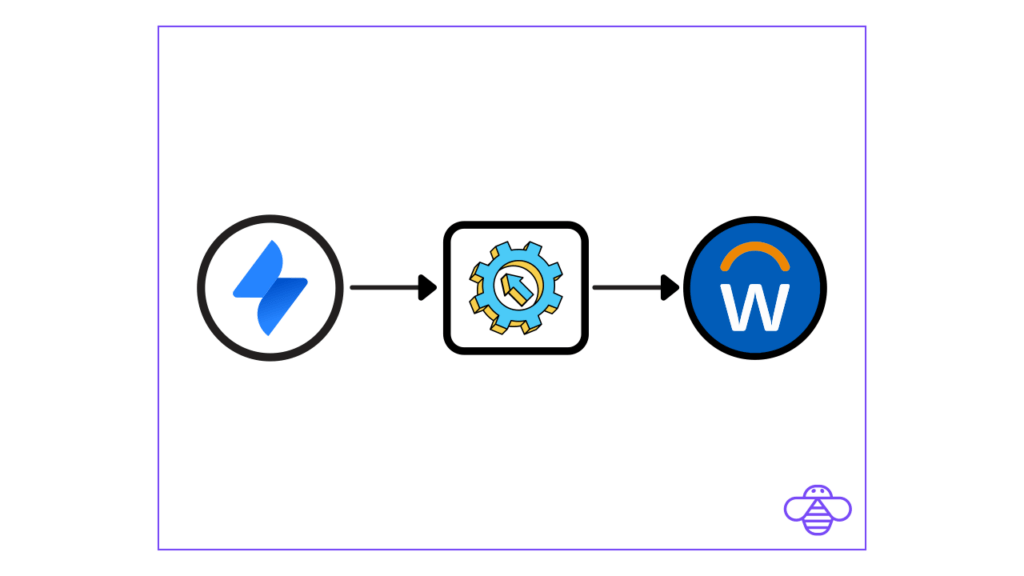
Assets in Jira Service Management (JSM) offers powerful features to help organizations manage assets and configuration items (CIs) effectively. Having HR data such as employee information in Assets, offers significant benefits for your organization. In this blog post, we’ll explore the advantages of synchronizing employee data to Assets in Jira Service Management and provide a step-by-step guide on how to set it up using OnLink.
Benefits of Synchronizing Employee Data to JSM Assets
Using Employee Lookup Data in JSM Forms Without External API Calls
Synchronizing employee data with assets allows you to utilize this information directly in JSM forms without the need for external API calls. This means that you can easily access and reference employee data, such as names, titles, email addresses, and more, directly within JSM without additional integrations or complexities.
Jira Automation Approvals Using Employee Hierarchy
With employee data in sync, you can leverage Jira automation to streamline approval processes based on employee hierarchies. Whether it’s for incident resolution, change management, or other workflows, having access to an up-to-date employee hierarchy ensures that approvals are routed correctly and efficiently.
Employee Data as the Golden Record for Asset Associations
By maintaining accurate and synchronized employee data in Jira Service Management, you create a “golden record” that serves as a reliable source for associating additional assets. This ensures that your asset management is always up-to-date and reduces the risk of errors or discrepancies.
Getting Started with OnLink for Employee Data Synchronization
Now that you understand the benefits of synchronizing employee data with assets, let’s dive into the setup process using OnLink. Follow these steps to get started:
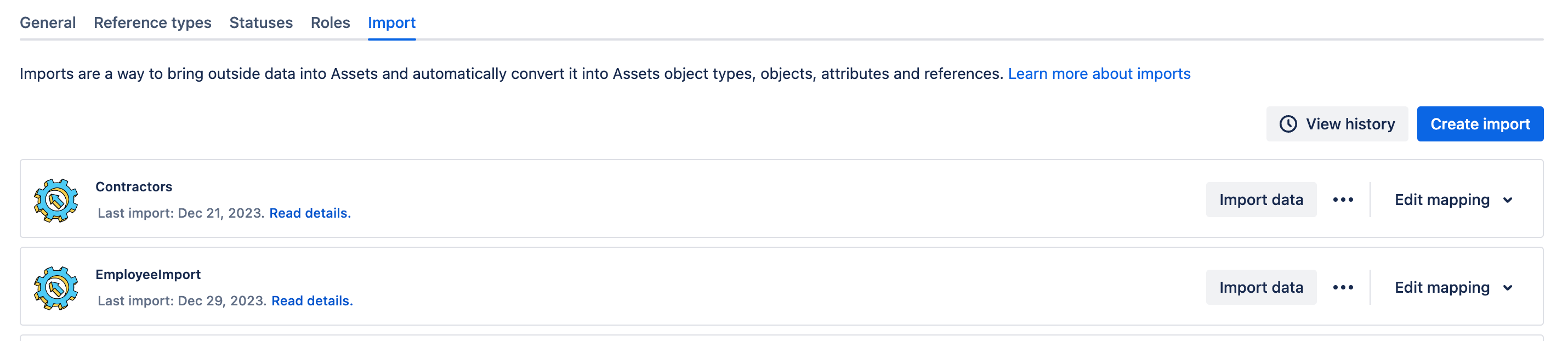
- Access Schema Configuration in Jira Service Management
- Click on “Assets” within your Jira Service Management instance.
- Select the schema you want to import data into.
- Click on “Schema Configuration.”
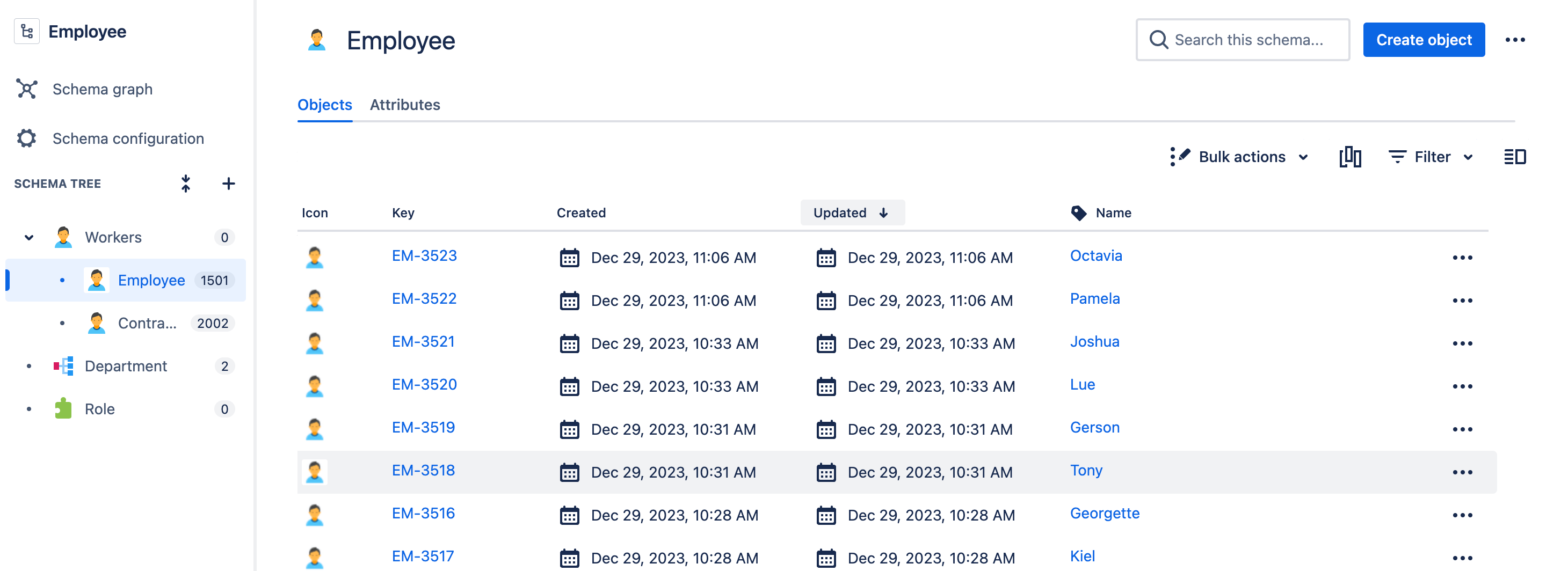
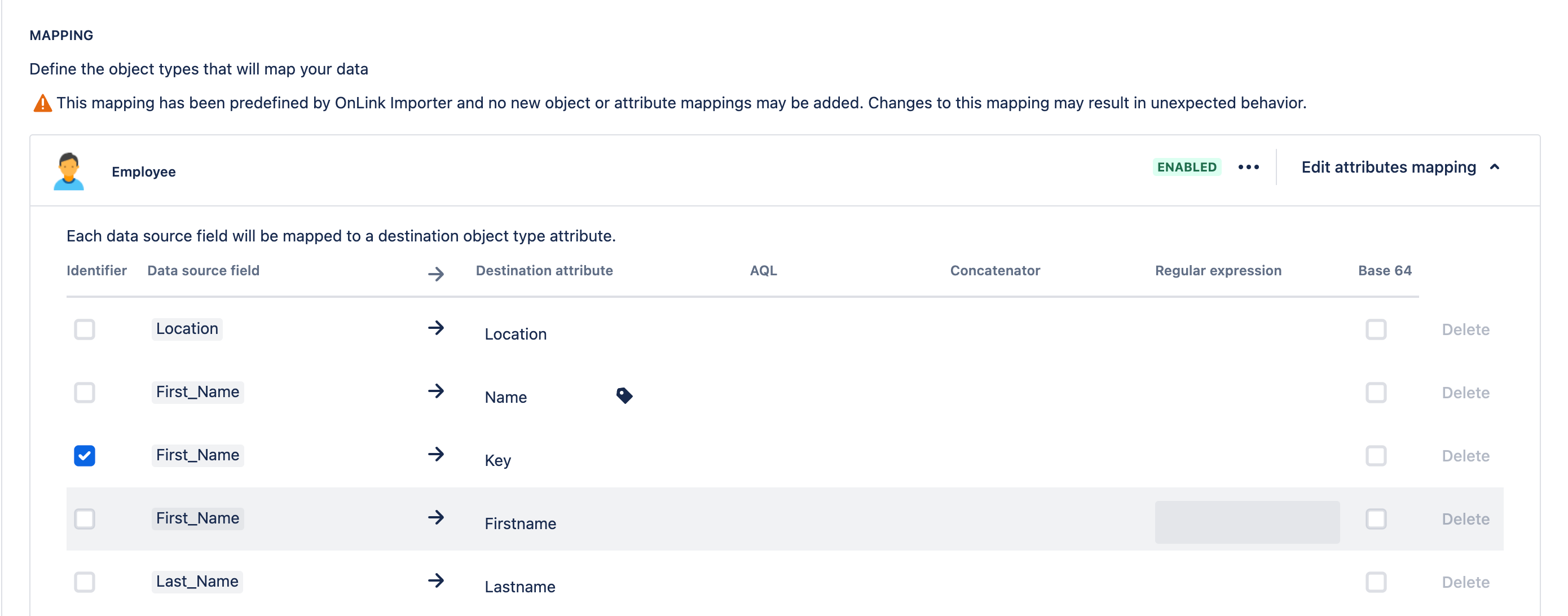

Synchronizing employee data with assets in Jira Service Management using OnLink is effortless, from simplifying employee lookup to ensuring accurate asset associations. By following the step-by-step guide provided in this blog post, you can get started with OnLink and leverage these benefits to enhance your asset management processes. Stay ahead in your organization’s asset management journey and experience the efficiency and reliability of synchronized employee data in JSM Assets.